

A smart home can be simple or complex, but at its heart is a central hub controlling devices and connecting everything together. If you’ve heard about Z Wave Smart Hub and wondered what it really does, you’re not alone. Many people want an easy way to manage their lights, locks, thermostats, and sensors. But the technology behind these systems can seem confusing. This article will help you understand what a Z Wave Smart Hub is, how it works, and why it matters for your smart home. You’ll see real examples, discover hidden benefits, and learn how to choose the right hub for your needs.
What Is Z Wave Smart Hub?
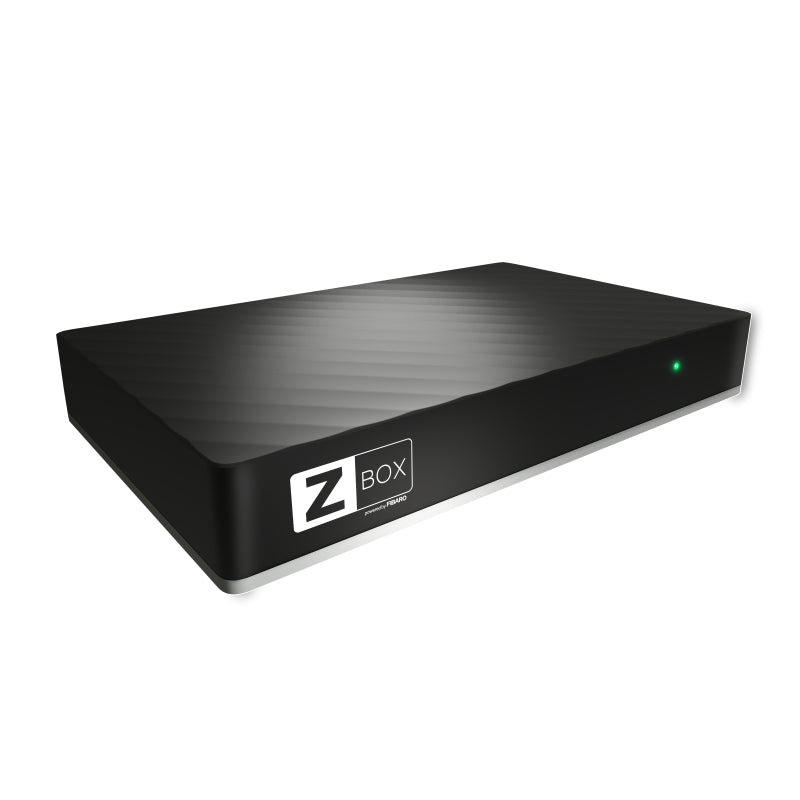
A Z Wave Smart Hub is a central device that connects and controls smart home products using the Z Wave wireless protocol. Unlike hubs that use Wi-Fi or Bluetooth, Z Wave hubs communicate with devices over a secure, low-energy radio frequency. This allows them to manage many gadgets—like door locks, motion sensors, and light bulbs—without interfering with your regular Wi-Fi network.
Z Wave technology started in 2001, developed by Silicon Labs and later adopted by many smart home brands. Today, over 3,000 devices support Z Wave. A smart hub acts as the “brain” of your home, letting you control devices with your phone, voice assistants, or automation rules.
Let’s break down the main features:
- Central control: Manages all Z Wave devices from one app or interface.
- Automations: Sets rules like “turn on lights when motion is detected.”
- Remote access: Lets you control your home from anywhere.
- Security: Uses encrypted signals to protect your data.
- Compatibility: Supports hundreds of brands and device types.
How Does Z Wave Work?
Z Wave uses radio waves in the 800-900 MHz band to send signals between devices. Unlike Wi-Fi, it doesn’t need much power and isn’t affected by crowded networks. Each Z Wave device can act as a “repeater,” passing messages to other devices and creating a mesh network. This makes communication reliable even in large homes.
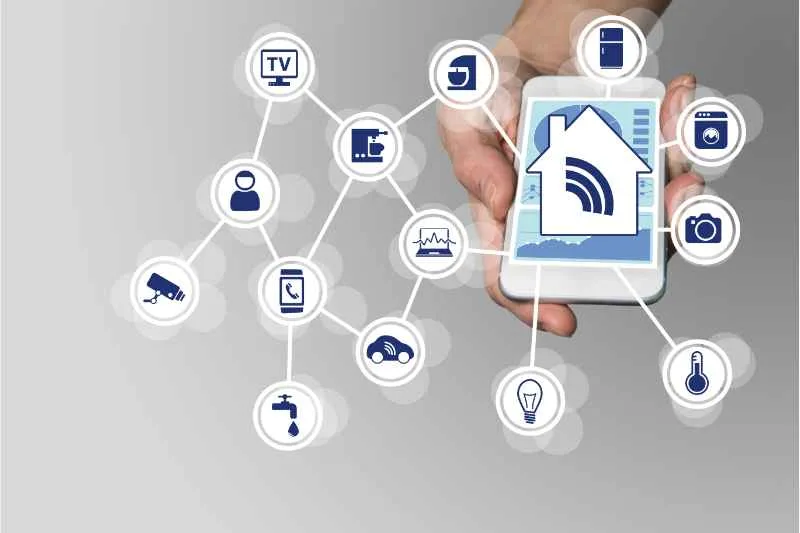
A Z Wave Smart Hub connects to your router or directly to your phone. When you add devices (like a smart lock or sensor), the hub “pairs” with them using a secure process. Once paired, you can control them from an app or set up automation rules.
Here’s a simple example:
- You install a Z Wave door sensor.
- The hub pairs with the sensor and adds it to your system.
- You create a rule: When the door opens, the hub turns on the hallway lights.
- The hub sends a command to the light switch, which reacts instantly.
Z Wave’s mesh network means each device boosts the signal, so the more devices you add, the stronger your network becomes. This is a big advantage over systems like Bluetooth, which can lose connection if there are too many walls or obstacles.
Key Features Of Z Wave Smart Hubs
Not all smart hubs are equal. Z Wave hubs offer unique strengths:
- Wide compatibility: Supports over 3,000 certified devices, from brands like Aeotec, Fibaro, and Honeywell.
- Energy efficient: Devices use very little power, so sensors and locks can last up to 2 years on battery.
- Strong security: Uses AES 128-bit encryption to keep your home safe.
- Flexible automation: Lets you set complex rules and routines.
- Local control: Many hubs work even if your internet is down.
- Easy integration: Works with popular voice assistants like Amazon Alexa and Google Assistant.
Let’s look at a real-world scenario. Imagine you want your house to “wake up” at 7 am: lights turn on, thermostat sets to 72°F, and coffee starts brewing. With a Z Wave hub, you can automate all this, so your morning routine happens without lifting a finger.
Z Wave Vs Other Smart Home Protocols
Many people ask how Z Wave compares with other technologies like Zigbee, Wi-Fi, and Bluetooth. Here’s a side-by-side view:
| Protocol | Frequency | Devices Supported | Range | Security | Power Usage |
|---|---|---|---|---|---|
| Z Wave | 800-900 MHz | 3,000+ | Up to 328 feet per device | High (AES 128-bit) | Very Low |
| Zigbee | 2.4 GHz | 2,500+ | Up to 230 feet per device | High | Low |
| Wi-Fi | 2.4/5 GHz | Limited (not all devices) | Up to 150 feet (depends on router) | Medium | High |
| Bluetooth | 2.4 GHz | Few | Up to 30 feet | Medium | Low |
Z Wave stands out for reliability, range, and compatibility. It’s also less likely to have interference, since it uses a different frequency than Wi-Fi. Zigbee is similar but can have problems with interference from Wi-Fi networks. Wi-Fi-based hubs are common but may slow down your internet and need frequent device recharging.
Credit: www.thesmartesthouse.com
Popular Z Wave Smart Hubs
Several brands make Z Wave hubs, each with different features. Here are the most common options:
- Samsung SmartThings Hub: Supports Z Wave, Zigbee, Wi-Fi, and Bluetooth. Easy setup, strong automation.
- Aeotec Z Wave Hub: Compact, good for advanced users, supports many device types.
- HomeSeer Smart Hub: Focuses on local control and strong security, good for privacy.
- Hubitat Elevation: Local-only automation, fast response, no reliance on cloud.
- Vera Plus: Supports Z Wave and Zigbee, flexible rules, good for larger homes.
Each hub has pros and cons. For example, SmartThings is user-friendly but depends on cloud services for some functions. Hubitat works offline, so your automations stay active even if your internet goes down.
Here’s a comparison of features:
| Hub | Protocols Supported | Local Control | Voice Assistant Integration | Price Range |
|---|---|---|---|---|
| SmartThings | Z Wave, Zigbee, Wi-Fi, Bluetooth | Partial | Alexa, Google Assistant | $70-$120 |
| Aeotec | Z Wave, Zigbee | Yes | Alexa, Google Assistant | $80-$150 |
| HomeSeer | Z Wave | Yes | Alexa | $130-$400 |
| Hubitat | Z Wave, Zigbee | Yes | Alexa, Google Assistant | $100-$150 |
| Vera Plus | Z Wave, Zigbee | Yes | Alexa | $80-$120 |
Setting Up A Z Wave Smart Hub
Installing a Z Wave hub is easier than many expect. Here’s a step-by-step guide:
- Choose your hub: Pick a model that fits your needs (number of devices, local vs cloud, price).
- Connect to power and internet: Plug in the hub and connect it to your router (Wi-Fi or Ethernet).
- Install the app: Download the hub’s official app on your phone or tablet.
- Pair devices: Follow the app instructions to add each Z Wave device. Usually, you press a button on the device, and the hub finds it automatically.
- Create automations: Set up rules like “turn off lights at bedtime” or “lock doors when you leave.”
- Test your setup: Make sure devices respond as expected. Adjust rules if needed.
Most hubs guide you through the process with easy screens and prompts. Some advanced hubs let you use “scenes,” combining multiple actions at once.
Practical Tips For Setup
- Place your hub in a central location for better coverage.
- Add powered devices first (like switches), as they boost the mesh network.
- Use battery-powered sensors at the edges of your home.
- Check device compatibility before buying. Not all Z Wave devices work with all hubs.
- Update hub firmware regularly for security and new features.
Credit: butterflymx.com
Advantages Of Using Z Wave Smart Hub
There are many reasons to choose a Z Wave hub for your home:
- Reliability: Mesh network keeps devices connected even if one fails.
- Scalability: Add as many devices as you want, up to 232 per network.
- Low interference: Works without slowing down Wi-Fi or Bluetooth.
- Long battery life: Sensors and locks can run for years on a single battery.
- Strong privacy: Many hubs offer local control, so your data stays in your home.
A less obvious benefit: Many Z Wave hubs can “bridge” with other protocols, letting you use Zigbee or Wi-Fi devices together. This flexibility is useful if you already have gadgets from different brands.
Another insight: Z Wave hubs often support “secure pairing,” so only authorized devices can join your network. This prevents hackers from adding rogue devices.
Disadvantages And Limitations
Every technology has downsides. Z Wave hubs are no exception:
- Device cost: Z Wave devices can be more expensive than Wi-Fi alternatives.
- Limited support: Some hubs do not support every Z Wave device—check compatibility lists.
- Learning curve: Advanced automations can be tricky for beginners.
- Range limits: While mesh networks help, thick walls or metal can block signals.
- Firmware updates: Some hubs require manual updates, which can be confusing.
A common mistake is buying devices before checking if your hub supports them. Always check compatibility first. Also, some hubs depend on cloud servers for advanced features, which can fail during outages.
Real-world Applications
Z Wave hubs are used in many homes and businesses. Here are practical examples:
- Security: Connect door locks, window sensors, and motion detectors. Automate alarms or send alerts if something is wrong.
- Lighting: Control lights from your phone or set schedules. Save energy by turning off lights when rooms are empty.
- Climate control: Manage thermostats and fans. Create rules for comfort and efficiency.
- Access control: Lock doors remotely or set codes for guests.
- Energy management: Monitor usage and automate devices to reduce bills.
One surprising use: Some Z Wave hubs connect to water leak sensors. If a leak is detected, the hub can shut off the main water valve and send an alert to your phone. This prevents expensive damage, especially in homes with basements.
Business owners use Z Wave hubs for security and automation. For example, hotels can manage room locks and lighting, saving money and improving guest comfort.
Integration With Voice Assistants And Other Systems
Modern Z Wave hubs often work with Amazon Alexa and Google Assistant. This means you can control devices with simple voice commands. For example:
- “Alexa, lock the front door.”
- “Hey Google, turn off the kitchen lights.”
Many hubs also connect to platforms like IFTTT (If This Then That), allowing complex automations between different brands. Some hubs support integration with Apple HomeKit, but this is less common.
Z Wave hubs can also work with security systems, smart thermostats, and entertainment systems. For advanced users, integration with tools like Node-RED or Home Assistant gives even more power.
Security And Privacy Considerations
Z Wave technology is built with strong security. Every device uses AES 128-bit encryption for communication. This protects your home from hackers and keeps your data private.
However, security is only as strong as your setup. Here are tips:
- Use strong passwords for your hub and app.
- Update firmware regularly.
- Only buy certified Z Wave devices.
- Disable remote access if you don’t need it.
Some hubs offer “local-only” control, so your data never leaves your home. This is important if privacy is a concern.
A hidden risk: If you add devices from unknown brands, they might not follow security standards. Stick to certified products for safety.
Choosing The Right Z Wave Smart Hub
Selecting the right hub depends on your needs. Here’s what to consider:
- Device compatibility: Check if your hub supports all the devices you want.
- Automation features: Some hubs allow complex rules and scenes, others are simpler.
- Local vs cloud control: Decide if you want your automations to work offline.
- Integration: Check if the hub supports Alexa, Google Assistant, or Apple HomeKit.
- User interface: Some hubs have easy apps, others require web interfaces.
- Price: Balance features with your budget.
Avoid common buyer mistakes:
- Don’t buy a hub before checking device compatibility.
- Don’t ignore firmware updates—these keep your hub safe.
- Don’t overload your hub with too many devices at once. Add devices gradually.
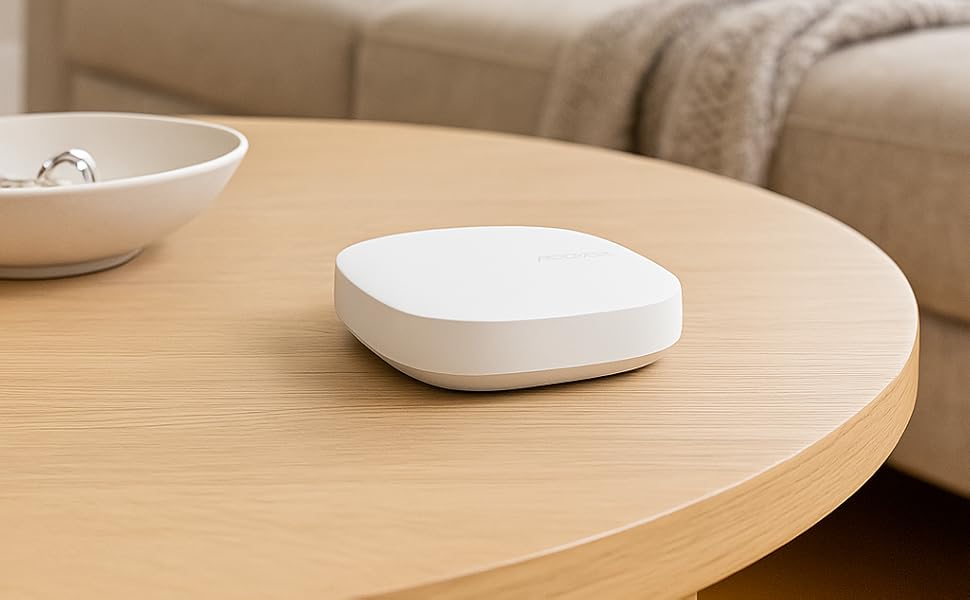
If you want advanced automation and privacy, look for hubs like Hubitat or HomeSeer. If you want easy setup and voice control, SmartThings or Aeotec are good choices.
Credit: www.amazon.com
Maintenance And Troubleshooting
Maintaining your Z Wave hub is important for smooth operation. Here’s how:
- Check device batteries every few months.
- Update hub firmware regularly.
- Remove old devices from the network if you stop using them.
- Reboot the hub if devices stop responding.
Common problems and solutions:
- Devices not responding: Move them closer to the hub or add more repeaters.
- Automation not working: Check rules for errors or conflicts.
- Slow performance: Reduce the number of automation rules or reboot the hub.
An advanced tip: Some hubs let you “heal” the network, refreshing connections between devices. This improves reliability and range.
Future Of Z Wave Smart Hubs
Z Wave is evolving fast. New features are coming, like Z Wave Long Range, which boosts coverage to over 1 mile. This will help in bigger homes and outdoor spaces.
Z Wave hubs are also getting smarter, with AI-based automation and better integration. As more devices support Z Wave, you’ll have even more options.
One insight: Z Wave hubs are starting to support Matter, a new smart home standard. This means your Z Wave hub may soon work with even more brands and devices.
For the latest official information, see Z-Wave.com.
Frequently Asked Questions
What Devices Can Connect To A Z Wave Smart Hub?
A Z Wave hub can connect to door locks, sensors, light switches, thermostats, outlets, and more. Over 3,000 certified devices are available, including brands like Honeywell, Fibaro, and Aeotec.
Is Z Wave Better Than Wi-fi For Smart Home Control?
Z Wave is usually more reliable and uses less power than Wi-Fi. It creates a mesh network, so devices stay connected even if one fails. Wi-Fi can be faster but may suffer from interference or require frequent charging.
Can I Use Z Wave Devices With Alexa Or Google Assistant?
Yes, most Z Wave hubs support voice assistants. You can control devices with commands like “turn off the lights” or “lock the front door.” Make sure your hub supports integration with your preferred assistant.
How Many Devices Can I Connect To A Z Wave Smart Hub?
You can connect up to 232 devices in a single Z Wave network. Adding more powered devices improves the network strength and reliability.
What Happens If My Internet Goes Down?
Many Z Wave hubs offer local control, so automations and device commands still work if the internet is offline. Cloud-based features may stop, but basic functions will continue.
Smart homes are changing fast, and the Z Wave Smart Hub is at the center of this movement. Understanding how it works and what it can do will help you build a safer, more comfortable, and efficient home. Whether you’re starting small or planning a full smart home, a Z Wave hub gives you flexibility and control—without the headaches of unreliable connections or complex setups.