
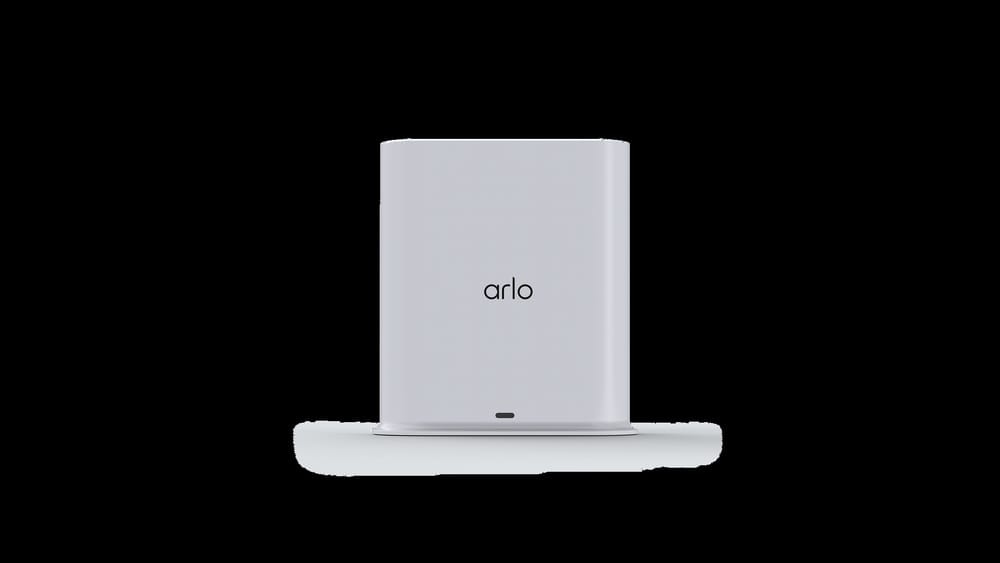
What Is The Arlo Smart Hub
Home security is changing fast. People want better cameras and smarter systems. The Arlo Smart Hub is one of the most important devices in this area. It is not just another router or Wi-Fi booster. It connects your Arlo cameras and makes your security system stronger, more reliable, and easier to use. If you are thinking about buying Arlo products or already have some, learning about the Smart Hub will help you get the most from your devices.
Many people do not know what a Smart Hub does, why it matters, or how it fits into their home. This article explains everything you need to know. You will discover what the Arlo Smart Hub is, how it works, its benefits, and how it compares to other options.
We will also cover installation, troubleshooting, and answer common questions. Whether you are new to smart security or want to improve your setup, this guide will help you make better decisions.
Understanding The Arlo Smart Hub
The Arlo Smart Hub is a small device that connects Arlo wireless cameras and accessories to your home network. It acts as a bridge between your cameras and the internet. It is sometimes called a base station, but the Smart Hub has extra features and better performance.
The Smart Hub manages the wireless connection for your cameras, reduces Wi-Fi interference, and keeps video streams stable. Instead of each camera connecting directly to your router, they talk to the Smart Hub, which then communicates with your router. This method improves security, battery life, and reliability.
Arlo Smart Hub is compatible with many Arlo products, including:
- Arlo Pro 2, Pro 3, Pro 4
- Arlo Ultra, Ultra 2
- Arlo Essential Series
- Arlo Cameras with SmartHub support
You must check compatibility before buying. Some older models may require a different base station.
Key Features
The Smart Hub is not just a simple connector. It offers several important features:
- Secure local storage: The Smart Hub supports USB drives or microSD cards, allowing you to save footage locally instead of only in the cloud.
- Extended wireless range: Cameras can be placed farther from your router without losing signal.
- Better battery life: Cameras use less energy because the Smart Hub manages their wireless signals efficiently.
- Reduced network congestion: Keeps your Wi-Fi fast by separating camera traffic from other devices.
- Advanced encryption: Protects your video streams and data from hackers.
These features are useful for both beginners and experienced users. For example, local storage helps if your internet is unreliable or you want to keep sensitive footage private.
How The Arlo Smart Hub Works
The Arlo Smart Hub connects to your router using an Ethernet cable. Once connected, it creates its own wireless network for Arlo cameras and accessories. Cameras pair with the hub, not directly with your home Wi-Fi.
Here’s how the process works:
- Connect Smart Hub to router: Use the Ethernet cable that comes in the box.
- Power on the Smart Hub: Plug it into a power outlet.
- Sync cameras: Press the sync button on the hub and each camera. They connect wirelessly.
- Configure settings: Use the Arlo app to set up alerts, storage, and other preferences.
- Monitor and control: View live feeds, recordings, and settings from your phone, tablet, or computer.
This design solves common problems with direct-to-Wi-Fi cameras, such as weak signals and dropped connections.
Local Storage Option
One of the best features of the Smart Hub is local storage. You can insert a USB drive or microSD card into the hub. All video recordings are saved directly to the drive, so you can access them even if your internet goes down. You can also back up important clips or share them with police or family.
Local storage is not enabled by default. You must turn it on in the Arlo app and select your storage device. Only certain models support this feature, so check your hub’s documentation.
Smarthub Vs Direct-to-wi-fi Cameras
Many Arlo cameras can connect directly to Wi-Fi, but using a Smart Hub has clear advantages. Let’s compare the two methods:
| Feature | Smart Hub | Direct Wi-Fi |
|---|---|---|
| Wireless Range | Extended | Limited |
| Battery Life | Longer | Shorter |
| Network Congestion | Low | High |
| Local Storage | Available | Not available |
| Security | Advanced encryption | Standard Wi-Fi |
If you have many cameras or a large home, the Smart Hub is usually the better option. Direct Wi-Fi works well for smaller homes and fewer cameras.
Main Benefits Of The Arlo Smart Hub
The Smart Hub brings several real-world benefits. These are not just technical features—they make your home safer and your experience smoother.
Improved Reliability
Wi-Fi connections can drop if there are too many devices or interference. The Smart Hub creates a dedicated network for your cameras, which keeps them connected even during busy times. For example, if you have several phones, laptops, and smart TVs, your cameras will still work reliably.
Better Battery Life
Camera batteries last longer when connected to a Smart Hub. The hub manages power more efficiently, which means less charging and fewer interruptions. Some users report up to 20% longer battery life compared to direct Wi-Fi.
Local Storage Flexibility
Storing footage locally gives you control over your data. You can keep sensitive clips private, access recordings without internet, and avoid paying for extra cloud storage. If your internet goes down, you won’t miss important events.
Enhanced Security
The Smart Hub uses advanced encryption to protect your video streams and data. This makes it harder for hackers to intercept your footage or access your cameras. Security is especially important if you use cameras outdoors or in high-risk areas.
Easy Integration
The Smart Hub supports many Arlo accessories, such as doorbells, sensors, and lights. You can build a complete security system that works together, all managed from the Arlo app.
Lower Network Congestion
By keeping camera traffic separate from your main Wi-Fi, the Smart Hub prevents slowdowns. This is useful if you stream video, play online games, or have many smart home devices.
Arlo Smart Hub Models And Compatibility
Arlo has released several Smart Hub models over the years. Each model offers different features and compatibility.
Popular Smart Hub Models
Here are the main models you may see:
| Model | Release Year | Storage Support | Camera Compatibility |
|---|---|---|---|
| VMB5000 | 2019 | USB/MicroSD | Ultra, Ultra 2, Pro 3, Pro 4 |
| VMB4500 | 2018 | USB | Pro 2, Pro 3, Pro 4 |
| VMB4000 | 2017 | USB | Pro, Pro 2 |
The VMB5000 is the most advanced, supporting both USB and microSD storage and working with Ultra and newer Pro models.
Compatibility Tips
- Not every Arlo camera works with every Smart Hub. Always check the compatibility list before buying.
- The latest hubs support more accessories, such as Arlo doorbells and sensors.
- Older hubs may not offer local storage or advanced encryption.
If you are upgrading, make sure your new hub supports your existing cameras.
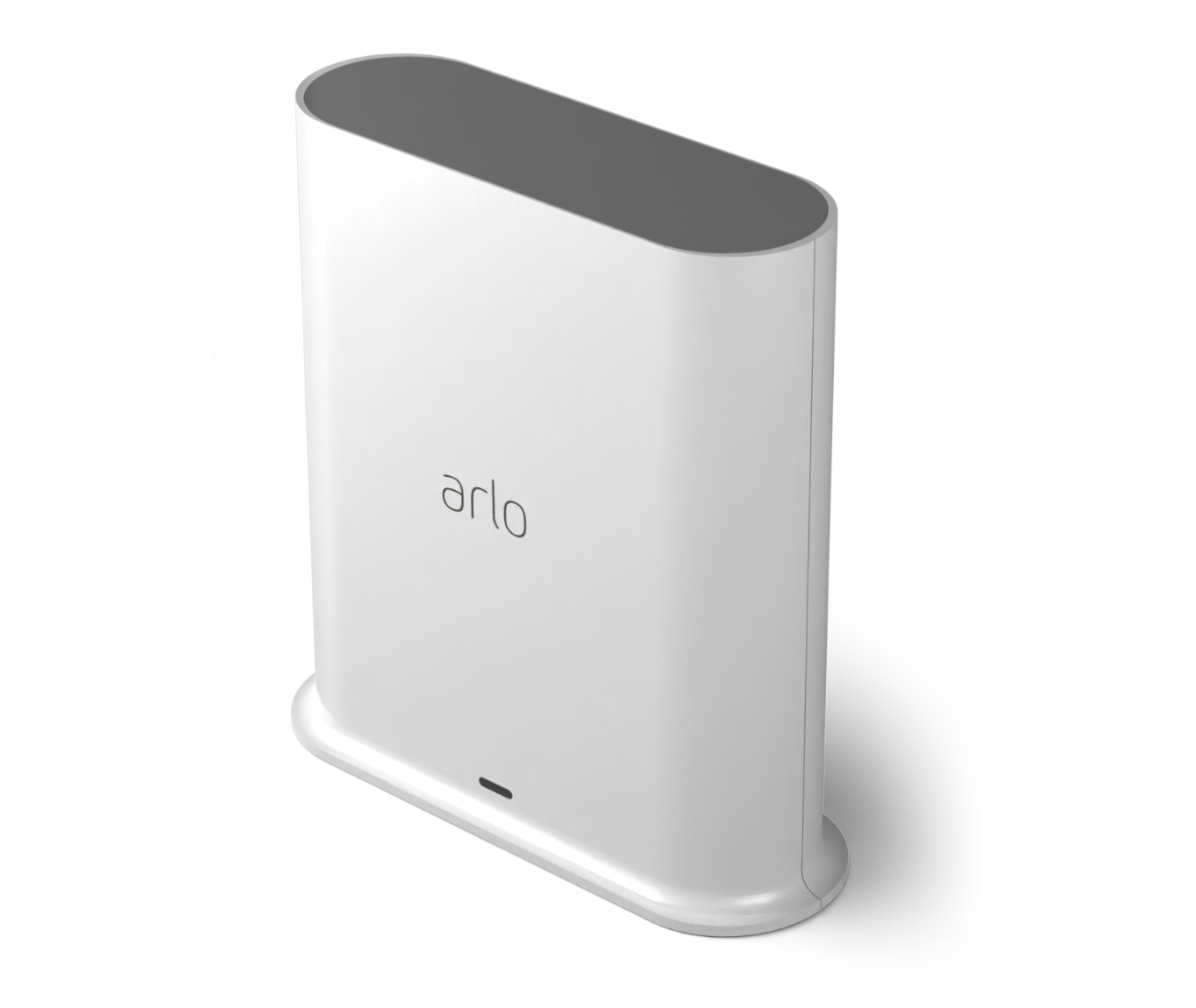
Credit: www.arlo.com
Installing The Arlo Smart Hub
Installation is simple, but there are some steps to follow for best results.
Step-by-step Installation
- Unbox your Smart Hub: Take out the hub, power cable, Ethernet cable, and any manuals.
- Connect to your router: Plug the Ethernet cable into the hub and your router.
- Power up: Connect the hub to a power outlet. Wait for the LED to turn solid blue.
- Download the Arlo app: Install it on your phone or tablet.
- Create an Arlo account: Or log in if you already have one.
- Add the hub to your account: Follow the app instructions to detect the hub.
- Sync cameras: Press the sync button on the hub and each camera. The LED will blink to show connection.
- Configure settings: Set up storage, alerts, and preferences.
Many users make mistakes during installation. Here are some tips:
- Place the hub in a central spot, away from thick walls or metal objects.
- Do not use Wi-Fi to connect the hub to your router; always use Ethernet.
- Make sure your cameras are within range of the hub, not just the router.
- Update firmware if prompted by the app.
Troubleshooting Common Issues
Sometimes, the Smart Hub does not connect or cameras fail to sync. Try these solutions:
- Restart the hub and router.
- Move cameras closer to the hub during syncing.
- Check for firmware updates.
- Use a new Ethernet cable if the hub is not detected.
- Reset the hub by holding the reset button for 10 seconds.
If problems continue, check the Arlo support website or contact customer service.
Using The Arlo Smart Hub In Everyday Life
Once installed, the Smart Hub gives you several useful features. Here’s how people use it in real homes:
Accessing Local Storage
If you enable local storage, you can view recordings directly from the USB drive or microSD card. You can remove the drive and connect it to a computer to copy or share footage. Some advanced hubs let you access local storage through the Arlo app, but this feature may require extra setup.
Setting Up Alerts And Notifications
The Smart Hub lets you customize alerts for motion, sound, or specific events. You can set rules for when cameras record, which devices get notifications, and how long clips are saved. This helps you avoid false alarms and only get alerts for important events.
Integrating Accessories
The hub can connect to Arlo doorbells, sensors, and lights. For example, you can set up a rule: if a doorbell rings, cameras start recording. Or, if a sensor detects movement, lights turn on. This integration makes your home smarter and more secure.
Remote Monitoring
With the Arlo app, you can view live streams, playback recordings, and control settings from anywhere. If you travel often, this feature lets you check on your home in real time.
Multiple Users
You can share access with family members or roommates. Each person can have their own alerts and permissions. This is helpful in larger households.
Comparing The Arlo Smart Hub To Other Security Hubs
Arlo is not the only brand with smart hubs. Other companies like Ring, Nest, and Eufy offer similar devices. Here’s how the Arlo Smart Hub compares:
| Feature | Arlo Smart Hub | Ring Bridge | Nest Hub | Eufy HomeBase |
|---|---|---|---|---|
| Local Storage | USB/microSD | No | No | USB |
| Wireless Range | High | Medium | Medium | High |
| Camera Compatibility | Wide | Limited | Limited | Wide |
| Mobile App | Arlo App | Ring App | Google Home | Eufy Security |
| Encryption | Advanced | Standard | Standard | Advanced |
Arlo stands out for its local storage, wide compatibility, and advanced security. Ring and Nest focus more on cloud storage and integration with smart home systems, but lack local backup.
Arlo Smart Hub And Cloud Storage
Arlo offers cloud storage plans, but the Smart Hub changes how you use them. With local storage, you can record and keep clips without paying for a subscription. However, cloud storage gives you extra features:
- Remote access to footage: View clips from anywhere, even if the hub fails.
- Longer retention times: Store clips for up to 60 days.
- Advanced AI detection: Identify people, animals, or vehicles.
If you only need basic recording, local storage is enough. If you want extra features, consider a paid plan.
How Local And Cloud Storage Work Together
You can use both local and cloud storage at the same time. This gives you a backup in case one fails. For example, if your internet stops working, local storage still records events. If your hub is damaged, cloud storage keeps footage safe.
Security And Privacy Considerations
Smart security devices must protect your home and your data. The Arlo Smart Hub uses several methods to keep your information safe.
Encryption
All video streams and data are encrypted before leaving your home. Even if someone intercepts the signal, they cannot view your footage. Arlo uses AES encryption, which is used by banks and governments.
User Permissions
You can set who can access cameras, footage, and settings. Only trusted users can make changes or view sensitive clips. This prevents unwanted access.
Firmware Updates
Arlo regularly releases security updates. Always keep your hub updated to protect against new threats.
Local Storage Privacy
If you use local storage, your clips stay in your home. No one can access them unless they have your USB drive or microSD card. This is useful if you are concerned about cloud privacy.
Tips For Getting The Most From Your Arlo Smart Hub
Many beginners miss important ways to improve their Smart Hub setup. Here are some practical tips:
- Place the hub in a central location: This improves wireless range and signal strength.
- Use high-quality USB drives or microSD cards: Cheap drives may fail or slow down recording.
- Regularly check storage space: Delete old clips or upgrade your drive if needed.
- Keep firmware updated: Updates fix bugs and add new features.
- Connect only compatible accessories: Mixing old and new devices can cause problems.
- Customize alerts: Set rules for each camera to avoid false alarms.
- Use backup power: If you live in an area with frequent outages, consider a UPS for your hub.
Some users forget to check compatibility or ignore storage limits, leading to missed recordings. Make sure to review these settings regularly.

Credit: www.amazon.com
Common Mistakes And How To Avoid Them
Even experienced users make mistakes with the Smart Hub. Here are some to watch out for:
- Wrong placement: Putting the hub near thick walls or metal objects reduces signal strength.
- Using Wi-Fi instead of Ethernet: The hub must connect to your router with a cable for best performance.
- Ignoring firmware updates: Outdated software can cause bugs or security risks.
- Mixing incompatible devices: Always check compatibility before adding new cameras or accessories.
- Forgetting to enable local storage: You must turn on local recording in the app.
By avoiding these mistakes, your system will be more reliable and secure.
Real-world Examples And User Experiences
Many users share positive stories about the Arlo Smart Hub. For example, a family in Texas installed the hub and cameras after several break-ins. They placed the hub in the living room, set up local storage, and connected three cameras around the house.
The system caught a package thief, and the footage was shared with police.
Another example is a small business owner who used the Smart Hub to monitor a warehouse. He set up alerts for motion after hours and used local storage to keep backup clips. The hub reduced false alarms and improved battery life, saving money and hassle.
Some users report problems with syncing cameras or storage devices, but most issues are solved with firmware updates or better placement.

Credit: www.amazon.com
Is The Arlo Smart Hub Right For You?
Deciding if you need a Smart Hub depends on your home, number of cameras, and privacy needs.
- Large homes: The hub is best for homes with multiple cameras and large areas to cover.
- Privacy concerns: If you prefer local storage and control over your footage, the hub is a must.
- Many devices: If your Wi-Fi is crowded, the hub keeps cameras reliable.
- Advanced setups: The hub works well with doorbells, sensors, and lights for a complete security system.
If you only have one or two cameras and a strong Wi-Fi signal, direct-to-Wi-Fi may be enough. For most users, the Smart Hub offers extra reliability and security.
Frequently Asked Questions
What Is The Main Purpose Of The Arlo Smart Hub?
The main purpose of the Arlo Smart Hub is to connect Arlo cameras and accessories to your home network securely. It creates a dedicated wireless channel, manages local storage, and improves reliability compared to direct Wi-Fi connections.
Can I Use The Arlo Smart Hub With Older Arlo Cameras?
Some older cameras work with certain Smart Hub models, but not all. Always check compatibility before buying. For example, Arlo Pro and Pro 2 work with VMB4000, while Ultra requires VMB5000.
How Do I Enable Local Storage On The Smart Hub?
Insert a USB drive or microSD card into the hub, then use the Arlo app to turn on local recording. Choose the storage device in the app settings. Make sure your hub model supports local storage.
Is The Smart Hub Required For Every Arlo Camera?
No, some Arlo cameras can connect directly to Wi-Fi. However, using a Smart Hub improves battery life, reliability, and security. It is recommended for larger setups or when using advanced features.
Where Can I Find More Detailed Technical Information?
For official specifications and advanced guides, visit the Arlo website or check the Arlo Smart Hub page.
Final Thoughts
The Arlo Smart Hub is a powerful tool for anyone serious about home security. It connects your cameras and accessories, manages local storage, and protects your data. By placing the hub in a good spot, using high-quality storage, and keeping firmware updated, you can build a reliable system that fits your needs.
This guide has covered everything from basic setup to advanced features, real-world examples, and common mistakes. Whether you are starting fresh or upgrading your system, understanding the Smart Hub will help you make smarter choices and keep your home safe.
If you want more security, privacy, or control, the Arlo Smart Hub is worth considering.