
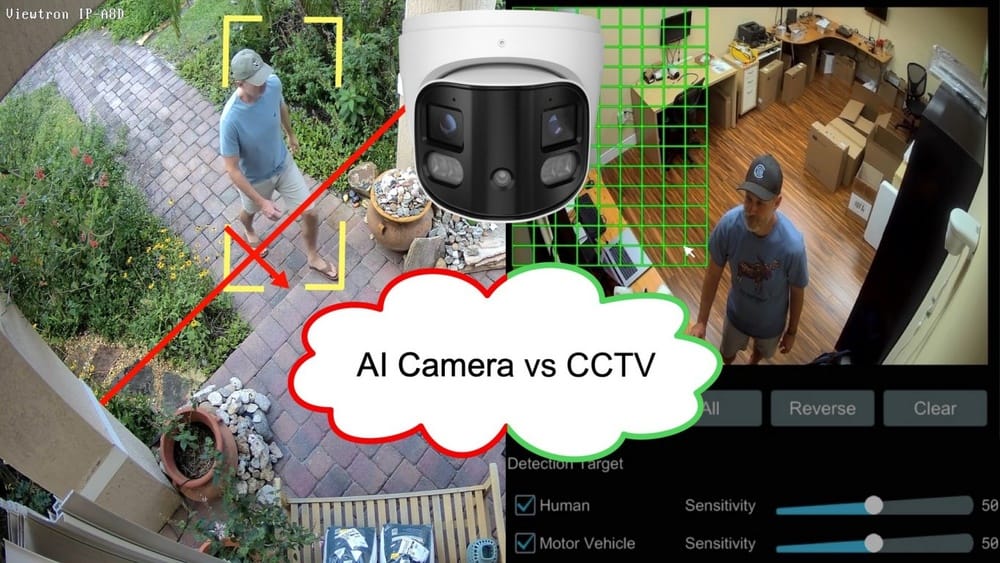
Smart technology is changing how we protect our homes and businesses. One of the biggest shifts is the rise of AI security cameras. These are not the old cameras that just record video. They use artificial intelligence to spot trouble, warn you faster, and even save storage space. If you’re thinking about upgrading your security, you might wonder: Are AI security cameras really worth it? Or is it just marketing hype?
This article takes a close look at the real-world value of AI security cameras. We’ll explore what makes them different, how they work, and the types of features you can expect. We’ll also compare costs, discuss privacy, and weigh the pros and cons.
By the end, you’ll have the facts to decide if AI cameras are the right choice for your safety needs.
What Are Ai Security Cameras?
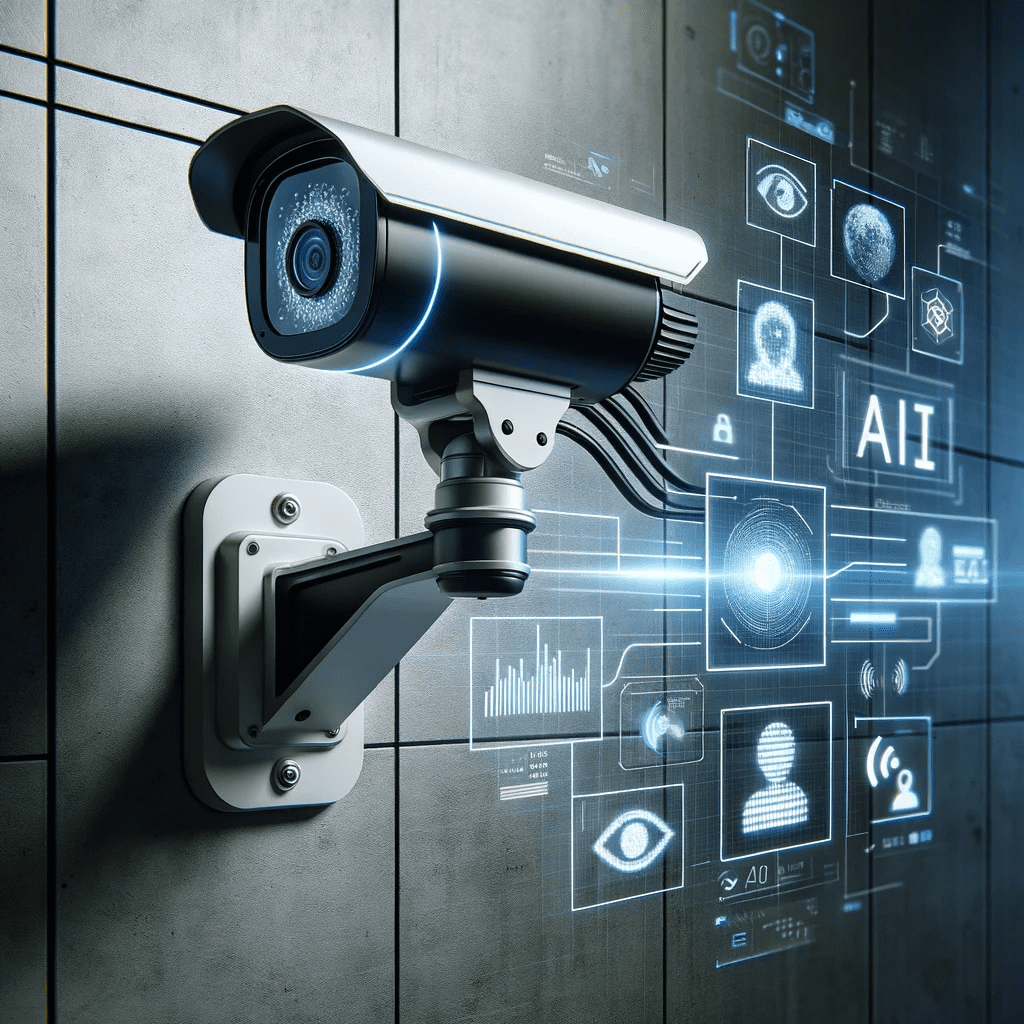
AI security cameras are modern surveillance devices that use artificial intelligence to analyze what the camera sees. Unlike traditional cameras, which only record video, AI cameras can understand and react to what’s happening in real time.
Key Features That Set Ai Cameras Apart
1. Object Recognition
These cameras can tell the difference between a person, animal, car, or even a package.
2. Motion Detection Upgrades
Instead of alerting you every time a tree moves, AI can focus on real threats—like someone entering your yard.
3. Facial Recognition
Some models can identify familiar faces and flag unknown people.
4. Smart Notifications
You only get alerts for real events, not every movement.
5. Automated Search
AI can help you find clips of a specific person or event in hours of footage within seconds.
6. Active Deterrence
Some can trigger alarms, lights, or voice warnings if they spot suspicious activity.
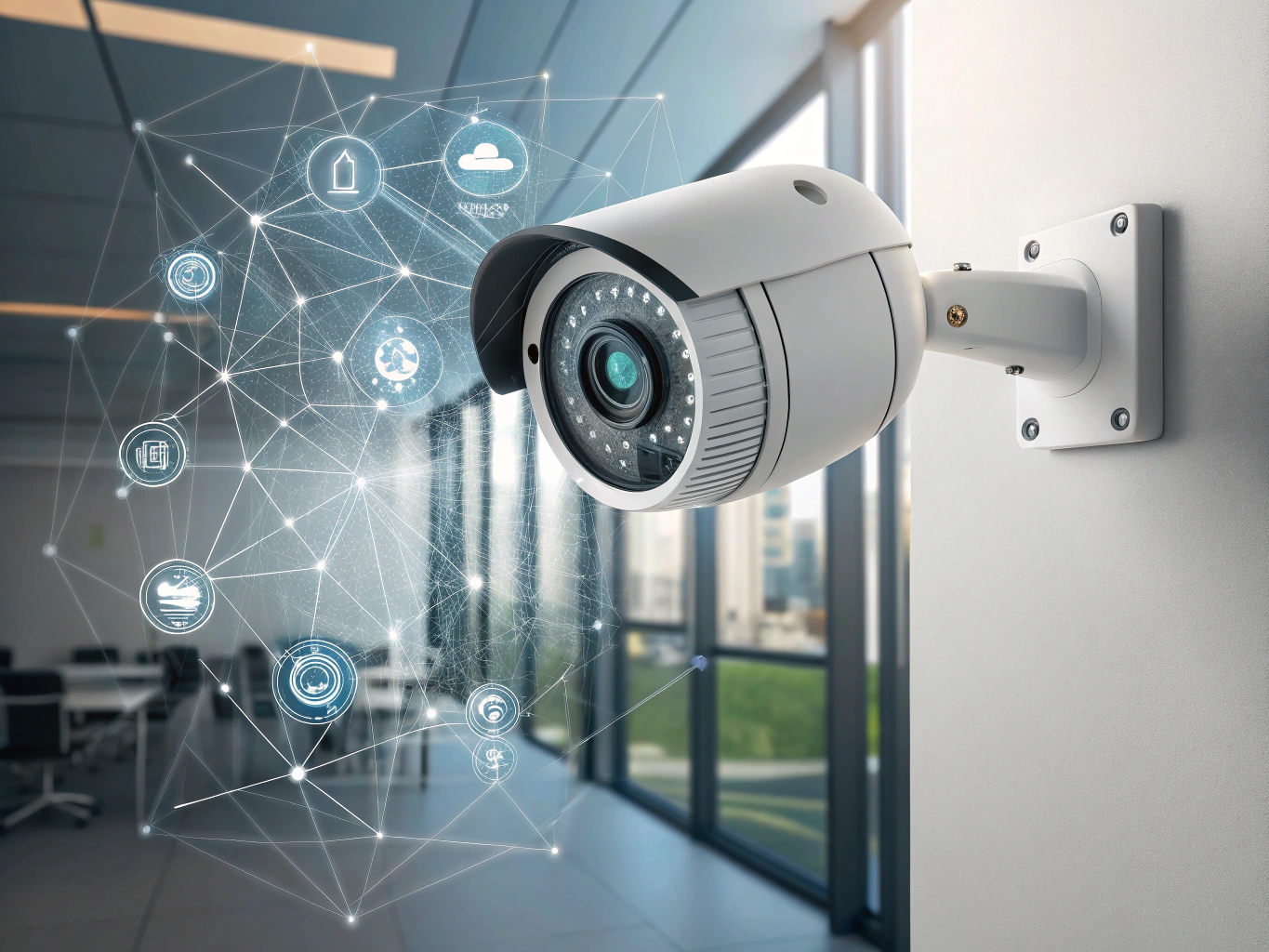
These features are powered by built-in chips or cloud-based AI, analyzing live video as it happens.
Common Uses
- Home security: Detecting strangers, package theft, or break-ins
- Business surveillance: Monitoring employees, customers, or shoplifters
- Public spaces: Managing crowds or spotting emergencies
AI cameras are not just for big companies. Prices have dropped, making them popular for families, small shops, and even apartment buildings.
How Do Ai Security Cameras Work?
Understanding how these cameras operate can help you see their true value.
The Technology Behind Ai Cameras
AI security cameras use a combination of:
- Sensors: Capture high-quality video, day and night
- Processors: Run AI algorithms to analyze video in real time
- Software: Powers object detection, face recognition, and more
- Cloud or local storage: Saves video clips for later review
Most AI cameras use machine learning. This means they are trained on thousands of images to spot differences between people, cars, pets, and objects. The more data they process, the smarter they get.
Some cameras do all the analysis on the device (called “edge AI”), while others send video to the cloud for processing. Edge AI is faster and more private, but cloud AI can be more powerful.
Real-world Example
A basic motion sensor camera might send you 100 alerts in a day—most for things like shadows or animals. An AI camera can ignore those, only telling you when a person enters your property. This reduces false alarms and helps you react faster.
Video Storage And Search
AI security cameras often tag events by type (person, package, car). This makes it easy to search footage. For example, if you want to see every time someone walked to your door this month, the camera can show those clips instantly.
Ai Security Cameras Vs Traditional Cameras
To really judge if AI cameras are worth the investment, it helps to compare them with older options.
| Feature | Traditional Cameras | AI Security Cameras |
|---|---|---|
| Motion Detection | Basic, often false alarms | Smart, reduces false alerts |
| Object Recognition | No | Yes (people, cars, animals) |
| Facial Recognition | No | Yes (some models) |
| Alert Accuracy | Low | High |
| Automated Search | Manual review needed | Search by event type |
| Price | Lower upfront cost | Higher upfront cost, possible subscriptions |
| Privacy | Usually local storage | Often cloud storage, some edge AI |
Key Takeaways
- AI cameras save time by giving better alerts and making footage easier to search.
- Traditional cameras may be cheaper but often lead to alert fatigue and missed events.
- AI features can help you act faster in emergencies.
The Main Benefits Of Ai Security Cameras
Investing in AI security cameras can bring several advantages that go beyond what standard cameras offer.
1. Reduced False Alarms
One of the biggest headaches with standard cameras is too many alerts. AI cameras can filter out non-threats like pets, shadows, or moving branches. This means you only get notified when something important happens. For busy people, this is a major time-saver.
2. Faster Response To Threats
When a real threat appears, such as a stranger in your yard, AI cameras can spot it quickly and send an immediate alert. Some systems can even call the police or sound an alarm automatically.
3. Better Evidence
AI cameras tag and sort video clips by event type. If you need to show police a video of a break-in, you can find the right clip in seconds, not hours.
4. Smarter Storage
Because AI only records events that matter, you use less storage space. This can save money on cloud storage plans and make local backups easier.
5. Learning Over Time
Some AI cameras get smarter as they learn your family, pets, and normal routines. They can adjust alerts based on your feedback, improving over time.
6. Remote Monitoring
Modern AI cameras come with apps that let you check live video from anywhere. Some even send alerts to your smartwatch or smart speaker.
7. Integration With Smart Homes
Many AI cameras work with systems like Amazon Alexa, Google Home, or Apple HomeKit. You can set routines (like turning on lights if motion is detected) for extra security.
Common Drawbacks And Limitations
Despite many benefits, AI security cameras are not perfect. Understanding the downsides helps set the right expectations.
1. Cost
AI cameras usually cost more than basic models. Prices range from $100 to over $500 per camera, plus possible monthly fees for cloud AI or storage.
2. Privacy Concerns
Cameras that use the cloud to process video may raise privacy issues. Some people worry about who can access their footage or how facial recognition data is used.
3. Internet Dependence
Many AI features need a strong, stable internet connection. If your Wi-Fi goes down, some smart features may stop working.
4. False Negatives
AI is not perfect. Sometimes it may miss a real threat, especially in bad lighting or with fast-moving objects.
5. Subscription Fees
While some cameras have local AI, many require a subscription for advanced features or longer video storage.
6. Setup Complexity
Installing and setting up AI cameras can be harder than old models, especially for features like facial recognition or smart home integration.
Costs: Upfront And Ongoing
Before deciding, it’s important to look at the real costs—both at the start and over time.
Upfront Costs
- Basic AI camera: $100–$200
- High-end AI camera: $250–$500+
- Installation (if needed): $100–$300 per camera
- Accessories (mounts, cables): Varies
Ongoing Costs
- Cloud storage/AI subscription: $3–$20 per month per camera
- Maintenance: Occasional, such as cleaning lenses or replacing batteries
Real-world Example
If you install four AI cameras at $200 each, plus a $10/month subscription per camera, your first-year cost could be:
- Cameras: $800
- Subscriptions: $480
- Total (year one): $1,280
Over five years, the cost could reach $3,200 or more, depending on subscriptions and upgrades.
Cost Comparison Table
Here’s how AI cameras compare to traditional ones for a small home setup (4 cameras, 5 years):
| Type | Upfront Cost | Monthly Fees | Total Cost (5 Years) |
|---|---|---|---|
| Traditional Cameras | $400 | $0–$5 | $400–$700 |
| AI Security Cameras | $800 | $40 | $3,200 |
While AI cameras cost more, they may prevent costly losses from theft or damage.
Real-world Effectiveness: Do Ai Security Cameras Actually Work?
It’s natural to wonder if these smart features are just a gimmick or if they really make a difference.
Studies And Statistics
A 2022 report by the National Institute of Justice found that homes with visible cameras are 51% less likely to be targeted by burglars. AI cameras, with better alerts and evidence, can increase this deterrence.
In a 2023 survey, 76% of users with AI cameras said they felt “much safer” compared to basic cameras. 62% reported fewer false alarms, and 48% stopped checking unnecessary alerts altogether.
User Experiences
- Homeowners: Many say AI cameras catch package thieves or alert them to strangers before a crime happens.
- Business owners: Report faster response to shoplifting or vandalism, and easier incident reviews.
- Schools and public places: Use AI to spot crowding, fights, or emergencies quickly.
Not-so-obvious Insight
AI cameras are especially helpful for people with hearing or vision impairments, thanks to real-time alerts that are visual or audio, and easier search features.
Another benefit often missed is insurance discounts. Some insurers give lower rates if you have smart cameras, since they reduce risk.
Privacy, Ethics, And Legal Concerns
AI cameras can bring peace of mind, but they also raise new questions.
Privacy Risks
- Cloud storage: Your video may be stored on company servers, sometimes outside your country.
- Facial recognition: Some systems keep a database of faces. If hacked, this could be misused.
- Shared spaces: Recording in shared hallways or public areas may be illegal in some places.
How To Protect Your Privacy
- Choose cameras with local storage or “edge AI” processing.
- Use strong, unique passwords for camera accounts.
- Regularly update firmware and software.
- Read privacy policies before buying.
Legal Issues
Laws on camera use and facial recognition vary. In some US states, recording audio without consent is illegal. In the EU, the GDPR places strict rules on video data.
If you install cameras outside your home, make sure you’re not breaking local privacy laws.
Ethics
AI is not perfect and can sometimes misidentify people, especially minorities or women. Use facial recognition features carefully and consider turning them off if not needed.
Credit: visionplatform.ai
Who Should (and Shouldn’t) Buy Ai Security Cameras?
AI security cameras are not for everyone. Here’s a quick guide.
Good Fit
- People who want fewer false alarms
- Homes or businesses with lots of foot traffic
- Smart home users who want automation
- Those who travel a lot and need remote monitoring
- Owners who want easy, fast access to video evidence
Not Ideal
- People with slow or unreliable internet
- Those with a tight budget
- Users who don’t want cloud storage or facial recognition
- Small spaces where simple cameras are enough
Expert Tip
If you’re unsure, start with one or two AI cameras in key areas. Test the features and see if the extra alerts and smart detection are worth the cost before upgrading your whole system.
What To Look For When Choosing An Ai Security Camera
Not all AI cameras are equal. Here’s what really matters when picking the right one.
1. Detection Capabilities
Check if the camera can tell the difference between people, cars, pets, and objects. More advanced models offer package detection or can spot unusual activity.
2. Video Quality
Look for at least 1080p HD resolution, with night vision and a wide field of view.
3. Storage Options
Decide if you want local storage (SD card, hard drive) or cloud storage. Edge AI models can process video without sending it to the cloud.
4. Smart Alerts
See if you can customize notifications (such as only alerting for people, not cars).
5. Privacy Controls
Choose cameras that let you disable cloud storage or facial recognition if you wish.
6. Integration
Make sure the camera works with your smart home system, if you have one.
7. Subscription Costs
Check what features are included for free and what needs a monthly fee.
8. Reviews And Support
Read real customer reviews. Good customer service is important if you run into problems.

Credit: sirixmonitoring.com
Popular Ai Security Camera Brands And Models
Several companies lead the way in AI camera technology. Here are some top options:
- Arlo Pro 5S: Known for smart detection, easy installation, and strong app support.
- Google Nest Cam (Battery): Powerful AI, familiar face alerts, and seamless Google integration.
- Ring Spotlight Cam Plus: Good for Amazon Alexa users, with smart motion zones.
- EufyCam 3: Offers local AI processing, reducing privacy risks.
- Wyze Cam v3 Pro: Affordable, solid AI features, no required subscription.
Each has pros and cons. For example, Eufy’s local AI is better for privacy, while Google’s cloud AI is more powerful.
Ai Security Cameras In Different Environments
The value of AI cameras depends on where you use them.
Homes
- Great for spotting strangers, package theft, or checking on kids and pets.
- Smart alerts mean you won’t be disturbed by every passing car.
Businesses
- Can spot shoplifters, monitor employee safety, and send instant alerts in emergencies.
- Easier evidence search saves time after incidents.
Apartments And Condos
- Useful in lobbies or garages, but check building rules and privacy laws.
- Some models are designed to blend in and respect neighbors.
Outdoor Spaces
- AI can distinguish people from animals, reducing false alarms from wildlife.
- Weatherproof models are a must for outdoor use.
Credit: www.sentisight.ai
Common Mistakes When Using Ai Security Cameras
Many new users make simple errors that lower the value of their cameras.
1. Ignoring Privacy Settings
Not changing default passwords or disabling unwanted cloud features can expose your footage.
2. Poor Camera Placement
Putting cameras too high, too low, or pointed at the sun reduces detection accuracy.
3. Relying Only On Ai
AI is powerful, but not perfect. Use other security measures (locks, alarms) as backup.
4. Not Updating Software
Outdated firmware can have security holes or bugs.
5. Skipping Local Laws
Installing cameras in places where recording is illegal can get you in trouble.
The Future Of Ai Security Cameras
AI cameras are still evolving. Here’s what’s coming next:
- Smarter analytics: Cameras will spot more types of threats, like fire or water leaks.
- Better privacy: More models will offer edge AI, keeping data local.
- Integration: Cameras will work more closely with alarms, lights, and other smart devices.
- Affordable pricing: As technology matures, prices will drop, making AI cameras accessible to more people.
Already, some cities use AI cameras to manage traffic or monitor public safety. As the tech improves, we’ll likely see even smarter, more helpful cameras everywhere.
Frequently Asked Questions
How Accurate Are Ai Security Cameras At Detecting People Or Threats?
Most AI security cameras are 90–98% accurate at spotting people or vehicles in good lighting. Accuracy drops in bad weather, darkness, or crowded scenes. Regular updates and feedback from users can improve performance over time.
Do Ai Cameras Work Without The Internet?
Some AI cameras process video on the device (“edge AI”) and store clips locally, so basic detection works offline. However, cloud-based features (like remote alerts or facial recognition) usually need an internet connection.
Are Ai Security Cameras Safe From Hacking?
No device is 100% safe, but you can reduce risk by using strong, unique passwords, enabling two-factor authentication, and keeping firmware updated. Choose reputable brands with a good security track record.
Will Using Ai Cameras Lower My Insurance Premiums?
Some insurance companies offer discounts for smart security devices, including AI cameras. Ask your provider what’s accepted. You may need to show proof of installation or specific features.
Where Can I Learn More About Privacy And Ai Camera Laws?
For up-to-date guidance, check trusted sources like the Electronic Frontier Foundation or your local government’s privacy office.
Smart security is no longer just about recording video. With AI cameras, you get better detection, faster alerts, and easier access to evidence. While they cost more and raise new privacy questions, the benefits for many users are real. If you want peace of mind and fewer false alarms, AI security cameras are often worth it—especially as the technology keeps improving.
Just remember to consider your budget, privacy needs, and local laws before making the switch.