
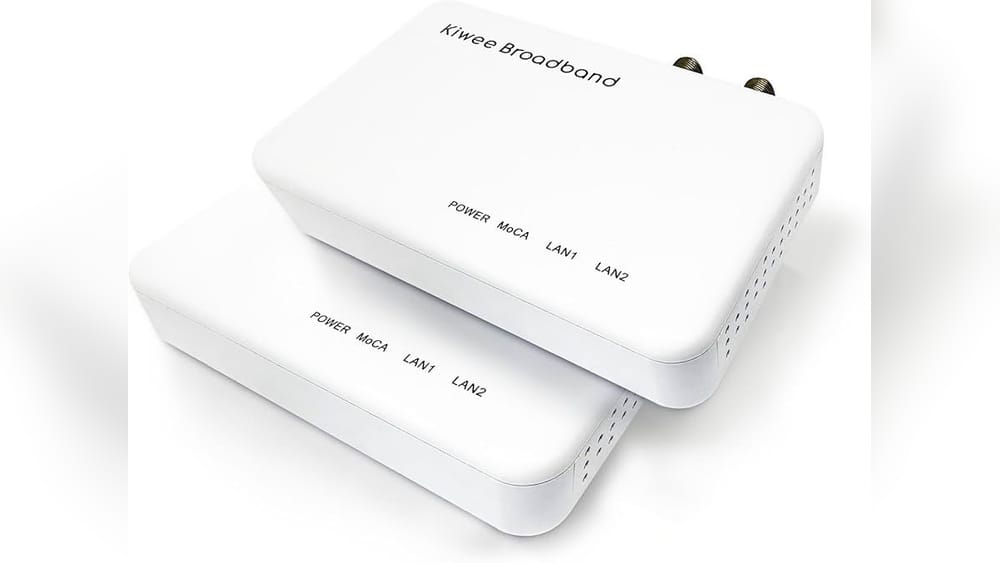
Are you struggling with weak Wi-Fi in some corners of your home? Maybe you already have one router but wonder if adding another from a different brand can boost your signal.
The idea of meshing two different brand routers sounds simple, but is it really possible? Before you spend money or waste time setting it up, you need to know what works and what doesn’t. Keep reading to discover the truth about mixing routers and how to get the best Wi-Fi coverage for your space.

Credit: www.amazon.com
Mesh Networking Basics
Mesh networking basics help explain how modern Wi-Fi systems work. These systems use multiple devices to spread Wi-Fi signals evenly across a home or office. This design solves many problems of old routers, like weak signals and dead zones.
Understanding mesh networks makes it easier to decide if they fit your needs. It also helps when choosing the right devices for a strong internet connection everywhere.
How Mesh Networks Work
Mesh networks use several nodes to create a single Wi-Fi network. Each node talks to the others to share internet signals. This means your device connects to the closest node automatically. No need to switch networks manually. The nodes work together to cover all areas with a strong signal.
These nodes form a web of connections. If one node has trouble, others keep the network running. This makes the system very reliable and stable. The setup is simple, and the network grows by adding more nodes.
Benefits Of Mesh Systems
Mesh systems provide better Wi-Fi coverage than single routers. They reduce dead zones and improve signal strength in large spaces. This means faster internet in all rooms. Streaming, gaming, and video calls become smoother.
These systems are easy to manage through apps. You can see connected devices and control access. Many systems update automatically for better security. Mesh networks also scale well. Add more nodes as your needs grow.

Credit: www.theverge.com
Brand Compatibility Issues
Mixing two different brand routers to create a mesh network sounds easy. It promises wider coverage and fewer dead zones. But brand compatibility issues often block this plan. Different brands use unique technologies that may not work well together. This mismatch can cause slow speeds, dropped connections, or setup failures.
Understanding these compatibility problems helps to avoid frustration. Knowing common challenges and firmware or protocol differences is key. These factors decide if your mixed-brand mesh network will work smoothly.
Common Challenges
One major challenge is the lack of a shared mesh system. Most brands design their routers to work only with their own models. This limits communication between devices of different brands. Another issue is poor device management. Mixed systems often lack centralized control, making setup and troubleshooting tough. Performance problems can also arise, such as slower data transfer and unstable connections. These issues reduce the overall mesh network quality.
Firmware And Protocol Differences
Firmware controls how routers operate. Different brands write their firmware in unique ways. This can prevent routers from syncing properly in a mesh setup. Protocols define how devices communicate. Popular mesh protocols like EasyMesh aim to standardize this, but not all brands support them. Without compatible protocols, routers cannot share data or manage the network effectively. Firmware updates may help, but they rarely fix deep compatibility problems.
Mixing Routers In A Mesh Setup
Mixing routers in a mesh setup means using devices from different brands together. This approach can help extend your Wi-Fi coverage in a flexible way. You can connect a router from one brand with a mesh node from another. This might save money and use what you already own. Yet, there are some things to consider before mixing routers.
Potential Advantages
Mixing routers can increase your home’s Wi-Fi range effectively. Different brands may offer unique features that complement each other. Using routers you already have avoids buying new equipment. It allows gradual upgrades without replacing everything at once. Sometimes, mixed setups offer better coverage in tricky spots. This method can fit diverse budgets and needs.
Risks And Limitations
Different brands may not work well together in a mesh. Compatibility issues can cause connection drops or slow speeds. Some features might not work properly across brands. Managing the network can become more complex and confusing. Firmware updates might cause conflicts between devices. Overall stability can be less reliable than a single-brand mesh.
Setup Tips For Different Brands
Setting up a mesh network with two different brand routers can be tricky. Each brand has its own software and settings. This section gives simple tips to help you connect different brands smoothly. Follow these steps to create a stable network at home or office.
Configuring Primary Router
Start with the main router that connects to the internet. Access its settings through a web browser. Look for the mesh or wireless settings option. Enable mesh mode if available. Set a strong Wi-Fi name (SSID) and password. Write down the IP address and login details for easy access later. Save the changes before moving on.
Connecting Secondary Nodes
Turn on the secondary router or node. Reset it to factory settings for a clean start. Use the manufacturer’s app or web interface to add it as a mesh node. Enter the primary router’s IP address and login details if asked. Place the node within a good signal range of the main router. Confirm the connection and wait for the devices to sync.
Optimizing Network Performance
Check for firmware updates on both routers. Update them to improve compatibility and security. Avoid placing nodes near thick walls or electronic devices. Use the router’s app to test signal strength and speed. Adjust node placement to reduce dead zones. Restart routers if the connection slows down. Keep Wi-Fi channels free from interference by choosing less crowded channels.
Using Universal Standards
Using universal standards helps connect different brand routers in one mesh network. It allows devices from various makers to work together smoothly. This approach creates a single, strong Wi-Fi signal for your whole home or office. It also simplifies managing your wireless network.
Wi-fi Easymesh Explained
Wi-Fi EasyMesh is a standard that helps different routers create one network. It makes routers from different brands talk to each other. This system shares Wi-Fi signals to cover larger areas. You get better internet in every corner without dead zones.
EasyMesh uses common rules for communication between routers. It lets you add new devices without worrying about brand compatibility. Your network works as one unit, not separate pieces.
Devices Supporting Universal Mesh
Many routers and mesh devices now support universal mesh standards. Brands like TP-Link, Netgear, and ASUS offer EasyMesh-compatible products. You can mix these devices to build a bigger mesh system.
Check your router’s specifications to see if it supports EasyMesh. Using compatible devices ensures a stable and fast network. It saves money by letting you use existing routers with new ones.
Alternative Solutions
Mixing two different brand routers for a mesh network often causes issues. Many brands use unique software and protocols. This makes full mesh compatibility tough. Yet, other ways exist to improve home Wi-Fi without strict brand limits. These alternative solutions can boost your network’s reach and stability. They work well even if your routers don’t mesh perfectly.
Using Access Points
Access points extend your Wi-Fi signal from a wired connection. They create a new wireless zone in your home. You connect them to your main router with an Ethernet cable. Access points can come from different brands than your router. They offer stable connections and better coverage. Setting them up is usually simple and user-friendly.
Powerline Adapters
Powerline adapters use your home’s electrical wiring to carry internet signals. Plug one adapter near your router and connect it with a cable. Plug the other adapter where you need better Wi-Fi. Some models also include a built-in Wi-Fi access point. This option avoids running long Ethernet cables. It works well for rooms far from the main router.
Wired Backhaul Options
Wired backhaul means connecting your routers or access points with Ethernet cables. This method offers a strong and fast link between devices. It reduces Wi-Fi traffic and interference. Using wired backhaul can improve the performance of mixed-brand setups. It keeps the network stable even if mesh software is incompatible. Ethernet cables are reliable and support high-speed data transfers.
Troubleshooting Mixed Mesh Networks
Troubleshooting mixed mesh networks can be tricky. Different brand routers may not work perfectly together. This can cause slow speeds, disconnections, or poor coverage. Understanding common problems helps you fix them fast. A smooth network means better internet for all devices.
Common Issues
One common issue is routers not syncing properly. This causes weak connections or dropped signals. Another problem is different settings between brands. This can confuse the network and reduce speed. Some routers may not support the same mesh protocols. This limits how well they work together. IP conflicts and channel interference also happen often. These issues make your network unstable.
Fixes And Workarounds
Start by updating firmware on all routers. This often improves compatibility and fixes bugs. Use the main router’s mesh system and add others as extenders. Set each router to different channels to avoid interference. Assign unique IP addresses to prevent conflicts. Place routers where signals overlap but don’t block each other. Restart routers after changes to apply settings. Test your network after each fix to see improvements.
Credit: arcticsmiles.com
Frequently Asked Questions
Can You Mesh Routers From Different Brands?
Yes, you can mesh routers from different brands, but compatibility issues may arise. Some brands support universal mesh, while others require matching models for optimal performance.
Will Meshing Different Brand Routers Affect Wi-fi Speed?
Mixing different brand routers might reduce Wi-Fi speed due to varying hardware and software. For best speed, use mesh systems from the same brand.
How Do I Set Up Mesh With Two Different Routers?
To set up mesh with different routers, enable mesh or bridge mode on one device. Then connect both via Ethernet or Wi-Fi, following each router’s guidelines.
Are There Security Risks In Meshing Different Brand Routers?
Meshing different brand routers can increase security risks if firmware isn’t updated. Always update both devices to the latest firmware for better security.
Conclusion
Mixing two different brand routers can work but may cause issues. Compatibility matters for a smooth mesh network setup. Some brands support cross-brand connections, but many do not. Check each router’s features and firmware before trying. Simple setups with the same brand often perform better.
Still, experimenting can help find what works best for you. Keep your network stable and secure by choosing compatible devices. This way, your internet stays fast and reliable throughout your home.