
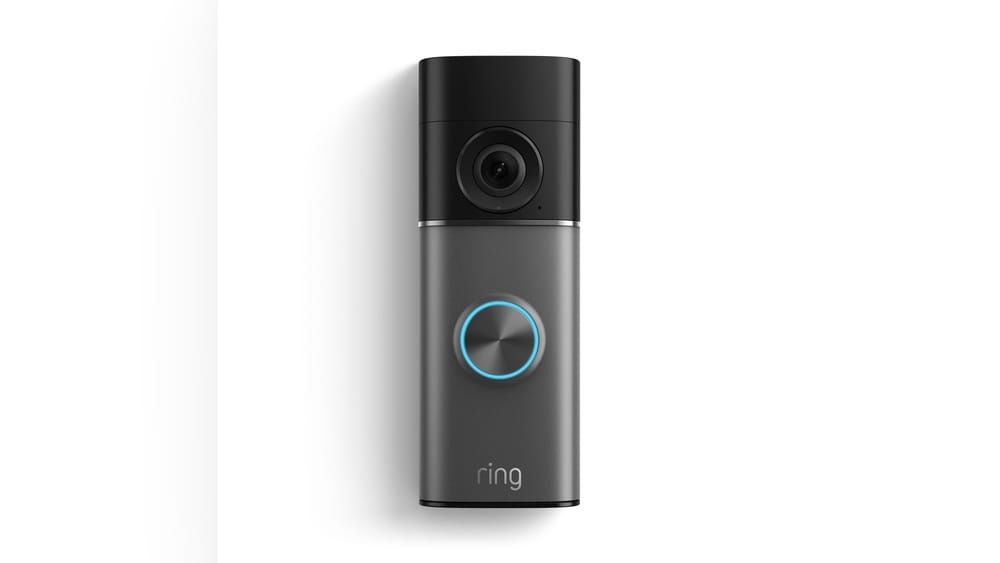
The world of smart homes is growing fast. Devices that seemed futuristic just a few years ago are now common. One popular smart home gadget is the Ring Video Doorbell. With its ability to show you who is at your door, even when you’re not home, it’s easy to see why so many people use it. But many homeowners want to know: Does Ring Video Doorbell work with Alexa? This question is important for anyone who wants to create a simple, voice-controlled, connected home.
This article will give you a complete answer. You’ll learn which Ring devices work with Alexa, how to set them up, the features you get, and what you might miss. We’ll cover practical tips, common problems, and even compare Ring with other smart doorbells.
Whether you’re a beginner or already own some smart home tech, you’ll get the clear, honest guidance you need to decide if connecting your Ring Video Doorbell with Alexa is right for you.
Understanding Ring Video Doorbell And Alexa
Before diving into compatibility, let’s quickly clarify what each device does and why people use them together.
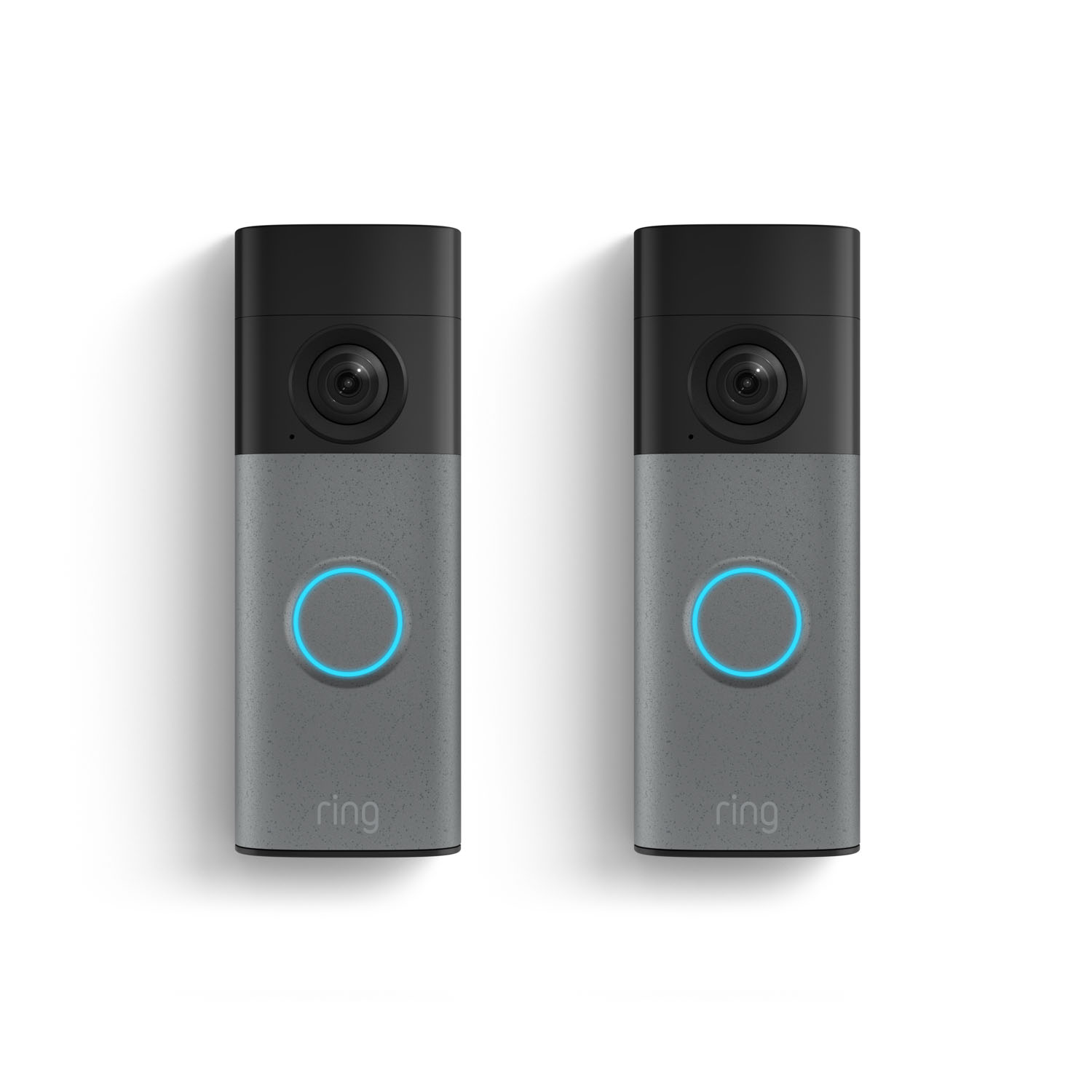
Ring Video Doorbell is a smart doorbell that lets you see, hear, and talk to visitors at your front door. It sends live video and notifications to your phone or tablet. Some models also record footage and offer advanced motion detection.
Alexa is Amazon’s virtual assistant. It works with smart speakers like the Echo Dot or smart displays like the Echo Show. Alexa can answer questions, control smart home devices, play music, and much more—all using your voice.
When combined, these devices can do more than they can alone. For example, you can ask Alexa to show the front door camera, get motion alerts, or talk to someone at the door without touching your phone.
Which Ring Video Doorbells Work With Alexa?
Not all smart home gadgets work together. But most modern Ring doorbells are designed to work well with Alexa. Here’s a quick look at which models are compatible:
| Ring Video Doorbell Model | Works With Alexa? | Special Features With Alexa |
|---|---|---|
| Ring Video Doorbell (1st Gen, 2nd Gen) | Yes | Live video, motion alerts, two-way talk (Echo Show/Spot) |
| Ring Video Doorbell Pro / Pro 2 | Yes | Advanced notifications, live video, Alexa greetings |
| Ring Video Doorbell 3/3 Plus/4 | Yes | Live video, motion alerts, quick replies |
| Ring Video Doorbell Elite | Yes | Live video, motion alerts |
| Ring Peephole Cam | Yes | Live video, motion alerts |
| Older or discontinued models | Some | Limited support; check Ring/Amazon website |
Most people find that if they bought their Ring doorbell in the last 4–5 years, it will work with Alexa. But for very old or rare models, it’s best to check the official Ring compatibility list.

Credit: www.mudbugssanibel.com
How Ring And Alexa Work Together
What does it mean to “work with Alexa”? Connecting your Ring Video Doorbell to Alexa unlocks several useful features:
Live Video On Alexa Devices
If you have an Echo Show or Echo Spot, you can ask Alexa to show you the front door. Just say, “Alexa, show me the front door.” The live feed appears on your device screen. This is handy when you’re cooking, relaxing, or just don’t want to grab your phone.
Motion And Doorbell Alerts
Alexa can announce when someone presses your doorbell or when motion is detected. For example, your Echo speaker might say, “Someone is at your front door. ” This helps you stay aware, even if your phone is in another room or on silent.
Two-way Talk
On Alexa devices with screens (Echo Show, Fire TV), you can talk to whoever is at your door. Alexa acts like an intercom. Just tap the screen or use your voice to start talking.
Quick Replies And Alexa Greetings
Some new Ring models and Alexa devices support Quick Replies. Alexa can answer the door for you with a short message, like “Sorry, we can’t come to the door right now.” Certain models even let Alexa take a message or offer package delivery instructions.
Custom Routines
With the Alexa app, you can create Routines. For example, when someone rings your doorbell, Alexa can turn on smart lights, play a sound, or send a custom alert. This makes your home feel smarter and safer.
Setting Up Ring Video Doorbell With Alexa
Connecting your devices is not difficult, but there are a few steps. Here’s how to do it:
1. Install And Set Up Ring Video Doorbell
First, install your Ring Video Doorbell and connect it to your Wi-Fi using the Ring app. Complete the setup by following the in-app instructions.
2. Set Up Your Alexa Device
Make sure your Alexa-enabled device (Echo speaker, Echo Show, Fire TV, etc. ) Is powered on and connected to the same Wi-Fi network.
3. Link Ring Account To Alexa
- Open the Alexa app on your phone or tablet.
- Tap “More” in the bottom right corner.
- Select “Skills & Games.”
- Search for “Ring.”
- Tap the Ring skill, then tap “Enable to Use.”
- Log in with your Ring account details.
- Authorize Alexa to access your Ring devices.
4. Discover Devices
After linking, Alexa will automatically search for your Ring doorbell. If it doesn’t show up, say “Alexa, discover my devices. ” This will add your Ring doorbell to Alexa’s device list.
5. Customize Notifications And Settings
In the Alexa app:
- Tap “Devices.”
- Choose your Ring doorbell.
- Adjust notification settings (motion, doorbell press, etc.)
- Set up announcements and routines if desired.
Most people can finish setup in about 10–15 minutes. If you have trouble, both Amazon and Ring have detailed support pages to help.
What You Can Do With Ring And Alexa
The ways you use Ring and Alexa together depend on your devices and preferences. Here are some popular uses:
- See who’s at the door: Ask, “Alexa, show me the front door” and watch live video on Echo Show.
- Hear alerts: Alexa announces when someone rings your doorbell or motion is detected.
- Talk to visitors: Use your Echo Show or Fire TV to have a two-way conversation.
- Automate responses: Use routines or quick replies for deliveries or guests.
- Control with voice: Say, “Alexa, stop,” to close the live video feed, or “Alexa, show me the last motion event.”
- Integrate with other smart devices: Turn on porch lights or unlock a smart lock when the doorbell rings.
Some features, like recorded video playback, may need a Ring Protect Plan subscription.
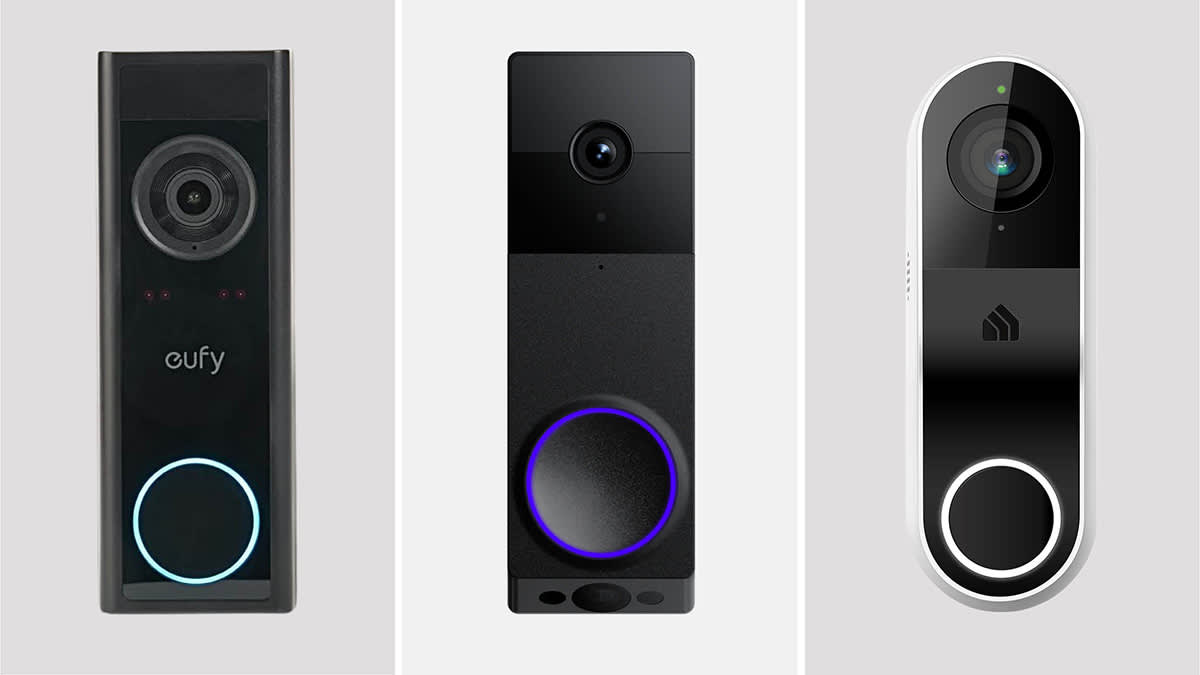
Comparison: Ring Video Doorbell + Alexa Vs. Other Smart Doorbell Systems
It’s natural to wonder how Ring and Alexa compare with other smart doorbell brands and voice assistants. Here’s a side-by-side look:
| Brand | Works With Alexa? | Works With Google Assistant? | Special Features |
|---|---|---|---|
| Ring | Yes (full support) | Limited | Alexa routines, live video, quick replies |
| Google Nest Hello | Limited | Yes (full support) | Google Home routines, facial recognition |
| Arlo Video Doorbell | Yes | Yes | Wide compatibility, package detection |
| Eufy Video Doorbell | Yes | Yes | No subscription needed for recording |
Ring has the deepest integration with Alexa, since both are Amazon products. If you use Google Assistant instead, the Google Nest Hello may be a better choice.
Credit: ring.com
Real-world Examples And Use Cases
Let’s see how people use Ring and Alexa together in daily life.
Family Home: The kids are playing in the living room. Someone rings the doorbell. Alexa on the Echo Dot announces, “Someone is at your front door.” Mom quickly asks, “Alexa, show me the front door” on the Echo Show in the kitchen. She sees it’s a delivery driver and uses the Echo Show’s microphone to say, “Please leave the package on the porch.”
Apartment Resident: You’re working from home. Motion is detected at your door. Alexa sends a notification to your Fire TV while you’re taking a break. You check the live feed without leaving your couch. If it’s a friend, you can unlock your smart lock with another voice command.
Busy Professional: You’re in a meeting with your phone on silent. Alexa announces a doorbell press in your home office. After the meeting, you use the Alexa app to review the video clip and see who stopped by.
These examples show the flexibility and value of integrating Ring with Alexa.
Advantages Of Using Ring Video Doorbell With Alexa
Pairing these two devices offers several unique benefits:
Convenience
You don’t need to pull out your phone every time someone is at the door. Voice commands and smart displays make it fast and easy.
Accessibility
For people with limited mobility or vision, Alexa’s voice alerts can be a game-changer. It’s also helpful for older adults or anyone who struggles to hear a traditional doorbell.
Security
Instant announcements and live video help you spot visitors—wanted or not—right away. Setting up routines (like turning on lights when the doorbell rings) can deter package thieves or unwanted guests.
Hands-free Operation
When your hands are full—carrying groceries, holding a baby—voice control or a glance at your Echo Show makes it possible to check the door without putting things down.
Home Automation Integration
Ring and Alexa work with other smart home devices. For example, when the doorbell rings at night, Alexa can turn on your porch lights and record video at the same time.
Limitations And Considerations
While the integration is powerful, there are some limits and things to keep in mind:
Delay In Live View
Sometimes there’s a few seconds’ delay when viewing live video on an Echo device. This depends on your Wi-Fi speed and network congestion.
No Video Playback Without Subscription
To review recorded videos, you need a Ring Protect Plan. Live view is free, but video history is behind a paywall.
Limited Features On Some Alexa Devices
Basic Echo speakers (like Echo Dot) can’t show video—they only provide audio alerts. You need a device with a screen (Echo Show, Echo Spot, Fire TV) for full features.
Privacy And Security
Connecting smart devices adds potential privacy risks. Make sure to use strong passwords, enable two-factor authentication, and keep your devices updated.
Compatibility With Older Devices
Some older Alexa or Ring devices might not support all features. Always check for compatibility before buying new gadgets.
How To Get The Most From Your Setup
To make the most of Ring and Alexa, consider these tips:
- Use strong Wi-Fi: A good, stable Wi-Fi connection reduces lag and improves video quality.
- Customize alerts: Don’t let every motion trigger an announcement. In the Alexa app, set motion zones and adjust sensitivity.
- Create routines: Automate your home by combining Ring with lights, locks, or alarms. For example, “When the doorbell rings after dark, turn on porch light.”
- Regularly update apps: Both Ring and Alexa apps get better over time. Updates often fix bugs and add features.
- Educate your family: Teach everyone in your home the basic commands: “Alexa, show me the front door,” and how to respond to alerts.
- Try advanced features: Explore Alexa Skills and Ring’s settings for features like Alexa Greetings or package detection.
Common Problems And How To Fix Them
Even with easy setup, you might run into issues. Here’s how to solve the most frequent problems:
Alexa Can’t Find My Ring Doorbell
- Check that both devices are on the same Wi-Fi network.
- Make sure your Ring account is linked in the Alexa app.
- Restart both devices and try “Alexa, discover my devices” again.
No Video On Echo Show
- Confirm you’re using a compatible Ring model.
- Update the Alexa and Ring apps.
- Check your Wi-Fi signal strength near the doorbell and Echo Show.
Delayed Notifications
- Reduce the number of devices on your Wi-Fi network.
- Place your router closer to your smart doorbell.
- Check the Ring app and Alexa app for notification settings.
Privacy Concerns
- Enable two-factor authentication on your Ring account.
- Regularly check which devices and accounts have access to your Ring doorbell through the app.
- Review your Alexa privacy settings to control how your data is used.
By following these tips, most users enjoy a smooth, secure experience.
Ring Video Doorbell + Alexa: Who Should Use This Setup?
This smart home pairing is perfect for:
- Homeowners who want extra security: Instant alerts and video help protect your home.
- Families with kids or elderly members: Easy voice control and accessibility features.
- People who get lots of deliveries: Quick replies and live video make handling packages easier.
- Smart home enthusiasts: If you already have Echo devices, Ring fits right in.
- Renters: Many Ring models are easy to install and remove, so you can take them with you.
However, if you don’t use Alexa or want full compatibility with Google Home, you may want to consider another doorbell brand.
Data Privacy And Security: What You Should Know
Smart devices collect and transmit data, so it’s natural to worry about privacy. Here’s what you need to know about Ring and Alexa:
- Video encryption: Ring encrypts video streams, but always use strong passwords.
- Cloud storage: Video clips are stored on Amazon servers if you have a Protect Plan.
- Voice recordings: Alexa saves some voice commands to improve service, but you can review and delete these in the Alexa app.
- Third-party access: Only link accounts you trust, and regularly review app permissions.
- Home network security: Use a unique Wi-Fi password and consider a guest network for smart devices.
For more about privacy controls, visit the Amazon Alexa Privacy Hub.
Future Developments: What’s Next For Ring And Alexa?
The smart home world evolves quickly. Amazon and Ring often add new features through software updates. In the future, you may see:
- Better voice control: More natural commands and deeper Alexa integration.
- Smarter alerts: Improved person and package detection, with customizable notifications.
- Expanded routines: More ways to link Ring with other smart home devices.
- Increased privacy controls: More options to manage your data and device access.
If you invest in Ring and Alexa now, you’ll likely see your setup get smarter over time without buying new hardware.
Credit: dragovictransport.rs
Frequently Asked Questions
Can Alexa Record Video From My Ring Doorbell?
No, Alexa cannot record video itself. Video is recorded and stored by the Ring doorbell, not Alexa. You can view live video on Alexa devices with screens, but to save or review footage, you need a Ring Protect Plan.
Do I Need A Subscription To Use Ring With Alexa?
You do not need a subscription for live video or alerts on Alexa devices. However, a Ring Protect Plan is required if you want to save, review, or share recorded footage after the event.
Can I Use Multiple Ring Devices With Alexa?
Yes, you can connect multiple Ring doorbells or cameras to your Alexa account. Each device can be named (e. g. , “Front Door,” “Back Door”) and controlled with voice commands like “Alexa, show me the back door. ”
Will Ring Work With Alexa If My Internet Is Down?
No, both Ring and Alexa require an internet connection to work together. If your Wi-Fi or internet is down, live video, alerts, and voice controls will not function.
How Secure Is My Video And Data With Ring And Alexa?
Both companies use encryption and security features, but you should use strong passwords, enable two-factor authentication, and regularly update your apps. Always review privacy settings in both Ring and Alexa apps to control data sharing.
Pairing your Ring Video Doorbell with Alexa can make your home smarter, safer, and more convenient. With the right setup and a few smart habits, you’ll enjoy a seamless experience that fits your lifestyle. As the smart home world grows, this combination is likely to get even better—making it a smart choice for today and tomorrow.