
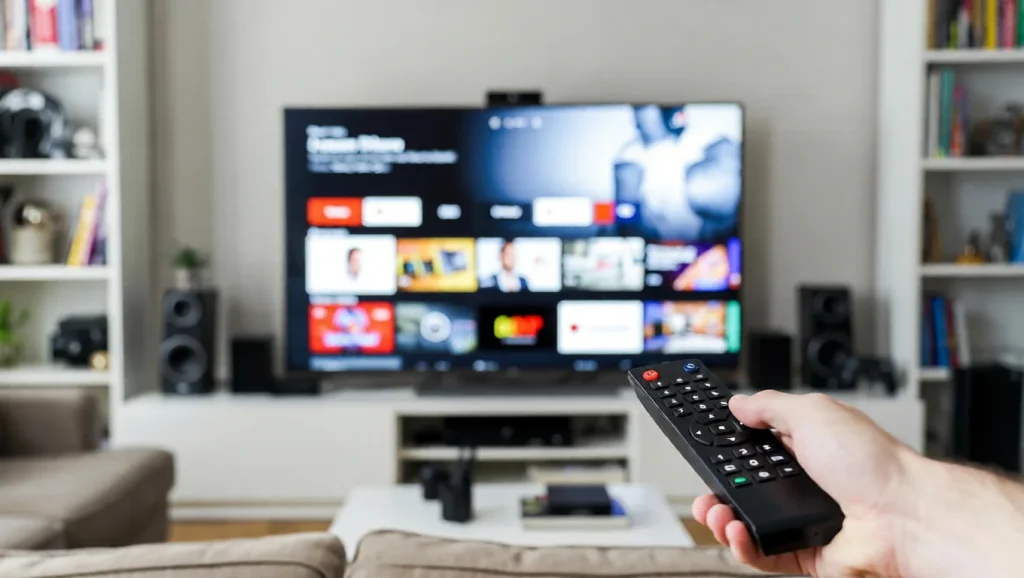
Have you ever wondered what makes your Smart TV so much more than just a regular television? How does it stream your favorite shows, connect to the internet, and even respond to your voice?
Understanding how Smart TVs work can change the way you use them every day. You’ll discover the simple technology behind these powerful devices and learn tips to get the most out of your TV. Keep reading, and soon you’ll feel like a Smart TV expert yourself.
Smart Tv Components
Smart TVs combine several key components to deliver a seamless viewing experience. These parts work together to display content, process commands, and connect to the internet. Understanding these components helps explain how smart TVs function smoothly.
Display Technology
The display is the part you watch. Most smart TVs use LED or OLED panels. LED screens use tiny lights to create images. OLED screens light up each pixel individually for better color and contrast. The display determines picture quality and viewing angles.
Processor And Memory
The processor acts like the TV’s brain. It runs apps and processes video signals. More powerful processors make the TV faster. Memory stores data and helps apps run smoothly. Good memory and processors reduce lag and improve performance.
Connectivity Options
Smart TVs connect to the internet and other devices. They usually have Wi-Fi and Ethernet ports. HDMI and USB ports link devices like gaming consoles or flash drives. These connections let the TV stream shows and share content easily.
Operating Systems
Smart TVs run on operating systems that control their features and apps. These systems manage everything from streaming videos to connecting with other devices. They make the TV easy to use and help it do many tasks.
Popular Smart Tv Platforms
Several operating systems power smart TVs today. Android TV is common and offers many apps from Google Play. Tizen OS, used by Samsung, is known for smooth performance. webOS, found in LG TVs, provides a simple and fast interface. Roku TV is popular for its easy access to streaming channels. Each platform has unique features but aims to make TV use simple.
User Interface And Navigation
The user interface is what you see on the screen. It shows menus, apps, and settings clearly. Navigation uses a remote or voice commands to move through options. Good design means fewer clicks to find what you want. Icons and text are large enough to read easily. Simple navigation helps users enjoy their smart TV without frustration.
Streaming And Apps
Smart TVs combine traditional TV functions with internet capabilities. They allow users to watch online videos and use various apps. Streaming and apps play a key role in how smart TVs work. They turn your TV into an entertainment hub. This section explains how streaming services and apps operate on smart TVs.
Accessing Streaming Services
Smart TVs connect to the internet via Wi-Fi or Ethernet. This connection enables access to streaming platforms. Popular services include Netflix, YouTube, and Hulu. You open these services using the TV’s menu or home screen. Selecting a service loads its interface on your TV screen. You can browse and play movies, shows, and videos. The TV processes the video data and displays it smoothly. Streaming quality depends on your internet speed and TV capabilities.
Installing And Managing Apps
Smart TVs have app stores similar to smartphones. Users can download new apps to expand features. To install an app, navigate to the app store on your TV. Search for the app you want and select download. Apps install quickly and appear on the home screen. Managing apps includes updating and deleting them. Regular updates improve performance and add features. Removing unused apps frees up memory and keeps the TV running well.
Internet Integration
Internet integration is the core of how smart TVs function. It connects your TV to the web, allowing access to a wide range of apps and services. Through this connection, your TV can stream videos, update software, and offer interactive features. The internet brings many possibilities, making your TV more than just a screen for cable channels.
Wi-fi And Ethernet Connections
Smart TVs connect to the internet through Wi-Fi or Ethernet. Wi-Fi offers wireless convenience, letting you place the TV anywhere in your room. Ethernet uses a cable, providing a stable and fast connection. Both methods allow your TV to access online content smoothly. You can choose the best option based on your setup and internet speed.
Smart Features And Voice Control
Internet integration enables smart features on your TV. You can download apps like Netflix or YouTube to watch your favorite shows. Some TVs have voice control, letting you change channels or search by speaking. This feature uses the internet to understand and process your commands. It makes using your TV easier and more interactive.
Content Delivery
Content delivery is the core of how smart TVs stream movies, shows, and videos. It involves sending video data from the internet to your TV in a smooth and fast way. The process must handle different internet speeds and devices. This helps you watch without pauses or poor quality. Smart TVs use special methods to deliver content efficiently. These methods ensure you get the best viewing experience.
Streaming Protocols
Streaming protocols are rules for sending video data over the internet. They guide how data moves from servers to your smart TV. Common protocols include HTTP Live Streaming (HLS) and Dynamic Adaptive Streaming over HTTP (DASH). These protocols break videos into small parts. Your TV downloads these parts one by one. This method allows quick adjustments for internet speed changes. It keeps the video playing smoothly without stopping.
Adaptive Bitrate Streaming
Adaptive bitrate streaming changes video quality based on your internet speed. If your connection is strong, the TV shows high-quality video. If the internet slows down, the TV lowers the quality to avoid buffering. This switch happens automatically and without delay. It helps keep the video running without interruptions. Adaptive bitrate streaming makes sure your watching experience is steady and enjoyable.
Security And Privacy
Smart TVs connect to the internet and collect data to improve user experience. This raises concerns about security and privacy. Protecting your data and controlling what information the TV shares is important. Manufacturers use different methods to keep your information safe and private.
Data Protection Measures
Smart TVs use encryption to secure data. This means your information is coded and hard to access by hackers. Regular software updates fix security holes. Many brands include firewalls to block unauthorized access. Some TVs also scan apps for malware. These steps help keep your data safe from cyber threats.
User Privacy Controls
Most smart TVs let you control what data is shared. You can turn off voice recognition or camera features. Many have settings to limit data collection or tracking. Some TVs allow you to delete your viewing history. Reading privacy policies helps you understand how data is used. These controls give you more power over your privacy.
Future Trends
The future of smart TVs looks bright. New trends are shaping how we watch and interact with content. These innovations will make TVs smarter and more user-friendly. They will change the way we connect with our devices and homes.
Ai And Machine Learning
Smart TVs will use AI to learn your preferences. They will suggest shows and movies based on your watching habits. AI will also improve picture and sound quality automatically. This means better viewing without manual adjustments.
Enhanced Interactivity
Future smart TVs will offer more ways to interact. Voice control will become faster and more accurate. Touch and gesture controls may also become common. These features will make using the TV easier and more fun.
Integration With Smart Homes
Smart TVs will connect better with other smart devices at home. You can control lights, thermostats, and security cameras from your TV screen. This creates a central hub for all smart home activities. It adds convenience and saves time.
Frequently Asked Questions
What Technology Powers Smart Tvs?
Smart TVs use an integrated operating system and internet connectivity. This allows apps, streaming, and web browsing directly on the TV screen. They combine traditional TV functions with computer-like features for enhanced user experience.
How Do Smart Tvs Connect To The Internet?
Smart TVs connect via Wi-Fi or Ethernet cable. This enables streaming services, app downloads, and software updates. A stable internet connection is essential for smooth performance and access to online content.
Can Smart Tvs Run Third-party Apps?
Yes, smart TVs support third-party apps through their app stores. Users can install popular apps like Netflix, YouTube, and Spotify. This flexibility enhances entertainment options and customizes user preferences.
How Do Smart Tvs Update Their Software?
Smart TVs receive over-the-air updates automatically or manually. These updates improve performance, add features, and fix bugs. Regular updates ensure the TV stays secure and compatible with new apps.
Conclusion
Smart TVs connect to the internet and stream content easily. They combine regular TV functions with apps and online services. You can watch movies, play games, and browse online. These TVs use software to manage apps and user commands. Understanding how they work helps you use them better.
Choosing the right smart TV depends on your needs. They offer more than just traditional TV watching. Enjoying smart features makes watching TV more fun and flexible.