
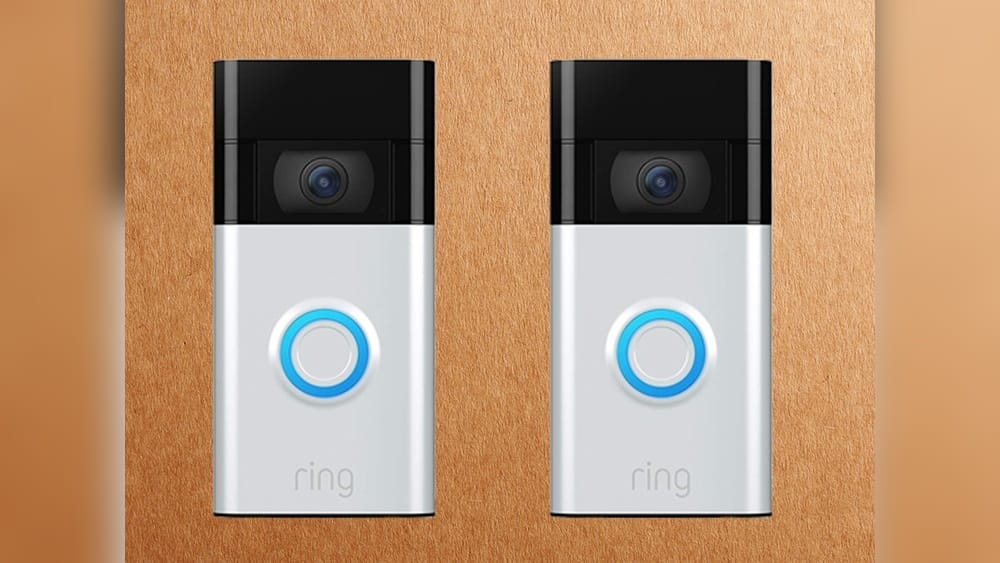
If you’re thinking about buying a Ring Video Doorbell, or you already own one, you may be wondering how long the battery actually lasts. The answer is not as simple as a single number—battery life depends on several factors, including your device model, how often the doorbell is used, your home’s Wi-Fi strength, and even the weather in your area. Understanding these details can help you maximize the time between charges and avoid unwanted surprises.
This article will give you a clear, complete explanation of Ring Video Doorbell battery life. You’ll find real-world data, helpful tips, and insights that most new users miss. Whether you’re considering your first smart doorbell or want to improve your current setup, you’ll find practical advice here. Let’s get started.
Understanding Ring Video Doorbell Models And Their Batteries
Ring offers several video doorbell models, each with its own battery size, features, and expected runtime. Some can be hardwired, but all battery-powered models share similar charging and usage patterns. Knowing your exact model is the first step to understanding what to expect.
Major Battery-powered Ring Doorbell Models
- Ring Video Doorbell (2nd Gen)
- Ring Video Doorbell 3
- Ring Video Doorbell 3 Plus
- Ring Video Doorbell 4
- Ring Video Doorbell Plus (Battery)
- Ring Video Doorbell Pro 2 (Battery)
- Ring Video Doorbell (1st Gen) (older, less common)
Each model uses a rechargeable lithium-ion battery. Some—like the Doorbell 3, 3 Plus, 4, and Plus—feature a quick-release battery pack that you can swap without removing the entire doorbell. Others, such as the Doorbell (2nd Gen), require you to remove the unit from the wall to charge the battery.
Battery Capacity Differences
Battery size varies slightly by model, but most use a pack rated around 6,000 mAh. The actual battery life depends more on how much the doorbell is used and environmental conditions than on capacity alone.
Wired Vs. Battery-only Use
Some Ring doorbells can be hardwired to your existing doorbell wiring. This does not charge the battery quickly but can extend battery life by keeping the battery topped up between charges. However, all battery-powered models are designed to work entirely on battery if needed.
How Long Does The Ring Doorbell Battery Last? (real Numbers)
Ring advertises that most battery-powered doorbells last 6 to 12 months on a single charge under “normal” use. But what does “normal” mean, and is this expectation realistic? Let’s look at what users actually experience.
Manufacturer’s Estimates
- Ring Video Doorbell (2nd Gen): 6–12 months per charge
- Ring Video Doorbell 3, 3 Plus, 4, Plus: 6–12 months per charge
These numbers are based on 15–20 events per day (an event is a motion alert, live view, or doorbell press). If your doorbell is activated more often, the battery drains faster.
Real-world User Reports
Most users report 2 to 4 months of battery life per charge. In homes with high traffic or frequent deliveries, it can be less—sometimes just 1 to 2 months. In very quiet locations, some owners do reach the 6–9 month mark.
Here’s a summary of typical battery life, based on a mix of user reviews and community surveys:
| Ring Model | Manufacturer Claim | Average Real-World Battery Life |
|---|---|---|
| Video Doorbell (2nd Gen) | 6–12 months | 2–4 months |
| Video Doorbell 3/3 Plus | 6–12 months | 2–4 months |
| Video Doorbell 4 | 6–12 months | 2–5 months |
| Video Doorbell Plus | Up to 12 months | 3–6 months |
| Video Doorbell Pro 2 (Battery) | Up to 6 months | 1.5–3 months |
Key Takeaway
Most users should expect to charge their Ring Video Doorbell every 2–4 months, not just once or twice a year. If your doorbell faces a busy street, you may need to charge it more often.
Credit: fincalacoronilla.com
What Affects Ring Doorbell Battery Life?
Battery life is not the same for every home. Several factors can dramatically shorten or extend the time between charges.
1. Number Of Events Per Day
Every time your doorbell detects motion, records video, or you view the camera live, it uses power. More events = faster battery drain.
- Quiet homes (less than 10 events/day): Battery may last 5–6 months
- Busy homes (30+ events/day): Battery may last just 1–2 months
2. Motion Detection Sensitivity
A high sensitivity setting causes your Ring to record more often, capturing pets, cars, or even blowing leaves. Lowering sensitivity can reduce unnecessary events and save battery.
3. Use Of Live View
Frequently checking the Live View stream drains the battery much faster. Each Live View session uses more energy than a quick motion alert.
4. Wi-fi Signal Strength
Weak Wi-Fi forces the device to work harder to maintain a connection, which increases power consumption. Placing your router closer or using a Wi-Fi extender can help.
5. Temperature And Weather
Cold weather slows down lithium-ion batteries and reduces capacity. In winter, battery life may drop by 25–50%. If your doorbell is in direct sun, extreme heat can also cause faster drain.
6. Night Vision Usage
If your doorbell records many events at night, the infrared LEDs turn on, using more power. Homes with lots of nighttime activity will see reduced battery life.
7. Smart Features And Integrations
Features such as Pre-Roll Video, Alexa integration, and advanced motion detection use extra power. Turning off unused features can extend battery life.
8. Battery Age
All rechargeable batteries lose capacity over time. After 1–2 years of regular use, your Ring battery may not last as long as when new.
How To Check Battery Life On Your Ring Video Doorbell
Knowing when to charge is important. Ring makes it easy to check your current battery level:
- Open the Ring app on your smartphone.
- Tap your Ring Doorbell device.
- Look for the battery icon in the top right corner.
- Tap the icon for more details. The app shows the battery percentage.
Ring will also send a low battery alert (usually at 20% or below) so you have time to recharge before the device shuts off.
Charging Your Ring Doorbell: Time, Tools, And Tips
When it’s time to charge, you have two main options, depending on your model.
For Removable Battery Models (quick-release)
- Press the release tab to remove the battery pack.
- Plug the battery into a micro-USB cable (provided with your doorbell).
- A full charge takes 5–10 hours (varies by charger and battery age).
- The battery indicator light turns green when ready.
- Slide the battery back into the doorbell until it clicks.
For Non-removable Battery Models
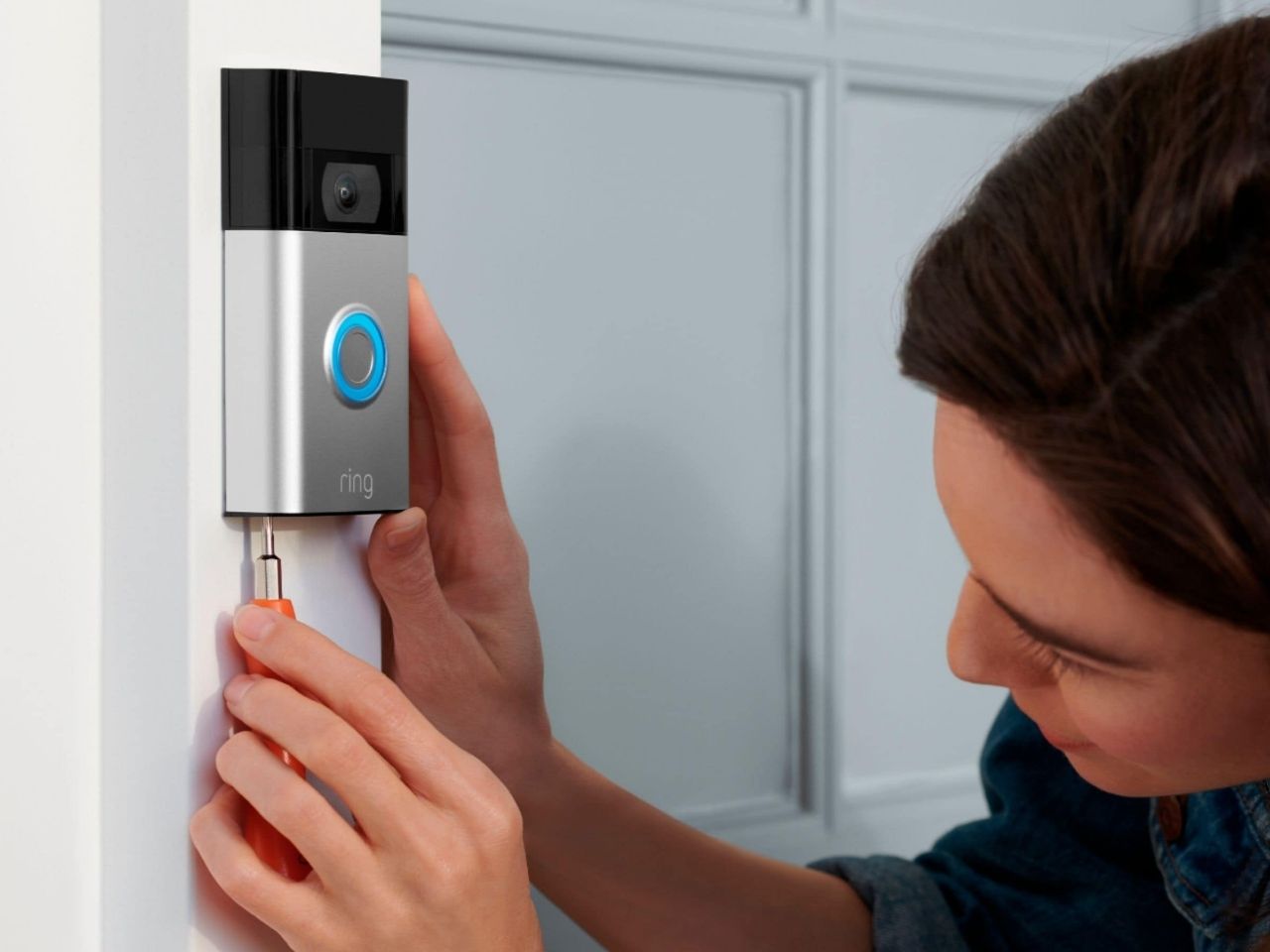
- Unscrew the doorbell from the wall.
- Plug a micro-USB cable into the charging port on the back.
- Charge for 5–10 hours.
- Re-attach the doorbell.
Charging Tips
- Charging with a wall adapter is faster than using a computer’s USB port.
- Having a second battery pack allows you to swap and keep your doorbell running without downtime.
- If your battery drains unusually fast, check for excessive motion events or Wi-Fi problems.
Comparing Ring Doorbell Battery Life To Other Brands
How does the Ring Video Doorbell stack up against competitors like Google Nest Doorbell (Battery) or Arlo Essential Video Doorbell? Here’s a side-by-side look:
| Brand/Model | Advertised Battery Life | Average User-Reported Battery Life |
|---|---|---|
| Ring Video Doorbell 4 | 6–12 months | 2–5 months |
| Google Nest Doorbell (Battery) | Up to 6 months | 1.5–3 months |
| Arlo Essential Video Doorbell | Up to 6 months | 2–4 months |
Key insight: Most battery-powered video doorbells have similar real-world battery life—typically 2 to 4 months per charge for moderate usage. Manufacturer claims are always based on ideal, low-usage scenarios.
Credit: ring.com
How To Make Your Ring Video Doorbell Battery Last Longer
You can take steps to get the most out of each charge. Here are proven ways to extend your Ring’s battery life:
1. Adjust Motion Settings
- Lower motion sensitivity to avoid false triggers from cars, animals, or moving trees.
- Use Motion Zones to focus only on important areas (like your front steps).
- Turn off Person Detection if you don’t need it.
2. Reduce Live View Usage
Check the camera only when necessary. Frequent live streaming is a top reason for short battery life.
3. Improve Wi-fi Signal
- Move your router closer to the doorbell if possible.
- Add a Wi-Fi extender or use Ring’s Chime Pro to boost the signal.
- Check the RSSI value in the app (closer to 0 is better).
4. Decrease Event Frequency
If you receive too many alerts, consider:
- Scheduling Motion Snooze for busy periods (like when kids play outside).
- Limiting notifications to only “Person Detected.”
5. Minimize Nighttime Recordings
Brighten the area around your door with a small light to reduce reliance on infrared night vision.
6. Update Firmware And App
Keeping your Ring device and app up to date ensures the latest battery optimizations are active.
7. Hardwire If Possible
If your home has existing doorbell wiring, connect your Ring to it. Even though the battery still does most of the work, trickle charging can extend battery life by several weeks.
8. Use A Solar Charger
Ring sells a solar charger mount for some models. In sunny areas, this can keep the battery topped up and reduce or even eliminate manual charging.
Common Mistakes That Drain Battery Faster
Many new users unintentionally shorten their Ring’s battery life. Watch out for these common issues:
- Setting motion detection to maximum sensitivity without adjusting zones
- Placing the doorbell where it sees a busy road or sidewalk
- Constantly checking Live View out of curiosity
- Ignoring weak Wi-Fi signals
- Forgetting to update software and firmware
By avoiding these mistakes, you can often double or triple your battery’s runtime.
Real User Experiences: What To Expect
Ring Video Doorbells are used by millions of people worldwide, and their experiences reveal a consistent pattern:
- Busy households (lots of visitors, pets, deliveries) usually need to recharge every 1 to 2 months.
- Low-traffic homes may go 4–6 months between charges.
- Owners in cold climates see shorter battery life, especially during winter.
- Users who set up motion zones and avoid checking Live View often report the best results.
Many users find it convenient to keep a second battery pack charged and swap them as needed. This way, the doorbell never needs to be offline for charging.
The Impact Of Smart Home Integrations
If you connect your Ring Doorbell to Amazon Alexa, smart displays, or other home automation routines, battery drain can increase. For example, if your Echo device announces every motion event, that means more frequent video uploads and notifications, which use more power.
However, most people find the extra convenience worth the small decrease in battery life. If battery life is your top priority, consider limiting integrations that require frequent video access.
Replacing The Ring Doorbell Battery: What You Need To Know
All Ring battery packs are designed to last at least 500 full charge cycles. For most people, this means 2–3 years of normal use before significant capacity loss. If your battery stops holding a charge, you can buy a replacement pack directly from Ring or authorized retailers.
- Expect to pay $30–$35 for a new battery.
- Swapping the battery takes less than a minute on most models.
Ring does not offer battery replacement for models with non-removable batteries. If the battery fails, you’ll need to replace the whole doorbell unit.
Is A Battery-powered Ring Doorbell Right For You?
Choosing between a battery-powered and a wired Ring Doorbell depends on your needs:
- If you rent or can’t access your home’s wiring, battery-powered is the best (and often only) choice.
- If you want the longest possible battery life, look for models with removable battery packs and consider wiring or adding a solar charger.
- If you don’t want to worry about charging, and you have existing wiring, a fully wired model may be a better fit.
Battery-powered Ring doorbells are the most flexible and easiest to install, and most users adjust quickly to the charging routine.
Environmental Factors: How Location Changes Everything
Where you live can make a big difference in how often you need to charge your Ring.
- Cold climates: Expect 25–50% less battery life during winter months. Extreme cold slows chemical reactions inside the battery.
- Very hot climates: Battery life can be shorter during heat waves, and heat can speed up battery aging.
- Rain, snow, humidity: These don’t directly affect battery life, but water entering the device (rare, but possible) can damage the battery and electronics.
If you live in an area with extreme weather, consider a weather shield or protective mount. Store spare batteries indoors, not outside.
Battery Life And Security: What If The Battery Dies?
A dead battery means your Ring Video Doorbell will stop recording and sending alerts. You won’t be able to check the camera or receive notifications until it’s recharged.
Key reminders:
- The Ring app sends a low battery warning at 20% and again at 10%.
- It’s smart to recharge when the battery falls below 20% to avoid downtime.
- For critical security, keep a spare battery ready or schedule regular charging.
If you’re away from home for long periods, ask a friend or neighbor to keep an eye on your device and charge it if needed.
Comparing Battery And Wired Ring Doorbells
Let’s compare battery-powered and wired Ring doorbells to help you decide which is better for your home.
| Feature | Battery-Powered | Wired |
|---|---|---|
| Installation | No wiring needed, easy | Requires doorbell wiring |
| Battery Charging | Every 2–6 months | Never |
| Placement Options | Anywhere | Limited to wiring location |
| Consistent Power | No (may run out) | Yes |
| Features | Most available | Some advanced features (like pre-roll) need more power |
Wired models eliminate the need for charging but require professional installation. Battery-powered models are best for renters, DIYers, and homes without wiring.
When To Replace Your Ring Doorbell Battery
You may need to replace the battery if you notice:
- The battery drains much faster than before, even after following all battery-saving tips.
- The device doesn’t hold a charge for more than a few days.
- The Ring app shows an error or fails to recognize the battery.
Replacement is easy for most models. For older or non-removable battery models, it may be more cost-effective to upgrade to a newer Ring device.
The Future Of Ring Doorbell Battery Life
Ring continues to improve battery technology with each new model. Software updates have also helped optimize battery usage by reducing false motion alerts and improving power efficiency.
Some upcoming trends:
- Larger battery packs for extended life
- Faster charging options
- Smarter motion detection to minimize unnecessary recordings
If you’re buying a new Ring Doorbell, check the latest models and features at the official site or trusted reviews like CNET.
Frequently Asked Questions
How Long Does The Ring Video Doorbell Battery Last Per Charge?
Most users can expect 2 to 4 months of battery life per charge, depending on usage, settings, and environment. Ring’s official claims are higher, but real-world results vary.
How Do I Know When My Ring Battery Needs To Be Charged?
The Ring app shows your battery percentage at all times. You’ll receive a low battery alert when levels drop to 20% and again at 10%, giving you time to recharge.
Can I Leave My Ring Doorbell Plugged In All The Time?
If your model supports hardwiring, you can connect it to your home’s doorbell wiring for trickle charging. This extends battery life but usually does not provide unlimited power. Full-time USB charging is not recommended unless specified by Ring.
What Happens If My Ring Doorbell Battery Dies?
When the battery is empty, your doorbell stops working and will not record or send alerts. You need to recharge or replace the battery to restore function.
Do I Need To Buy A Second Battery For My Ring Doorbell?
A second battery is not required but is highly recommended. It lets you swap batteries with no downtime, keeping your doorbell active while you recharge the spare.
No matter where you live or which Ring model you use, understanding battery life helps you get the most out of your smart doorbell. With the right settings and a little planning, you can enjoy months of reliable security and convenience.
If you’re willing to adjust your setup and avoid common pitfalls, your Ring Video Doorbell will keep your front door protected with less hassle and fewer interruptions.

Credit: kinderzeichnung.de