
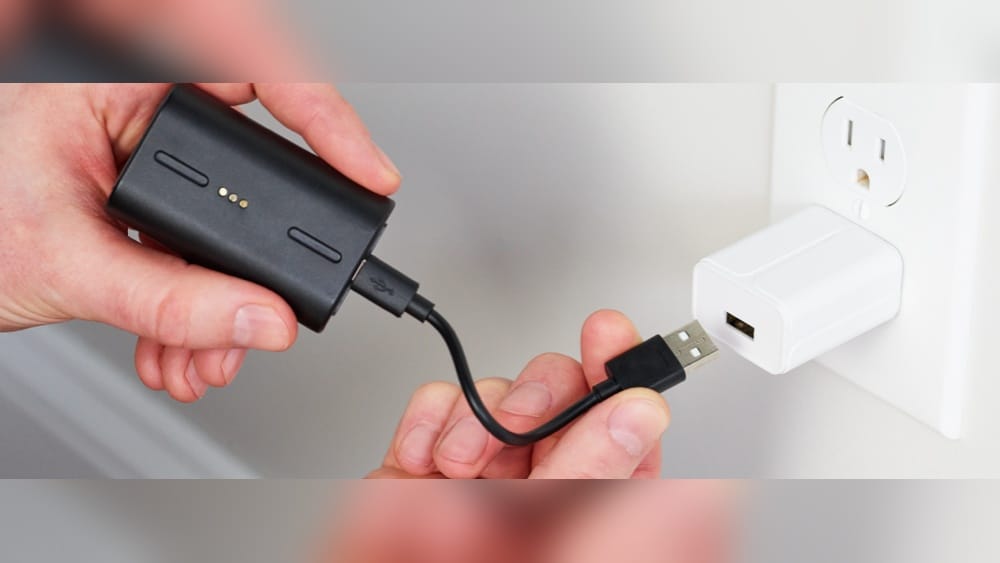
If you own a Simplisafe Outdoor Camera, you probably want reliable security, clear video, and a device that works day and night. But to get all these features, your camera must stay charged. Many people struggle with charging or maintaining their Simplisafe Outdoor Camera. Maybe you’re worried the battery will run out at the wrong moment, or you’re not sure how to charge it safely. This guide will help you understand every step of charging, from preparing the camera to optimizing battery life. You’ll also learn practical solutions for common problems, see useful comparisons, and get answers to frequent questions—all in simple, clear language.
Understanding The Simplisafe Outdoor Camera Battery
Before learning how to charge, it’s important to know what kind of battery your camera uses. The Simplisafe Outdoor Camera comes with a rechargeable lithium-ion battery. This battery is designed for outdoor use, meaning it can handle temperature changes, rain, and dust. The camera’s battery is not just about keeping the camera running—it also affects video quality and how well the camera responds to motion.
The battery lasts up to 3–6 months with normal usage, but this depends on how often the camera records and the weather conditions. For example, extreme cold can reduce battery life, while heavy activity (lots of motion alerts) means you’ll need to charge more often.
It’s helpful to track your own usage for a couple of months to see what’s normal in your home.
Why Lithium-ion?
Lithium-ion batteries are popular because they:
- Hold charge longer
- Recharge quickly
- Are lightweight and durable
But they need careful handling. Overcharging or letting the battery drop too low can shorten its life. Unlike older battery types, lithium-ion batteries don’t have a “memory effect,” so you don’t need to fully drain them before charging. However, they perform best when kept between 20% and 80% charge most of the time.
Many people overlook that lithium-ion batteries will slowly lose capacity as they age, no matter how carefully you treat them. Heat is their enemy—try to avoid leaving the camera or battery in direct sun, especially while charging.
Where Is The Battery?
The battery is inside the camera’s body, protected from weather. You can access it by removing the back cover, which is secured with a latch or screws depending on your camera model. Sometimes, people are nervous about opening the camera, but as long as you are gentle and follow instructions, it’s quite safe.
If you’re unsure, you can find video tutorials on the Simplisafe website or app to see the process step by step.
Step-by-step Guide: Charging Your Simplisafe Outdoor Camera
Charging is not complicated, but doing it right ensures your camera stays safe and lasts longer. Follow these steps:
1. Prepare Your Camera
- Make sure your camera is turned off before charging.
- If it’s mounted high, use a safe ladder or stool to reach it. Never stand on unstable surfaces.
- Clean the camera gently to remove dirt, dust, or water. Use a soft, dry cloth. Avoid spraying water or cleaners directly on the camera.
Taking a few moments to prepare your work area can prevent accidents and help you notice any damage or issues with the camera before you handle the battery.
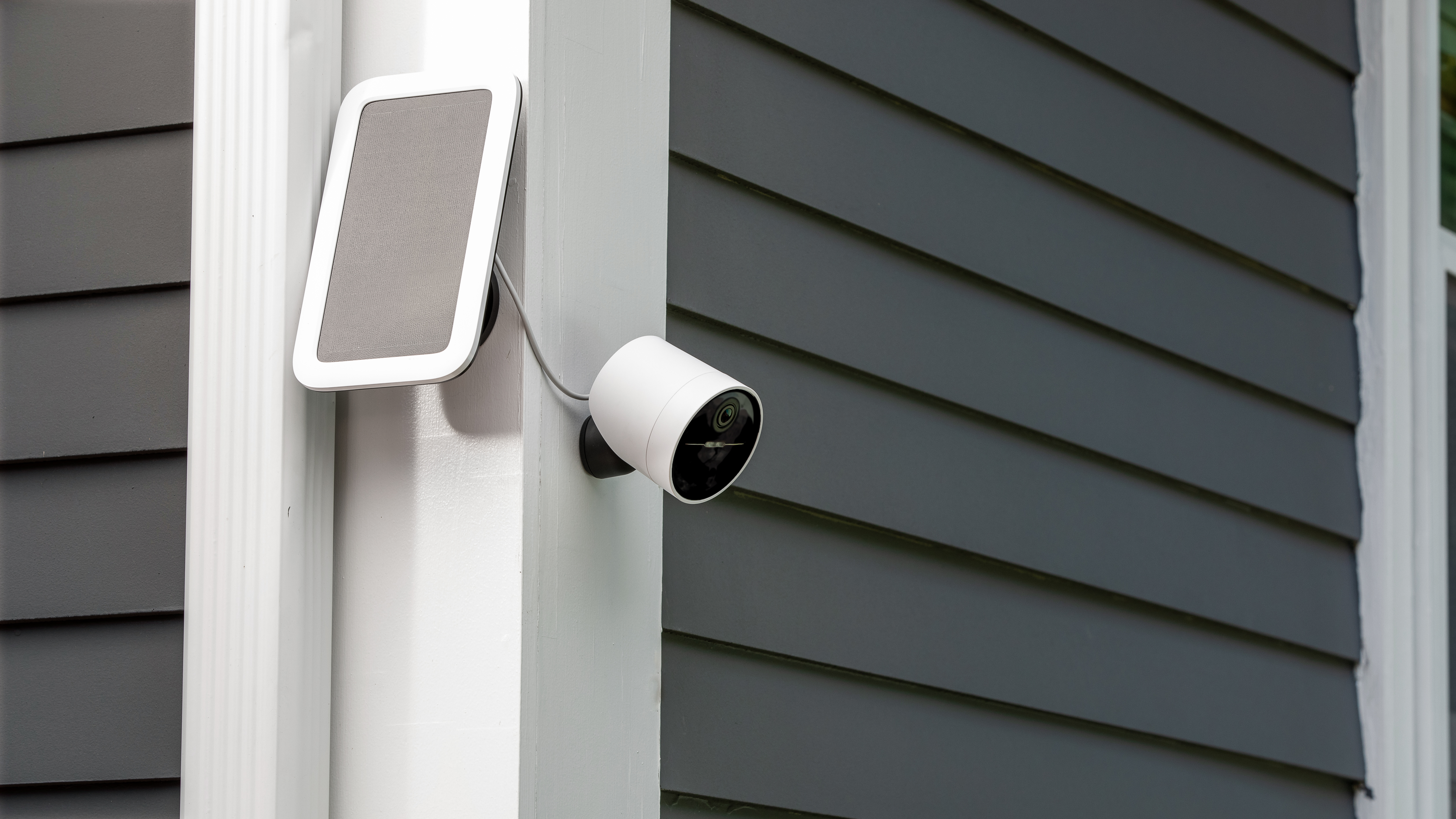
2. Remove The Battery
- Open the back cover by sliding the latch or unscrewing (use a screwdriver if needed). Keep screws in a safe place so you don’t lose them.
- Gently pull out the battery pack. Don’t force it—if it’s stuck, wiggle carefully. Sometimes, a little dust or debris can make removal harder, so check the compartment for obstructions.
If you have trouble, check that you’re following the right steps for your specific model. Forcing the battery out can damage connectors or the battery pack itself.
3. Use The Official Charger
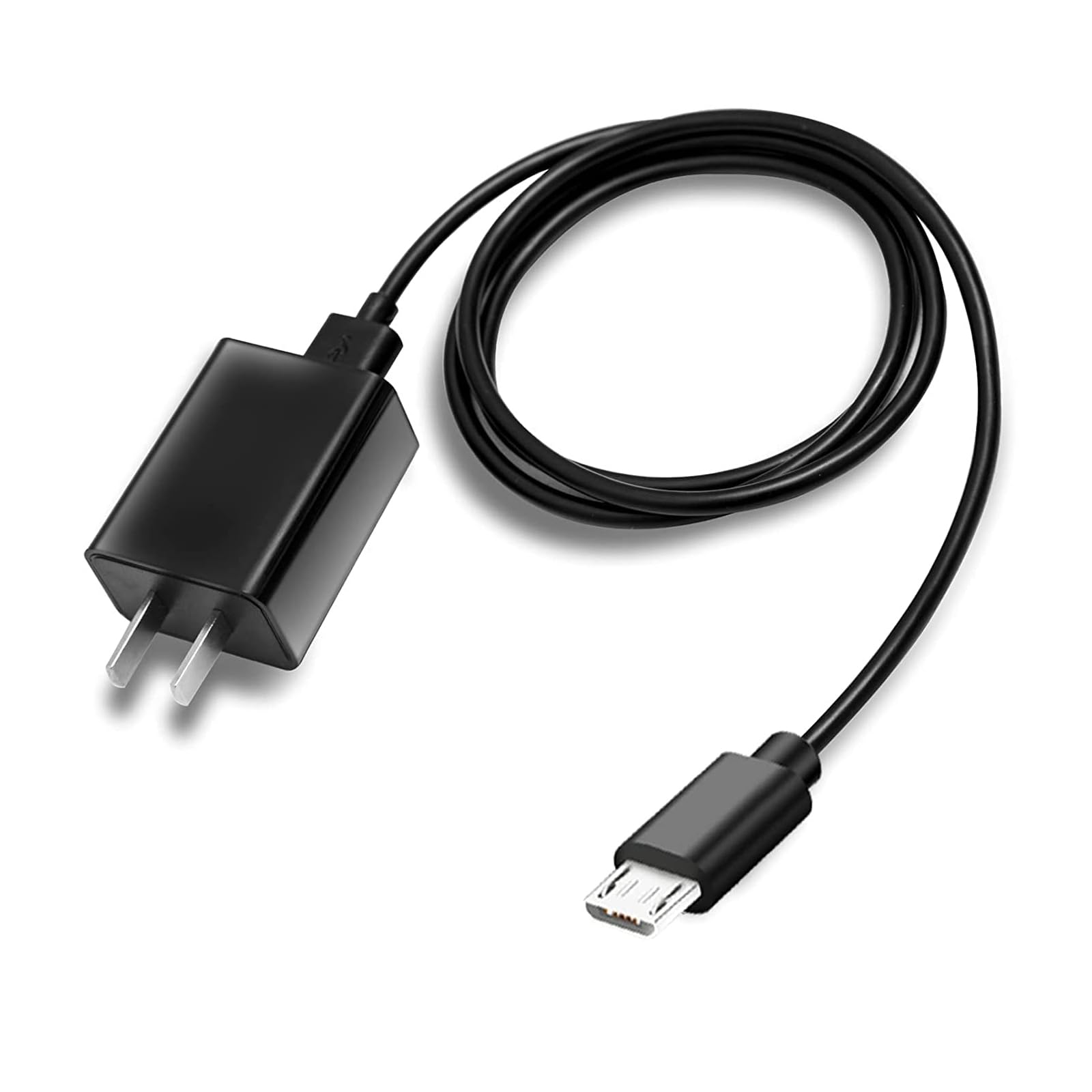
Simplisafe provides a USB-C charging cable and adapter. Always use the official charger, because other chargers might not deliver the correct voltage, which can damage the battery. Non-official chargers may also void your warranty.
- Connect the battery to the USB-C cable.
- Plug the charger into a wall outlet (avoid charging from computer USB ports; these are slower and may not deliver enough power).
If you have more than one Simplisafe camera, label your chargers and batteries to avoid mixing them up.
4. Monitor Charging Status
There’s a small LED indicator on the battery or charger:
- Red light means charging.
- Green light means fully charged.
Charging usually takes 5–6 hours from empty to full. If the battery gets warm, it’s normal—but if it becomes hot or smells strange, unplug immediately. A hot battery is a warning sign that something may be wrong.
Some people like to set a timer as a reminder to check on the battery. This can help prevent overcharging and makes sure you don’t forget the battery is charging.
5. Reinstall The Battery
- Once fully charged, disconnect the charger.
- Place the battery back into the camera, making sure it fits snugly.
- Close the back cover firmly.
If the cover doesn’t close easily, double-check that the battery is inserted correctly. Don’t force the cover shut, as this could damage the locking mechanism or the weatherproof seal.
6. Test The Camera
- Turn the camera on.
- Check the battery level using the Simplisafe app.
- Make sure the camera connects to Wi-Fi and records properly.
Testing the camera before remounting saves time. If there’s a problem, you can fix it before putting the camera back in place. Sometimes a firmware update is needed after reinstalling the battery—watch for update prompts in the app.
7. Mount The Camera Again
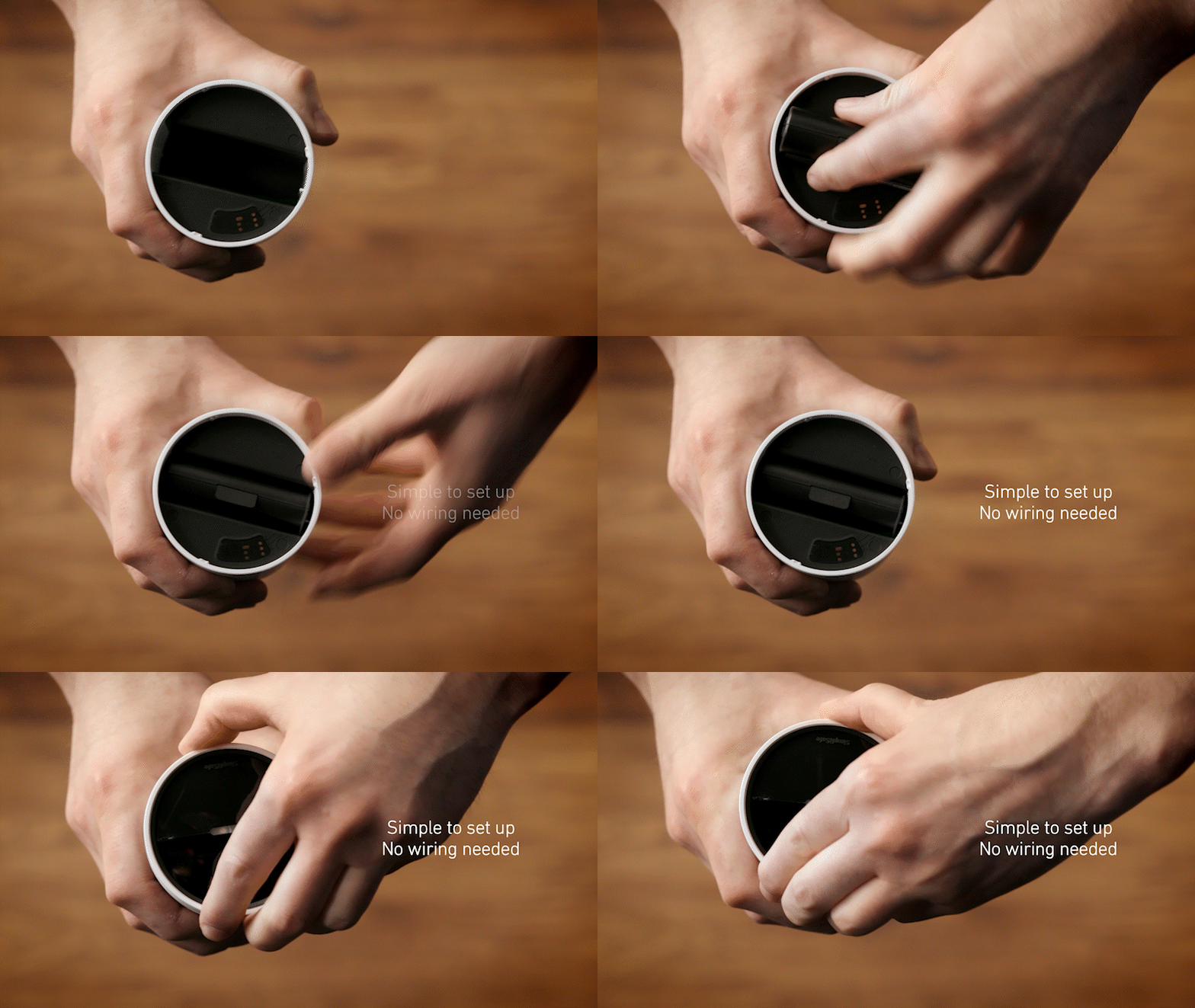
If you removed the camera from its mount, reattach it securely. Make sure it’s angled for the best view and that the mount is tight. Check that the camera is steady and not loose, as movement can affect video quality and trigger false motion alerts.
Credit: support.simplisafe.com
Charging Without Removing The Battery: Is It Possible?
Some newer Simplisafe Outdoor Cameras allow direct charging via USB-C without removing the battery. If your model has a port on the outside, you can:
- Plug the USB-C cable directly into the camera.
- Charge while the camera stays in place.
This is more convenient, but beware: outdoor charging can be risky in wet weather. Only charge outside if it’s dry, or use a waterproof cover. Moisture getting into the charging port can cause short circuits or corrosion over time.
Another tip—if you plan to use direct charging often, consider buying a longer USB-C cable so you can reach the camera more easily from a nearby power outlet.
Comparison: Battery Removal Vs Direct Charging
Here’s a quick comparison of the two methods:
| Feature | Battery Removal | Direct Charging |
|---|---|---|
| Convenience | Less convenient | More convenient |
| Safety | Very safe | Risky in wet weather |
| Charging Time | 5–6 hours | 5–6 hours |
| Risk of Damage | Low | Medium |
If you use direct charging, check your power source. Outdoor outlets should be weatherproof, and cords should not become a tripping hazard.
Charging Tips For Maximum Battery Life
You want your camera to last as long as possible between charges. Here are some proven tips:
- Charge before battery drops below 20%. Deep discharging can damage lithium-ion batteries and may cause the camera to shut down suddenly.
- Avoid overcharging. Once the battery is full, unplug it. Overcharging stresses the battery and may reduce its lifespan.
- Charge in moderate temperatures. Extreme cold or heat can reduce battery capacity. If possible, bring the battery inside to charge.
- Clean charging contacts. Dust or corrosion can slow charging and reduce efficiency. Use a dry, soft cloth to wipe contacts before charging.
- Use official accessories. Non-Simplisafe chargers may charge too slowly or too fast, risking damage.
- Check firmware updates. The Simplisafe app sometimes updates camera software, which can improve battery management.
Non-obvious Insights
- Motion sensitivity affects battery life: If you set the camera to high sensitivity, it records more often and uses more power. Adjust settings for your location. If you have a busy street nearby, consider lowering sensitivity or setting activity zones to avoid false alerts.
- Wi-Fi signal strength matters: Weak Wi-Fi forces the camera to use more energy. Place your router close or use a Wi-Fi extender. Most people don’t realize that even a strong, stable Wi-Fi connection can make a big difference in battery performance.
Another tip: If your camera faces a busy street or sidewalk, you might try adjusting the camera angle or using privacy zones in the app to block certain areas from motion detection, which can save battery life.
Credit: support.simplisafe.com
Common Charging Mistakes And How To Avoid Them
Many users make simple errors that can shorten battery life or damage the camera. Here’s what to watch out for:
- Using a wrong charger: Cheap USB-C cables may not work well. Always use the official charger. Non-matching chargers can damage the battery over time.
- Charging in rain or snow: Water and electricity don’t mix. Only charge when it’s dry.
- Leaving battery in charger too long: Don’t leave it plugged in overnight every time. This can lead to overheating or reduce battery lifespan if done regularly.
- Ignoring battery warnings: If the Simplisafe app says battery is low, charge soon. Delaying can cause the camera to shut down unexpectedly and miss important events.
- Forcing battery removal: If the battery is stuck, don’t use too much force. This can break connectors. Instead, gently wiggle and use a soft tool if needed.
One more mistake to avoid: Don’t store spare batteries in hot cars or direct sun. Store them in a cool, dry place when not in use.
How Often Should You Charge?
The charging frequency depends on:
- Activity level: Busy areas need more charging. Cameras watching driveways, sidewalks, or play areas may trigger many recordings.
- Weather: Cold can drain batteries faster. In winter, you may need to charge every 1–2 months.
- Camera settings: High-definition video uses more power. If you don’t need the highest quality, lowering the resolution can stretch battery life.
Most users charge every 2–4 months. If your battery drains faster, check for:
- High motion sensitivity
- Weak Wi-Fi
- Cold temperatures
It’s smart to check battery level every few weeks, especially after storms or big temperature changes.
Charging In Extreme Conditions
If you live in a place with very hot summers or cold winters, battery performance can suffer. Here’s how to protect your camera:
Cold Weather
- Charge inside, where it’s warmer. Charging batteries in freezing temperatures can reduce efficiency and even damage the battery.
- Expect shorter battery life; charge more often. Don’t wait for the battery to run out completely.
- Insulate the camera by placing it under an eave or cover. Some users use small plastic covers to shield the camera from snow and ice.
Hot Weather
- Avoid charging during peak heat. Morning or evening is safer.
- Keep camera out of direct sunlight when charging. Shade helps prevent overheating.
- Battery may get warm—let it cool before reinstalling. Hot batteries can lose capacity faster.
Example: Winter Charging
A user in Minnesota noticed battery lasted only 2 months instead of 4 in winter. He started charging inside, and battery life improved. He also reduced motion sensitivity to cut down on unnecessary recordings. Another idea: If your area gets lots of snow, try to keep the lens clear, as snow can trigger false alerts and drain power.
Solar Charging: Does It Work?
Some people want to avoid manual charging. Simplisafe does not sell an official solar charger for its outdoor camera, but third-party solar panels exist. Before buying, check:
- Compatibility: Make sure the panel fits your camera’s USB-C port.
- Power output: Should match the battery’s needs (5V, 2A).
- Weather resistance: Solar panels must handle rain and sun.
Ask the seller if the solar panel is designed for security cameras, and check online reviews. Some panels work well, but others may struggle in cloudy weather or with cameras that record very often.
Solar Charging Pros And Cons
| Pros | Cons |
|---|---|
| No manual charging | May void warranty |
| Eco-friendly | Not always reliable in cloudy weather |
| Works in remote locations | Extra setup needed |
Solar charging can be useful, but it’s not perfect. If you want consistent performance, manual charging is still best. If you travel for long periods, solar charging can keep your camera running, but always check after storms or long cloudy periods.
Battery Replacement: When And How
The battery will eventually lose capacity after many charge cycles—usually after 2–3 years. Signs you need a replacement:
- Battery drains quickly even after full charge
- Camera shuts off unexpectedly
- Charging takes longer than normal
To replace:
- Buy a Simplisafe official battery (avoid third-party batteries).
- Remove the old battery and insert the new one, following the same steps as charging.
- Recycle the old battery properly; don’t throw it in the trash.
Some users try third-party batteries to save money, but these may not be tested for your camera and could damage your device or void the warranty.
Monitoring Battery Health In The Simplisafe App
The Simplisafe app lets you check battery level and health:
- Open the app and select your camera.
- Battery percentage shows on the main screen.
- If the battery is low or unhealthy, you’ll see a warning.
Battery Health Features
Some app updates include battery health tips, reminders to charge, and firmware updates to improve battery life. Stay updated so your camera runs smoothly. You can also set up app notifications to alert you when battery is low—this is handy if you travel or have multiple cameras.
Credit: www.amazon.com
Troubleshooting Charging Problems
Sometimes the battery doesn’t charge as expected. Here are some common issues and solutions:
1. Battery Not Charging
- Check the USB-C cable for damage.
- Try a different wall outlet.
- Clean charging contacts.
- Confirm the battery is properly seated in the charger.
2. Camera Won’t Turn On After Charging
- Make sure battery is inserted correctly.
- Check for firmware updates in the app.
- Contact Simplisafe support if problem persists.
3. Battery Overheating
- Unplug and let cool before retrying.
- Charge in a shaded, cool area.
- If overheating continues, stop using the battery and contact Simplisafe.
4. Slow Charging
- Avoid charging from computer USB ports.
- Use official charger for faster charging.
- Check for dust or corrosion on charging contacts.
5. Led Indicator Not Working
- Try charging for 10 minutes; sometimes LED needs time to light up.
- If still not working, battery may be defective.
- Test with a different charger if available.
If you’re stuck, Simplisafe’s customer support is helpful and can guide you through more advanced troubleshooting steps.
Detailed Example: Charging Cycle For A Busy Household
Imagine a family with two kids and a dog. The camera records often, catching motion in the yard. They charge every 2 months. Their process:
- Check battery level weekly in the app.
- When battery drops below 25%, remove and charge inside.
- Use a surge protector for safe charging.
- Clean camera lens and contacts before reinstalling.
- Adjust motion sensitivity to avoid false alerts (like leaves blowing).
This routine keeps their camera reliable all year. They also set reminders on their phone to check the battery after holidays or special events, when there’s more activity outside.
Comparing Simplisafe Outdoor Camera Charging To Other Brands
You might wonder how Simplisafe compares to other popular outdoor cameras. Here’s a quick look:
| Brand | Battery Life | Charging Method | Weather Resistance |
|---|---|---|---|
| Simplisafe | 3–6 months | USB-C, removable battery | IP65 |
| Arlo Pro 4 | 4–6 months | Magnetic cable, removable battery | IP65 |
| Ring Stick Up Cam | 3–6 months | Micro USB, removable battery | IPX5 |
| Google Nest Cam | 3–6 months | USB-C, non-removable battery | IP54 |
Simplisafe matches well against competitors, with a convenient USB-C system and strong weather resistance. Unlike some brands, the removable battery makes it easier to keep your camera running without long downtime. Some users prefer the magnetic charging of Arlo, while others like the simplicity of USB-C.
Safety Tips For Charging
Keeping your camera safe means protecting the battery and your home:
- Always unplug once fully charged.
- Never charge in wet conditions.
- Don’t use damaged cables or adapters.
- Keep charger out of reach of pets and children.
- Check battery for swelling or damage before charging.
If the battery looks puffy or has a strong odor, it may be unsafe—replace it immediately. Always follow the manufacturer’s safety advice.
Environmental Concerns And Battery Disposal
Lithium-ion batteries contain chemicals that can harm the environment if not disposed of properly. When replacing your battery:
- Take old batteries to a recycling center.
- Do not throw batteries in household trash.
- Some electronics stores accept used batteries.
For more information on safe disposal, check the EPA’s guidelines. Responsible disposal helps keep your community safe and reduces pollution.
Maximizing Security With Charging Routine
A reliable charging routine means your camera is always ready to protect your home. Here’s how to build a routine:
- Mark charging days on your calendar.
- Clean camera and lens during charging.
- Test camera after reinstalling battery.
- Review security footage to check for missed activity.
These habits prevent surprises and ensure your camera works when you need it. Some users keep a spare battery charged and ready, so there’s no gap in coverage.
Frequently Asked Questions
How Long Does It Take To Fully Charge The Simplisafe Outdoor Camera Battery?
It takes about 5–6 hours to charge from empty to full using the official USB-C charger. Charging time can be slightly longer in cold weather.
Can I Use A Third-party Charger Or Battery?
It’s best to use official Simplisafe chargers and batteries. Third-party options may not deliver the correct voltage or may void your warranty.
What Should I Do If The Battery Drains Faster Than Expected?
Check for high motion sensitivity, weak Wi-Fi, or extreme temperatures. Adjust settings, move router closer, and charge inside during cold weather.
Is It Safe To Charge The Camera Outside?
You can charge outside only in dry conditions. Charging in rain or snow is risky and can damage the camera.
How Do I Know If My Battery Needs Replacement?
If the battery drains quickly, takes longer to charge, or the camera shuts off unexpectedly, it may be time for a new battery. Always buy official replacements.
Keeping your Simplisafe Outdoor Camera charged is key to home security. With the right routine, safe charging methods, and smart battery care, your camera will stay reliable for years. Whether you’re charging manually or considering solar options, following these practical steps will help you avoid common problems and get the best performance. Remember, a well-charged camera means peace of mind and protection for your family, day and night.