
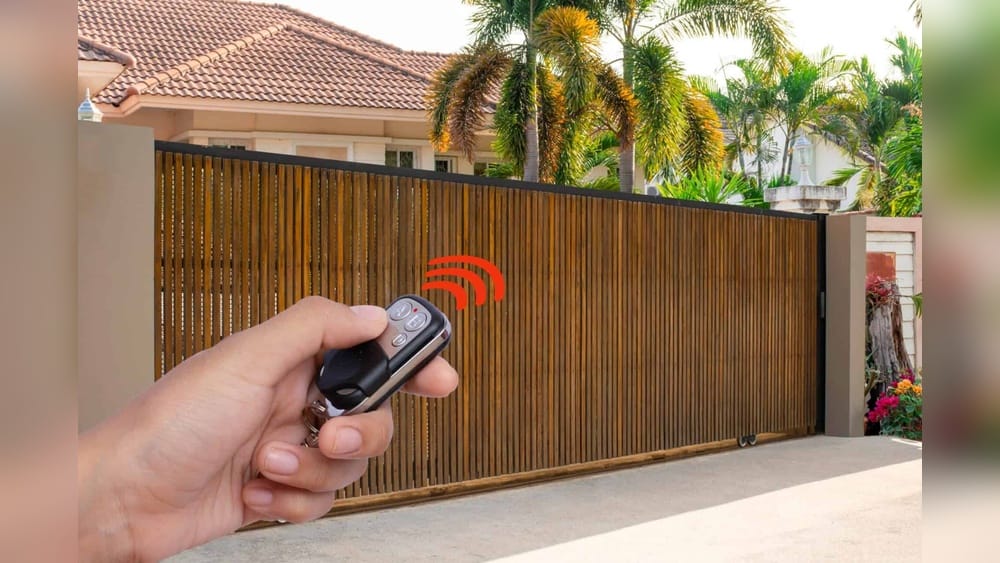
Programming a gate remote control may sound technical, but it’s much easier than most people expect. You don’t need to be an engineer or a tech expert to do it. With the right approach, a little patience, and some basic guidance, you can set up your gate remote and enjoy smooth access to your home or business.
Many people buy a new remote or lose their original one and think they need professional help—often, that’s not necessary. This guide will show you step-by-step how to program a gate remote control, explain the differences between remote types, help you avoid common mistakes, and answer the questions beginners usually have.
By the end, you’ll feel confident handling your gate remote, no matter the brand or model.
Understanding Gate Remote Controls
Gate remotes are small devices that send signals to a gate opener system. When you press a button, the remote sends a radio frequency (RF) signal to a receiver inside the gate motor. If the signal matches what the receiver expects, it triggers the gate to open or close.
Types Of Gate Remotes
There are three main types of gate remotes:
1. Fixed Code Remotes
These remotes use a set code that never changes. Programming is simple, but security is lower because the code can be copied.
2. Rolling Code Remotes
These remotes generate a new code each time you press the button. This makes them more secure but a bit trickier to program.
3. Universal Remotes
These remotes can be programmed to work with many brands. They’re great for replacing lost remotes or using the same device for multiple gates.
How Gate Remote Systems Work
Gate openers have a receiver unit that listens for signals from remotes. The receiver checks if the signal matches a stored code. If yes, it activates the motor. Some systems allow many remotes, but each must be programmed to the receiver.
Key Features And Specs
Gate remote controls vary in:
- Frequency (most common: 315 MHz, 433 MHz)
- Number of buttons (single, dual, or multi-button)
- Compatibility (works only with certain gate opener brands)
- Battery type (often CR2032 or AA/AAA)
Below is a comparison of popular remote types:
| Remote Type | Security | Programming Difficulty | Compatibility |
|---|---|---|---|
| Fixed Code | Low | Easy | Brand-specific |
| Rolling Code | High | Medium | Brand-specific |
| Universal | Medium | Medium | Multi-brand |
Preparing To Program Your Gate Remote
Before starting, gather all the tools and information you’ll need. Many beginners skip this step and waste time later.
What You Need
- New or replacement remote
- Gate opener manual
- Access to the receiver unit (usually inside the gate motor housing)
- Small screwdriver (if needed to open the receiver box)
- Working batteries in the remote
Checking Compatibility
It’s important to check that your remote matches the gate opener:
- Frequency: Your remote must match the receiver’s frequency. Check the manual or look for labels on the gate motor.
- Brand and model: Some remotes only work with certain brands. Universal remotes can be programmed for many brands, but check the compatibility list.
- Code system: Fixed code or rolling code—use the right remote for your gate opener.
Safety Precautions
- Turn off power to the gate motor before opening the receiver box.
- Keep hands dry and avoid moisture.
- Don’t touch wiring inside the receiver box.
Step-by-step Guide To Programming A Gate Remote Control
Programming steps vary depending on the remote type and gate opener brand. Here, you’ll find clear steps for the three main situations: fixed code, rolling code, and universal remotes.
1. Programming A Fixed Code Remote
This is the simplest process. Most fixed code remotes have DIP switches inside.
Steps:
1. Open The Remote
Use a small screwdriver to open the remote housing.
2. Locate The Dip Switches
These are tiny switches (usually 8–12) inside the remote.
3. Match The Dip Switch Settings
Set the switches to match the pattern in the gate opener receiver or the original remote. The pattern must be identical.
4. Close The Remote Housing
Replace the cover.
5. Test The Remote
Stand near the gate and press the button to see if it works.
Example
If your original remote has DIP switches set as: up, down, up, up, down, down, up, up, copy the same settings to the new remote.
2. Programming A Rolling Code Remote
Rolling code remotes need to be synced with the gate opener’s receiver. There’s no DIP switch, but there’s a “learn” button on the receiver.
Steps:
1. Find The Receiver Unit
Open the gate motor housing and locate the receiver board.
2. Press The ‘learn’ Button
On the receiver, press and hold the “learn” button for 1–3 seconds. A light will turn on or blink.
3. Press The Remote Button
Within 10–30 seconds, press the remote’s button. The receiver should blink or beep.
4. Wait For Confirmation
The receiver light usually goes off or flashes to confirm programming.
5. Test The Remote
Stand near the gate and press the button.
Practical Tips
- Some systems allow multiple remotes. Repeat steps for each one.
- If the receiver is hard to reach, use a stick or tool to press the button.
3. Programming A Universal Remote
Universal remotes often combine fixed and rolling code systems. The process is a bit different.
Steps:
1. Read The Remote Manual
Each universal remote has unique programming steps.
2. Select The Mode
Use the remote’s buttons to choose the right frequency and code system.
3. Sync With The Receiver
Follow rolling code steps if needed, or match DIP switches if fixed code.
4. Test The Remote
Try all buttons to check if they work as expected.
Example
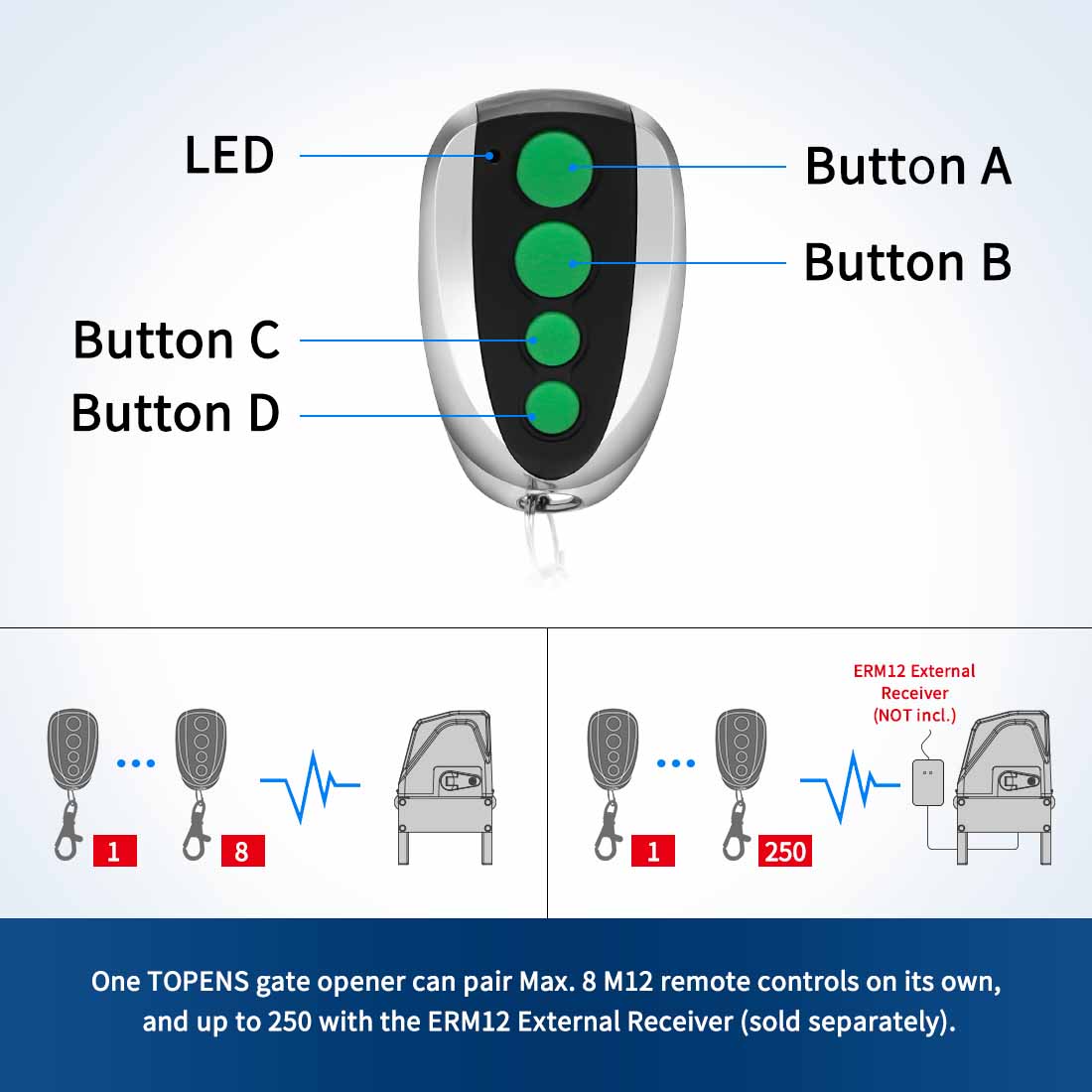
A universal remote may use a sequence like: hold button A for 5 seconds, press button B twice, then press the gate opener “learn” button.
Common Programming Mistakes
Many beginners make errors during programming. Avoid these:
- Wrong frequency: Remote won’t work if the frequency doesn’t match.
- Incorrect DIP switch settings: All switches must match exactly.
- Not pressing the ‘learn’ button long enough: Some receivers need a longer press.
- Programming outside range: Always stand close to the receiver.
- Programming too many remotes: Some receivers have a limit (e.g., 20 remotes).
Troubleshooting Gate Remote Programming
If your remote doesn’t work, don’t panic. Use these troubleshooting steps:
Basic Checks
- Check battery: Replace with a fresh battery.
- Check distance: Stand within 10–15 feet of the gate.
- Check for interference: Avoid programming near wireless routers or other RF devices.
Advanced Troubleshooting
1. Reset The Receiver
Some receivers have a reset button. Press it, then reprogram all remotes.
2. Clear All Remotes
Hold the ‘learn’ button for 10 seconds to erase all stored codes.
3. Check For Physical Damage
Inspect the remote and receiver for broken parts.
4. Contact Manufacturer Support
If all else fails, contact the gate opener brand for help.
Common Error Messages Or Indicators
- Blinking red light: Usually means programming failed.
- Steady green light: Programming successful.
- No light: Possible power issue.
Programming Multiple Remotes
If you want to give family or staff their own remotes, you can program several devices to one gate opener. The process depends on your receiver’s capacity.
Capacity Limits
Most gate openers can store between 10 and 50 remotes. Check your manual for exact numbers.
Process
- Program each remote using the steps above.
- After reaching the limit, you must delete old remotes to add new ones.
Deleting Old Remotes
Some receivers allow you to delete single remotes, others require clearing all.
Steps:
- Hold ‘learn’ button for 10 seconds to clear all codes.
- Reprogram the desired remotes.
Gate Remote Control Brands And Models
There are many gate opener brands, each with its own remote control system. Knowing the differences helps you buy the right remote and understand programming steps.
Popular Brands
- LiftMaster
- Chamberlain
- FAAC
- Nice
- BFT
- Mighty Mule
- GTO
Each brand uses its own frequency, code system, and remote design.
Comparing Brands
Let’s look at a comparison of three leading brands:
| Brand | Frequency | Code System | Remote Capacity | Programming Method |
|---|---|---|---|---|
| LiftMaster | 315 MHz | Rolling Code | 40 remotes | Learn button |
| FAAC | 433 MHz | Fixed/Rolling | 50 remotes | DIP/learn button |
| BFT | 433 MHz | Rolling Code | 30 remotes | Learn button |
Choosing The Right Remote
When buying a replacement or extra remote, check:
- Exact frequency
- Code system
- Model compatibility
- Remote capacity
Buying from official dealers ensures you get genuine remotes that work reliably.
Security And Privacy Concerns
Gate remotes are convenient, but security matters. Thieves may try to copy codes or hack signals, especially with older systems.
Improving Security
- Use rolling code remotes for better protection.
- Change codes regularly if possible.
- Delete old or lost remotes from the receiver.
- Keep the receiver box locked and dry.
Real Data
According to a study from the Security Industry Association, rolling code systems reduce code theft by 90% compared to fixed code systems.
Privacy Tips
- Don’t share your remote with strangers.
- Write down remote serial numbers for easy tracking.
- If you lose a remote, erase it from the system immediately.
Maintenance And Care For Gate Remotes
Proper care extends the life of your remote and keeps your gate system running smoothly.
Basic Maintenance
- Replace batteries every 12–18 months.
- Keep remotes dry and clean.
- Store remotes away from extreme heat or cold.
- Check buttons for sticking or wear.
Receiver Maintenance
- Inspect wiring every 6 months.
- Clean dust from receiver box.
- Check for signs of moisture or rust.
Battery Life Comparison
Here’s a comparison of common battery types used in gate remotes:
| Battery Type | Average Life | Replacement Cost | Ease of Replacement |
|---|---|---|---|
| CR2032 | 18 months | $2 | Easy |
| AA | 24 months | $1 | Easy |
| AAA | 24 months | $1 | Easy |
Practical Maintenance Tips
- Always keep a spare battery at home.
- If you notice weak signal, replace the battery immediately.
- Don’t use old or leaking batteries.

Credit: www.gateguide.co.uk
Upgrading And Replacing Gate Remotes
Sometimes, you need to upgrade your remote for better security or features.
When To Upgrade
- If your system uses fixed code (low security).
- If your remote is more than 5 years old.
- If you want more buttons or multi-gate control.
How To Upgrade
- Buy a compatible rolling code or universal remote.
- Follow programming steps to sync with the receiver.
- Delete old remotes from the receiver for safety.
Avoiding Common Buyer Mistakes
- Don’t buy remotes from unofficial sellers—risk of fake products.
- Don’t assume all remotes are universal—check compatibility.
- Don’t skip checking frequency—wrong frequency means remote won’t work.
Smart Gate Remote Controls
Modern gate systems offer smart remotes that work with smartphones or apps. These remotes offer features like remote monitoring, access logs, and temporary codes.
Features
- Use your phone as a gate remote.
- Grant access to guests for limited time.
- Receive notifications when gate opens.
Programming A Smart Remote
- Download the gate opener app.
- Register your gate opener device.
- Follow app instructions to sync your phone.
- Set user permissions as needed.
Real-life Example
LiftMaster myQ lets you open and close gates from anywhere using your phone. It’s popular in offices and gated communities.
Advantages
- Higher security with encrypted signals.
- Easy to manage multiple users.
- Can use backup codes if phone is lost.
Disadvantages
- Requires internet or Wi-Fi.
- May need a subscription for advanced features.
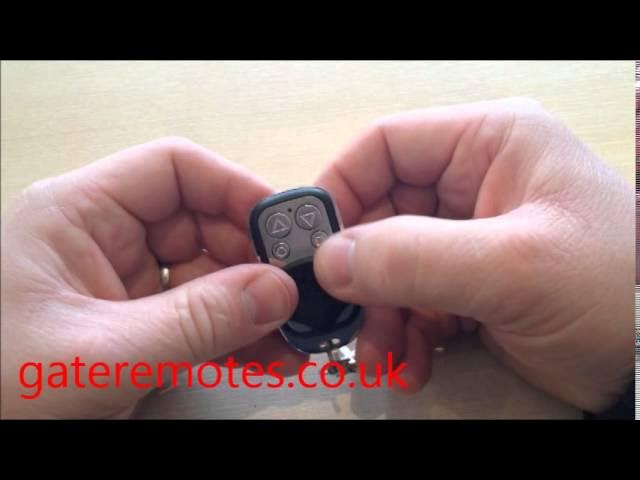
Credit: www.youtube.com
Practical Tips For Programming Success
Many people face small but frustrating problems during programming. Here are non-obvious tips that help:
- Always program remotes during daylight. Good lighting helps you see DIP switches and receiver buttons.
- Label each remote with a sticker or marker. This prevents confusion if you have many remotes.
- Take photos of DIP switch patterns before closing the remote or receiver box. This saves time if you need to reprogram later.
- Keep your gate opener manual in an easy-to-find place. Manuals have troubleshooting steps and programming diagrams.
- Don’t rush. Take slow, careful steps to avoid mistakes.
Frequently Asked Questions
How Do I Know If My Gate Remote Uses Rolling Code Or Fixed Code?
Most rolling code remotes do not have DIP switches inside. If you see DIP switches, it’s likely a fixed code remote. Check your remote and gate opener manual for confirmation. Rolling code systems usually require pressing a “learn” button on the receiver to sync.
Can I Program A New Remote If I Lost My Original One?
Yes, you can program a new remote as long as it matches your gate opener’s frequency and code system. Use the “learn” button method for rolling code systems or match DIP switches for fixed code remotes. Always clear lost remotes from the receiver for security.
Why Does My Remote Only Work When I’m Close To The Gate?
Weak signal could be caused by low battery, interference from other devices, or physical barriers. Try replacing the battery, moving away from wireless routers, and make sure your receiver antenna is not blocked.
What Should I Do If My Gate Opener Won’t Accept New Remotes?
Check your receiver’s capacity—some systems can only store a limited number of remotes. If you’ve reached the limit, you may need to delete old remotes before adding new ones. Refer to your manual for steps to clear codes or reset the system.
Are Smart Gate Remotes Safer Than Traditional Remotes?
Yes, smart gate remotes use encrypted signals and often include features like access logs and temporary codes. However, they require internet access and may have higher costs. Choose the system that fits your security needs and budget. For more details, see Wikipedia’s Gate Opener article.
Programming a gate remote control is a practical skill that saves time and money. With clear steps, careful preparation, and a basic understanding of your system, you can handle nearly any remote control setup. Remember to check compatibility, follow safety tips, and use troubleshooting strategies when needed.
Upgrading to modern remotes or smart controls can boost security and convenience. Whether for your home, office, or community, mastering gate remote programming means easier access and better protection.
Credit: topens.com