
Security cameras are everywhere these days, watching over homes, offices, stores, and even streets. But what happens when you suddenly see a blank screen or the message “video loss” where the camera feed should be? It’s a frustrating problem—one that can leave you feeling unprotected or, worse, blind to something important that just happened.
Understanding what causes video loss in security cameras is the first step to fixing it and making sure your surveillance system works when you need it most.
When a camera goes dark, it isn’t always due to a faulty device. Many different factors can interrupt your video feed, from power issues to cable damage, network failures, bad weather, or even deliberate tampering. Some causes are easy to spot and fix, while others require careful troubleshooting.
In this article, you’ll learn about the most common—and some surprising—reasons for video loss, along with practical tips for prevention and repair. Whether you’re a homeowner, a business owner, or a security professional, knowing these details can help you avoid costly blind spots and keep your property protected.
Understanding Video Loss In Security Cameras
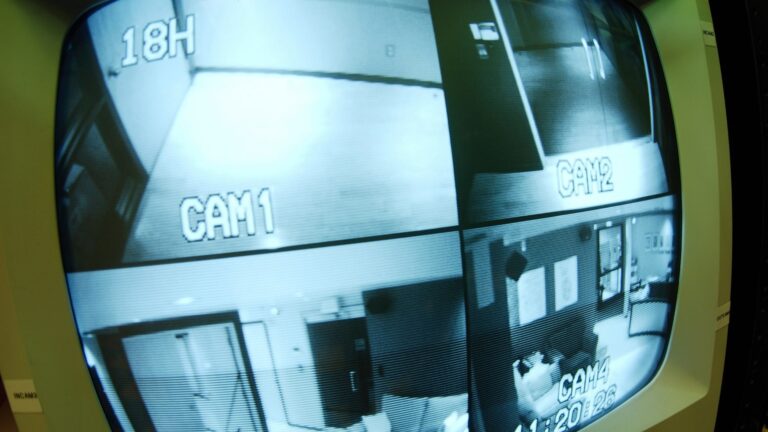
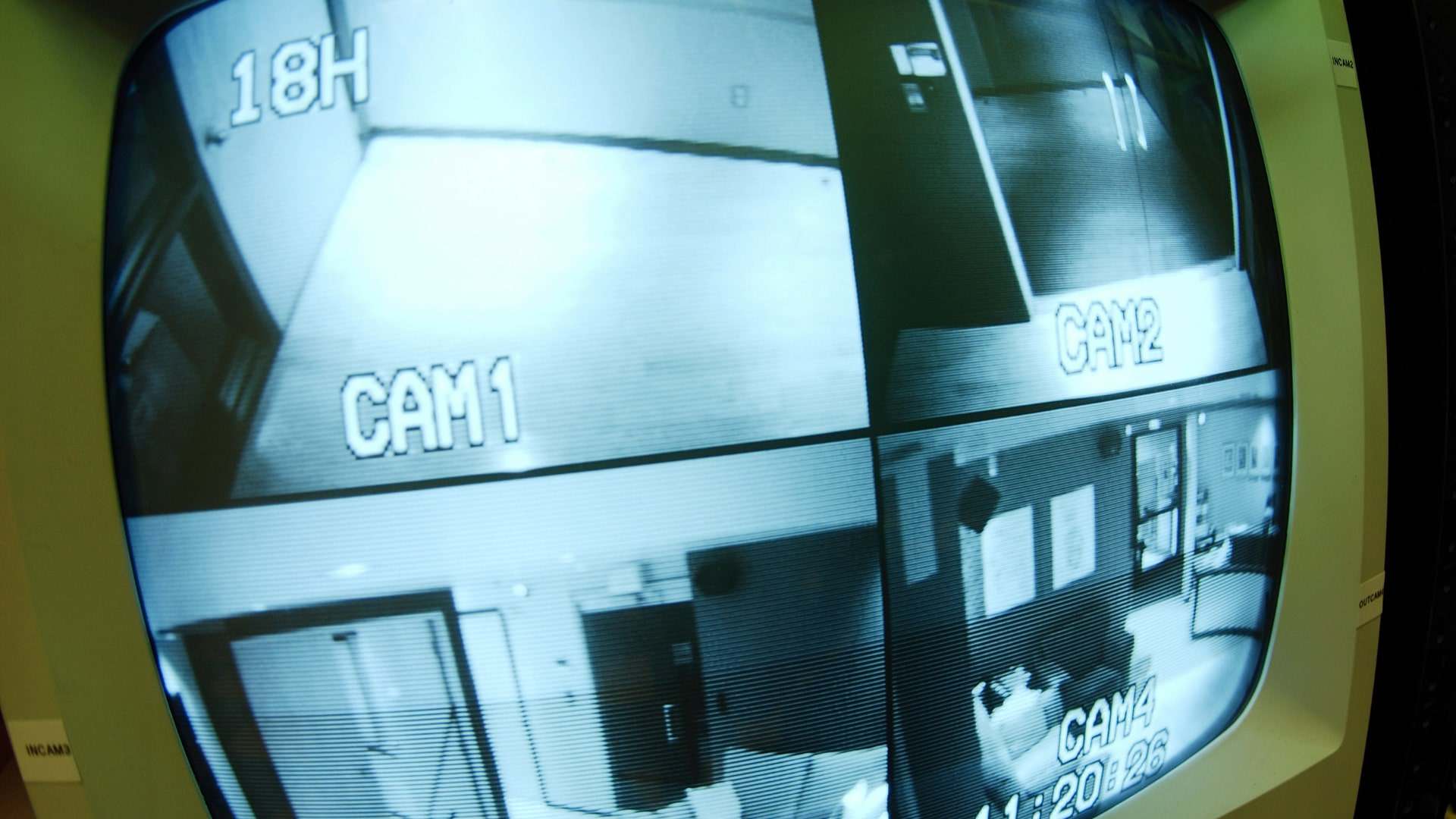
Before you can solve a problem, it’s important to know what it actually means. Video loss is when your security camera fails to display its live feed or stops recording video. Sometimes, you’ll see a black screen, a blue screen, static, or an error message. In most modern surveillance systems, the Digital Video Recorder (DVR) or Network Video Recorder (NVR) will report video loss as soon as it can’t detect a signal from the camera.
Video loss can be temporary or permanent. It can affect one camera, several cameras, or your entire system. The cause might be simple, like a loose cable, or complex, like a failing hard drive or network outage. Knowing how your system is set up—whether it’s analog (CCTV), IP-based, or wireless—will help you find the real reason behind the problem.
Common Causes Of Video Loss
Video loss is a broad term, but the main reasons usually fall into a few categories. Each type of system (analog, IP, or wireless) has its own weak points. Let’s break down the most frequent causes:
1. Power Supply Issues
Security cameras need stable power to work. If the power supply is weak, damaged, or interrupted, the camera will stop sending video. Here are some situations where power causes video loss:
- Loose power adapters: A plug that wiggles or falls out can cut power.
- Faulty power cables: Worn or pinched wires may not deliver enough electricity.
- Bad power distribution: Using one adapter for too many cameras can overload it.
- Power surges: Lightning or electrical faults can fry components.
- Dead batteries: For wireless cameras, old or uncharged batteries will shut down the camera.
A quick way to check is to see if your camera’s status light is on. No light usually means a power problem.
2. Cable And Connection Problems
Cables are the lifeline of wired security systems. Both coaxial cables (for analog cameras) and Ethernet cables (for IP cameras) can fail in several ways:
- Loose connectors: BNC or RJ45 plugs that aren’t secure will cause signal drops.
- Cut or chewed cables: Rodents, tools, or sharp edges can break wires.
- Water damage: Moisture inside cables can corrode the metal and ruin the signal.
- Long cable runs: Signals weaken over long distances. For example, standard coaxial cables should not exceed 300 meters (about 1,000 feet) without amplification.
A simple test is to swap the cable with a known-good one and see if the video returns.
3. Network And Internet Failures
For IP and cloud-based cameras, a stable network connection is critical. Video loss can happen when:
- Router crashes: When your network hardware fails, cameras go offline.
- Bandwidth overload: Too many devices on your network can slow it down, causing video to freeze or drop.
- IP address conflicts: Two devices fighting for the same address can confuse the network.
- Firewall settings: Strict rules may block camera traffic.
- Internet outages: Cloud cameras need the internet to send video to your phone or computer.
If you’re using a wireless camera, weak Wi-Fi signals (low bars) are a common cause of video loss.
4. Hardware Failures
Sometimes the problem is inside the camera or the recorder itself. Some common hardware failures include:
- Camera sensor failure: The part that captures images stops working.
- Overheating: High temperatures can damage sensitive circuits.
- DVR/NVR faults: If the recorder’s board fails, it can’t process the video signal.
- Hard drive failure: A dead drive can stop recordings, though live view may still work.
Hardware failures usually require replacement parts or professional repair.
5. Environmental And Weather Effects
Outdoor cameras face tough conditions. Weather can cause video loss in many ways:
- Heavy rain or flooding: Water can enter poorly sealed cameras or cable boxes.
- Lightning strikes: Surges travel through wires and destroy electronics.
- Extreme heat or cold: Cameras rated for “indoor use only” may not survive.
- Snow or fog: Can block the lens or create condensation inside the camera.
Choosing the right camera for your climate is key to avoiding weather-related video loss.
6. Signal Interference
Electromagnetic interference (EMI) can disrupt both analog and digital video signals. Sources of interference include:
- Nearby electrical equipment: Large motors, fluorescent lights, or even microwaves.
- Radio frequency (RF) interference: Wireless cameras can clash with Wi-Fi routers or other wireless devices.
- Crossed cables: Running video cables close to power lines increases noise.
Symptoms often include fuzzy images, rolling lines, or total video loss.
7. Software And Firmware Errors
Software “brains” control modern cameras and recorders. Outdated or buggy firmware can lead to:
- Random reboots: The camera or DVR keeps restarting, dropping the video feed.
- Compatibility problems: New cameras might not work with old recorders, and vice versa.
- Corrupted files: Recording software may fail to save or display video properly.
Regular updates (from the manufacturer’s website) can help prevent software-related issues.
8. Deliberate Tampering Or Vandalism
Unfortunately, some people try to disable cameras on purpose. Methods include:
- Physical damage: Cutting cables, smashing lenses, or spraying paint.
- Unplugging: Simply pulling out the power or network cable.
- Jamming: Some criminals use wireless jammers to block camera signals.
Security camera housings and hidden cable routing can reduce the risk of tampering.
9. Incompatible Or Poor-quality Equipment
Mixing and matching parts from different brands or using cheap, no-name products can cause video loss. Problems include:
- Voltage mismatches: Cameras and power supplies must use the same voltage.
- Poor connectors: Low-quality plugs can fail quickly.
- Unsupported protocols: For example, an HD-TVI camera may not work with an HD-CVI DVR.
Always check compatibility before buying new parts.
10. Storage And Recording Issues
Even if the camera is working, storage problems can cause the appearance of video loss:
- Full hard drives: When storage is full, some systems stop recording.
- Corrupted storage: Damaged SD cards or hard drives can’t save new video.
- Overwriting settings: Some systems are set to overwrite old footage, which can confuse users.
For critical systems, always use high-quality storage rated for 24/7 recording.
Credit: www.dtiq.com
How To Diagnose Video Loss
If you suddenly lose video from a camera, don’t panic. Systematic troubleshooting can help you find the problem.
Step-by-step Troubleshooting
- Check the power: Make sure the power supply is plugged in and working. Try another outlet or adapter if possible.
- Inspect connections: Wiggle the connectors at both the camera and the recorder. Listen or look for loose parts.
- Swap cables: Replace suspect cables with known-good ones.
- Test the camera: Try the camera on a different channel or recorder. If it works elsewhere, the problem is upstream.
- Restart devices: Reboot the camera, DVR/NVR, and router (for IP cameras).
- Check network status: For IP cameras, see if other network devices are also down.
- Look for error messages: Many systems display error codes that can point to the cause.
- Review recent changes: Did you install new equipment, update firmware, or have a power outage recently?
Using Diagnostic Tools
- Multimeter: Check for voltage at the camera.
- Cable tester: Test for continuity and breaks in cables.
- Ping test: For IP cameras, use the “ping” command to see if the camera responds.
- Mobile apps: Many cameras have apps that can help identify problems remotely.
Example Problem-solving Scenarios
Scenario 1: One outdoor camera loses video after rain.
- Likely cause: Water in the cable or connector. Check for moisture and reseal with weatherproof tape.
Scenario 2: All cameras lose video at once.
- Likely cause: Power supply failure or main network outage. Test with another power adapter or check the main router.
Scenario 3: Video loss only at night.
- Likely cause: Infrared (IR) LEDs drawing extra power, overloading the power supply. Try a higher-capacity adapter.
Comparing Analog And Ip Camera Video Loss
Different camera types face different risks for video loss. Here’s a comparison for clarity:
| Factor | Analog Cameras (CCTV) | IP Cameras |
|---|---|---|
| Power Supply Issues | Common; separate power cable | Common; often PoE (Power over Ethernet) |
| Cable Damage | Coaxial cables; up to 300m | Ethernet cables; up to 100m |
| Network Problems | Rare | Frequent; depends on network health |
| Interference | EMI from power lines | Wi-Fi/RF interference for wireless models |
| Weather Damage | Moisture at connectors | Water inside IP66/67 enclosures |
| Software Issues | Rare (hardware-based) | Possible; firmware and app bugs |
Insight: While both types can suffer from video loss, IP cameras are more sensitive to network-related issues, while analog systems are more prone to simple cable and power faults.
Special Risks With Wireless Security Cameras
Wireless cameras are popular for their easy installation, but they introduce unique risks:
- Signal dropouts: Wi-Fi signals can be blocked by walls, microwaves, or large metal objects.
- Battery life: If you forget to charge or replace batteries, video loss is inevitable.
- Hacking and jamming: Poorly secured wireless cameras are a target for hackers. Some criminals use jammers to block signals.
Comparing Wired And Wireless Video Loss Factors
| Issue | Wired Cameras | Wireless Cameras |
|---|---|---|
| Cable Damage | High risk | Low risk |
| Signal Interference | Medium risk | High risk (Wi-Fi, RF) |
| Power Supply | Wall power or PoE | Batteries or solar |
| Video Loss Due to Network | Rare | Common |
| Physical Tampering | Possible | Possible |
Preventing Video Loss In Security Cameras
Proactive steps can help you avoid most causes of video loss. Here are practical ways to protect your system:
Power Protection
- Use Uninterruptible Power Supplies (UPS) to keep cameras running during blackouts.
- Install surge protectors to guard against lightning and electrical spikes.
- Choose power adapters with enough capacity for the number of cameras.
Cable Management
- Use outdoor-rated cables and connectors for exterior installations.
- Bury or shield cables to protect from weather, animals, and accidents.
- Regularly inspect cables for wear, pinching, or water damage.
Network Stability
- Place routers and access points near wireless cameras for strong signals.
- Use high-quality Ethernet cables (Cat5e or better) for IP cameras.
- Update router firmware for better performance and security.
Equipment Quality And Compatibility
- Buy cameras and recorders from reputable brands with good customer support.
- Make sure all devices use the same protocols (e.g., ONVIF for IP cameras).
- Avoid mixing analog and digital equipment unless you use proper converters.
Regular Maintenance
- Clean lenses and housings to avoid image blockages.
- Check and update firmware for all devices.
- Replace old or damaged parts before they fail completely.
Environmental Protection
- Use cameras rated IP66 or higher for outdoor use.
- Seal all cable entry points with waterproof grommets or tape.
- Install cameras under eaves or shelters to reduce weather exposure.
Security Against Tampering
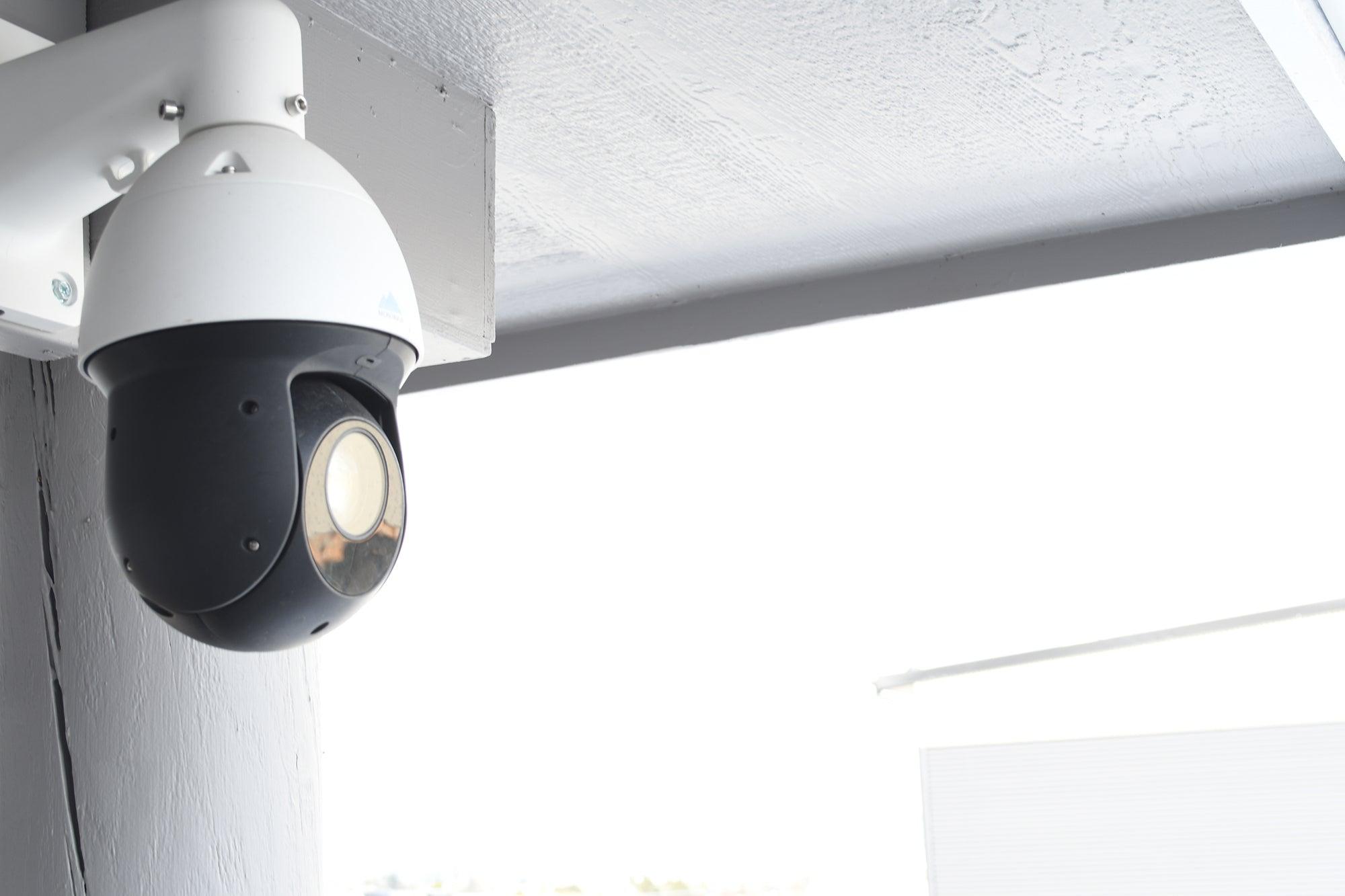
- Mount cameras out of easy reach.
- Use tamper-resistant housings and screws.
- Hide or secure cables inside walls or conduit.
Credit: montavue.com
Non-obvious Insights That Beginners Miss
Many first-time users overlook a few key points that can lead to video loss, even when everything seems fine:
- Voltage Drop Over Long Cables: When running power cables over long distances, the voltage drops. Your camera might turn on but not have enough power for features like night vision, causing video loss only at night.
- Temperature Shifts Affecting Connectors: In places with big temperature swings, connectors expand and contract, slowly loosening over time. This can create intermittent video loss that’s hard to diagnose.
- Firmware Incompatibility: Mixing cameras and recorders from different brands or with different firmware versions can lead to random video loss, even if the hardware looks fine.
- Hidden Water Damage: Sometimes, water enters cable jackets through tiny cracks you can’t see. The cable looks fine outside but is corroded inside.
- Wi-Fi Channel Overlap: In buildings with many Wi-Fi networks, cameras may lose signal due to crowded channels, even if the signal strength looks good.
Data On Video Loss Incidents
Studies from the security industry show that video loss is a frequent issue. A 2022 report from the Security Industry Association found that:
- Power and cable issues account for about 55% of all video loss incidents in wired systems.
- Network problems cause around 35% of video loss in IP and wireless systems.
- Environmental factors (weather, water, heat) are responsible for nearly 20% of outdoor camera failures.
- User error or misconfiguration makes up 10% of cases—often due to improper setup or firmware updates.
Real-life example: A shopping mall in California experienced video loss in 30% of its cameras during a heatwave. Investigation showed overheated power supplies and melted connectors were the main cause—demonstrating how important it is to match equipment to local conditions.
Solutions And Best Practices
When you encounter video loss, acting quickly can minimize downtime and risk. Here are practical solutions:
- Label all cables and ports so you can quickly identify and test connections.
- Schedule monthly checks of all cameras, especially before severe weather seasons.
- Keep spare cables and power adapters on hand for fast replacement.
- Enable alerts on your DVR/NVR or cloud app to get notified of video loss instantly.
- Train staff or family members on basic troubleshooting to avoid long delays.
Useful Resources And Further Reading
For more technical details, standards, and troubleshooting guides, the Wikipedia page on CCTV is a helpful resource. Many manufacturers also offer detailed support articles and forums.
Credit: www.dtiq.com
Frequently Asked Questions
What Does “video Loss” Mean On My Security Camera?
Video loss means your camera is not sending its video feed to the monitor, recorder, or app. It could be due to power failure, cable problems, network issues, or hardware faults. Sometimes, it’s just a loose connection, but it can also signal a more serious problem.
Why Do My Cameras Lose Video Only At Night?
This often happens when the infrared LEDs (for night vision) switch on and draw extra power. If your power supply is too weak or the cable is too long (causing voltage drop), the camera may shut off or lose video only during nighttime.
How Can I Prevent Video Loss During Bad Weather?
Use outdoor-rated cameras (IP66 or higher), seal all cable connections, and mount cameras under eaves or covers. Installing surge protectors can also protect against lightning and power surges.
Can Wi-fi Interference Really Cause Video Loss?
Yes, Wi-Fi interference from other networks, microwaves, or cordless phones can disrupt wireless camera signals. Place your router close to the cameras and choose less crowded Wi-Fi channels to reduce this risk.
What Should I Do First If I See Video Loss?
Start by checking the power supply and all cable connections. If everything looks fine, restart your camera and recorder. For IP cameras, also check your network status. Swap components one at a time to find the faulty part.
—
Security cameras are an important part of keeping your property safe, but video loss can leave you exposed at the worst possible moment. By understanding the main causes—power, cables, network, hardware, weather, and even user error—you can prevent most problems before they start. Regular checks, good-quality equipment, and careful installation go a long way. If you do face video loss, don’t panic: systematic troubleshooting will usually reveal the cause. With the right knowledge and a little planning, you can keep your cameras—and your peace of mind—working around the clock.