
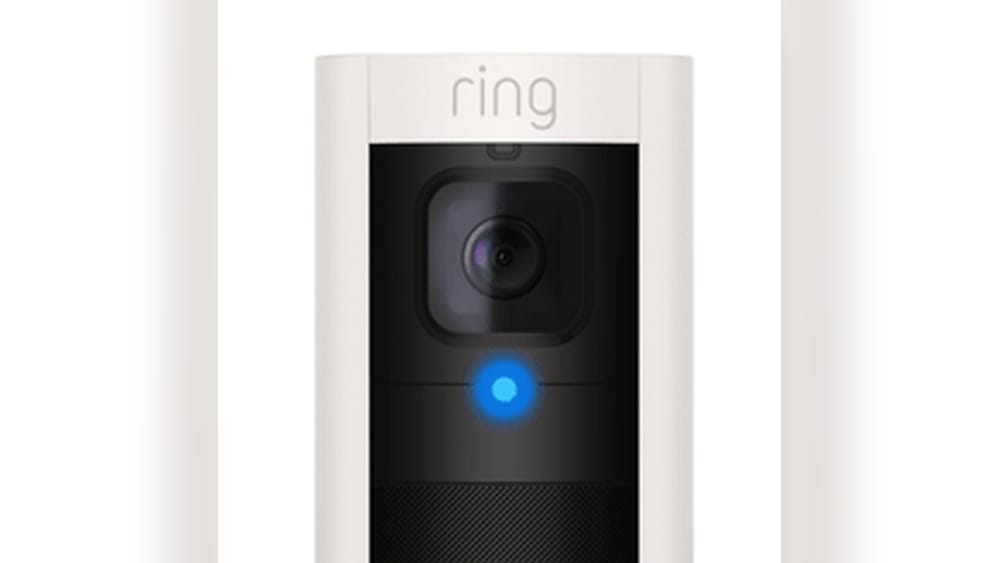
When you see a solid blue light on your Ring camera, it can be confusing if you are not familiar with what it means. Many people install Ring cameras for extra security, but the light patterns can feel mysterious. Is your camera recording? Is it working properly? Or is there a problem? Understanding the blue light is important for using your device well and keeping your home safe.
This article explains in detail what the solid blue light on a Ring camera means. You will learn the difference between various light signals, what to do if you see a solid blue light, and how to troubleshoot if something is wrong.
We also cover some advanced tips, common mistakes, and answer the most frequent questions about Ring camera lights. Whether you are new to Ring or want a deeper understanding, this guide will help you feel more confident about your home security.
What The Solid Blue Light Means On Ring Cameras
The solid blue light on a Ring camera usually indicates that the camera is actively recording or streaming live video. When you access the live view from the Ring app, or if the camera detects motion and starts recording, the blue LED lights up and remains steady. This is the most common meaning, but let’s look at the details and variations.
Key Situations Where You See A Solid Blue Light
- Live View Activated: When you open the Ring app and tap to see what the camera sees, the blue light turns on and stays solid.
- Motion Recording: If your camera is set to record when it senses motion, the blue light will show during the recording.
- Two-Way Audio Use: If you talk through the camera using the app’s microphone, the blue light may also stay solid.
The solid blue light is not a warning or error. In most cases, it means your device is working as expected.
Blue Light Vs. Other Light Patterns
Ring cameras use different light signals to show status. Knowing the difference helps avoid confusion. Here’s a quick comparison:
| Light Pattern | Meaning | Action Needed |
|---|---|---|
| Solid Blue | Recording or live view is on | No action (normal operation) |
| Spinning Blue | Device is starting or connecting | Wait for it to finish |
| Flashing Blue | Setup mode or connecting to Wi-Fi | Complete setup in app |
| Solid White | Idle or in standby mode | No action needed |
| Red Light | Error or night vision active (depends on model) | Check device or settings |
Each pattern has a clear meaning. The solid blue light is a signal that the camera is “on the job.”
Why The Solid Blue Light Is Important
Understanding the solid blue light is not just about knowing the device’s status. It also affects privacy, security, and troubleshooting. Here’s why it matters:
1. Privacy Awareness
When the blue light is solid, the camera is recording or streaming. This gives you, and anyone nearby, a clear sign that video is being captured. Some people value this for privacy—guests or family members can see when the camera is active.
2. Security Confirmation
A solid blue light reassures you that the camera is working. If you get an alert on your phone and see the blue light in person, you know the device is recording.
3. Troubleshooting Help
If you expect the camera to record but do not see the solid blue light, there may be a problem. Conversely, if the blue light stays on when it shouldn’t, you might need to check your settings.
Non-obvious Insight
Some users do not realize that the solid blue light is required by law in some places. Certain local privacy laws demand that cameras show a visible light when recording. This helps avoid “secret” filming. Always check your area’s rules if you are unsure.
Which Ring Cameras Use The Solid Blue Light
Ring makes many types of cameras, including doorbells, indoor cameras, and floodlight cams. Most models use the blue light pattern, but it can look slightly different depending on the device.
| Device Model | Blue Light Location | Pattern When Recording |
|---|---|---|
| Ring Video Doorbell (all generations) | Front LED ring/button | Solid blue ring or bar |
| Ring Stick Up Cam | Small LED under the camera lens | Solid blue dot |
| Ring Floodlight Cam | LED strip under lens | Solid blue bar |
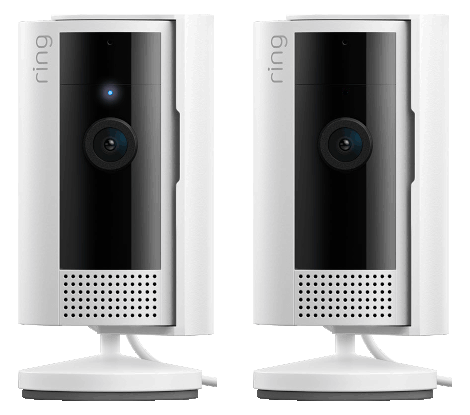
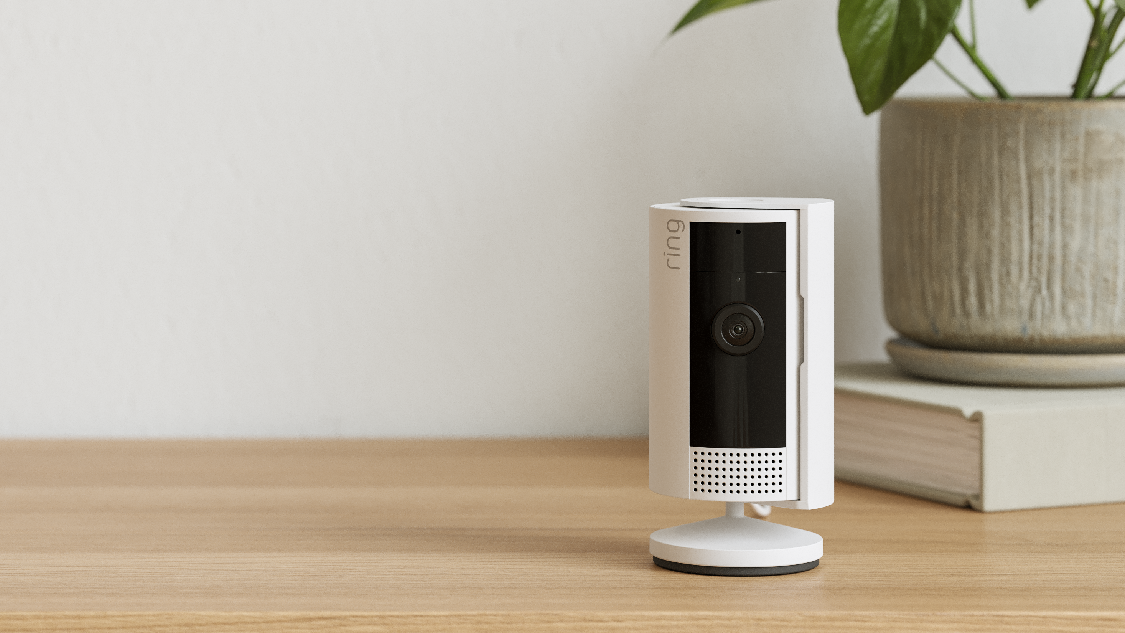
| Ring Indoor Cam | Tiny LED on face | Solid blue light |
| Ring Spotlight Cam | Small LED above lens | Solid blue indicator |
No matter the model, the meaning of the solid blue light is similar: the camera is actively recording or streaming.
What To Do If The Solid Blue Light Stays On
Sometimes, the solid blue light can stay on longer than expected. This can be normal, but sometimes it means there’s a problem. Here’s how to check:
Step 1: Check The App
Open the Ring app and see if live view is on. Sometimes a session stays open if you forgot to close the live view window. Turn it off and see if the light goes away.
Step 2: Wait For Motion Recording To End
If the camera just detected motion, it may keep recording for 30–60 seconds after the event. Wait a minute and see if the light turns off.
Step 3: Restart The Camera
If the light is still on, try restarting your Ring camera. Most models have a button or can be restarted from the app. This can fix many minor software bugs.
Step 4: Check For Device Sharing
If you have shared camera access with family, someone else may be viewing the live feed. Ask anyone you’ve shared the device with if they are using it.
Step 5: Inspect For Firmware Updates
Occasionally, a firmware update can cause the camera to behave strangely. Check in the app if there is a pending update and install it.
Step 6: Factory Reset (if Needed)
If nothing else works, a factory reset can help. This erases all settings and restores the camera to its original state. Use this only as a last resort.
Non-obvious Insight
Few people realize that “ghost sessions” can keep the solid blue light on. If the internet connection is unstable or the app crashes, the camera may think someone is still watching. Restarting the camera or logging out and back into the app often solves this.
How The Solid Blue Light Affects Your Privacy
Some homeowners worry that the blue light makes their cameras too visible. Others like the clear sign that the camera is working. Here’s what you should know:
Visibility To Visitors
The blue light is highly visible at night or in low light. If you want to warn visitors or potential intruders that they are being recorded, the blue light is helpful.
Can You Turn Off The Blue Light?
On most Ring cameras, you cannot turn off the solid blue light when the camera is recording. This is for privacy laws and transparency. However, on some older models, you may find hidden settings to reduce brightness or turn off the indicator—check your device’s manual.
Privacy Zones And Scheduling
If you want to protect privacy inside your home, use features like privacy zones (to block parts of the view) or motion scheduling (to pause recording at certain times). These settings are available in the Ring app.
Legal Considerations
In some states or countries, it is illegal to record people without their knowledge. The blue light helps you follow these laws by giving a clear visual signal. If you use your camera in a rental property, shared home, or business, be sure to check local regulations.
Common Mistakes And How To Avoid Them
Even experienced users make mistakes with Ring camera lights. Here are a few you can easily avoid:
- Ignoring the Blue Light: If you see a solid blue light when you are not using the camera, check who has access to your device. Shared users can turn on live view at any time.
- Assuming the Camera Is Always Recording: The camera is only recording or streaming when the blue light is on. If you want 24/7 recording, check your settings—most Ring cameras only record on motion or live view.
- Covering the Blue Light: Some people try to hide the LED with tape or paint. This can damage the device and may be illegal in some places.
- Missing Firmware Updates: Outdated software can cause light glitches. Keep your device updated for best results.
How The Blue Light Works With Other Features
Ring cameras have many features beyond the blue light. Understanding how they work together improves your home security.
Motion Detection
When the camera senses motion, it wakes up and starts recording, turning on the solid blue light. You can adjust motion sensitivity in the app to avoid too many alerts.
Night Vision
At night, the camera may switch to infrared mode. On some models, this triggers a faint red glow near the lens, but the blue light still shows when recording.
Two-way Audio
If you use the microphone to talk through the camera, the blue light stays solid so people know the camera is active.
Integration With Smart Home Systems
Ring works with Amazon Alexa and other smart home devices. If you set up routines (like turning on lights when motion is detected), the blue light will still only show when the camera itself is recording or streaming.
Blue Light Patterns: Quick Reference Guide
Here’s a summary for quick checks:
- Solid Blue: Camera is recording or live view is on
- Spinning Blue: Device is starting up or connecting
- Flashing Blue: Device is in setup mode or trying to connect to Wi-Fi
- No Light: Camera is idle and not recording
- Solid White: Idle (on some models)
- Red or Infrared Glow: Night vision (not always visible)
If you are ever unsure, check the Ring app for device status.
Troubleshooting: When The Blue Light Is Not Working As Expected
If your camera’s blue light is not showing when it should, or stays on for no reason, try these steps:
Camera Not Showing Blue Light When Recording
- Check Power Supply: Make sure the device is plugged in or battery is charged.
- Wi-Fi Connection: If the camera is offline, it can’t record or show the blue light.
- App Settings: Make sure motion detection and recording are enabled.
- Firmware Update: Outdated software can cause bugs.
Blue Light Won’t Turn Off
- Live View Stuck: Close the live view in the app.
- Shared User Viewing: Ask other users if they are watching.
- Restart Device: Power cycle or restart from the app.
Blue Light Too Dim Or Flickering
- Ambient Light: Bright sunlight can make the blue LED hard to see.
- Hardware Issue: If the light flickers, contact Ring support for help.
When To Call Support
If all else fails, contact Ring customer support. They can check if your device has a hardware problem or needs replacement.
Advanced Tips For Using Your Ring Camera’s Blue Light
As you get more comfortable with your Ring camera, you can use the blue light to improve your security and privacy.
Use The Blue Light As A Deterrent
Some people install Ring cameras mainly to scare off intruders. The solid blue light is a clear sign the device is watching. You can place cameras in visible locations to maximize this effect.
Combine With Outdoor Lighting
Pair your Ring camera with motion-activated lights. When motion is detected, the lights and the blue LED both turn on, making it obvious that the area is monitored.
Monitor Blue Light Remotely
Use the Ring app to check the status of your camera when away from home. If you get a live alert and see the blue light is on, you know the camera is working.
Teach Family Members
Show everyone in your home what the blue light means. This prevents confusion and helps with privacy. For example, kids or guests will know when they are being recorded.
Use Privacy Features
If you want to keep certain times or areas private, set motion schedules or use privacy zones. This way, the blue light won’t come on when you don’t want it.
Comparing Ring Camera Light Patterns To Other Brands
It’s helpful to see how Ring’s system compares to other popular security cameras:
| Brand | Recording Indicator | User Control | Legal Compliance |
|---|---|---|---|
| Ring | Solid blue LED | Usually not user-adjustable | Designed for US/EU privacy laws |
| Arlo | Blue or amber LED | Some settings for dimming | Complies with local laws |
| Google Nest | Small white or green LED | Can disable in app (on some models) | Depends on region |
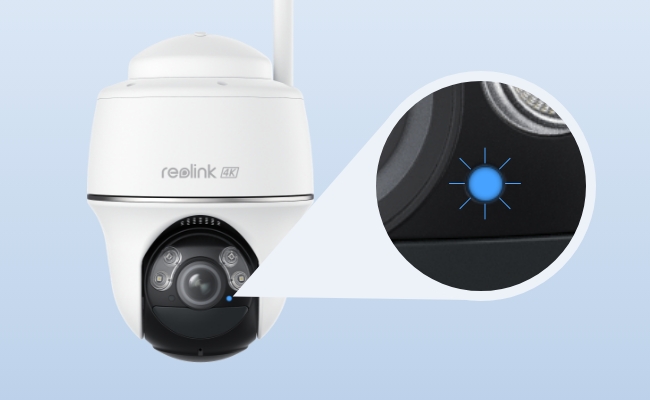
| Wyze Cam | Solid blue or red LED | Can turn off in app | User responsible for compliance |
Ring is strict about keeping the blue light visible, especially in the US and Europe.
Understanding Ring Camera Notifications And The Blue Light
The Ring system is designed to keep you informed. Here’s how notifications and the blue light work together:
- When motion is detected, your phone gets a push notification and the camera’s blue light turns on.
- If you ignore the alert, the camera will keep recording for a set time (usually 30–60 seconds), then the blue light turns off.
- If you open live view, the blue light stays solid as long as you are watching.
If you get a notification but do not see the blue light in person, check if the camera is blocked or offline.
How To Change Light Settings On Ring Cameras
Most users cannot turn off the blue light, but you can adjust some settings:
Adjusting Motion Zones
In the Ring app, you can set which areas trigger recording. This controls how often the blue light comes on.
Changing Notification Preferences
You can choose which events send alerts to your phone. This does not affect the blue light, but helps manage how often you interact with the camera.
Using Linked Devices
If you have multiple Ring devices, you can link them to trigger together. For example, when your doorbell detects motion, your floodlight camera starts recording and shows the blue light.
Best Practices For Managing The Solid Blue Light
To get the most from your Ring camera and its blue light indicator:
- Install Cameras in Visible Areas: This helps deter unwanted visitors.
- Educate Household Members: Make sure everyone knows what the blue light means.
- Use the App Regularly: Check device status and update firmware.
- Follow Local Laws: Make sure your camera use is legal in your area.
- Don’t Cover or Tamper with the LED: This can void your warranty and may break the law.
- Set Motion Zones Carefully: Avoid unnecessary alerts and recordings.
Credit: ring.com
Security And Privacy: Striking The Right Balance
Ring cameras are powerful tools, but with great power comes responsibility. The solid blue light is a small but important part of the balance between security and privacy.
- If you value security, use the blue light to show your home is protected.
- If privacy is your priority, use features like privacy zones and schedules.
- Always respect the privacy of others, especially in shared spaces.
Remember, the blue light is there for a reason. It keeps you informed, protects your guests, and helps you follow the law.
Frequently Asked Questions
What Does The Solid Blue Light On My Ring Camera Mean?
The solid blue light means your camera is either recording or someone is viewing the live feed. This is normal and shows the device is active.
Can I Turn Off The Solid Blue Light On My Ring Camera?
No, most Ring cameras do not allow you to turn off the blue light when recording. This is for privacy and legal reasons. Some older or third-party models may have a setting, but it’s not standard.
Credit: reolink.com
Why Is The Blue Light On My Ring Camera Staying On All The Time?
If the blue light stays on, check if someone is viewing the live feed, if there is a stuck session in the app, or if the camera is stuck after a motion event. Restarting the camera or checking device sharing can help.
Does The Blue Light Mean My Camera Is Recording Sound Too?
Yes, if the camera is recording video, it usually records sound at the same time. The blue light signals both video and audio recording, unless you have disabled audio in the app settings.
Credit: ring.com
Is It Legal To Have A Visible Blue Light On My Security Camera?
In most places, it is legal and even required to have a visible indicator when recording. The blue light helps you follow privacy laws and lets people know when they are on camera. Always check your local rules or Ring’s official support for more information.
A solid blue light on your Ring camera is a simple but powerful signal. It tells you, your family, and visitors that the camera is doing its job. By understanding what the blue light means and how to manage it, you can get the best from your Ring device—balancing safety, privacy, and peace of mind.