
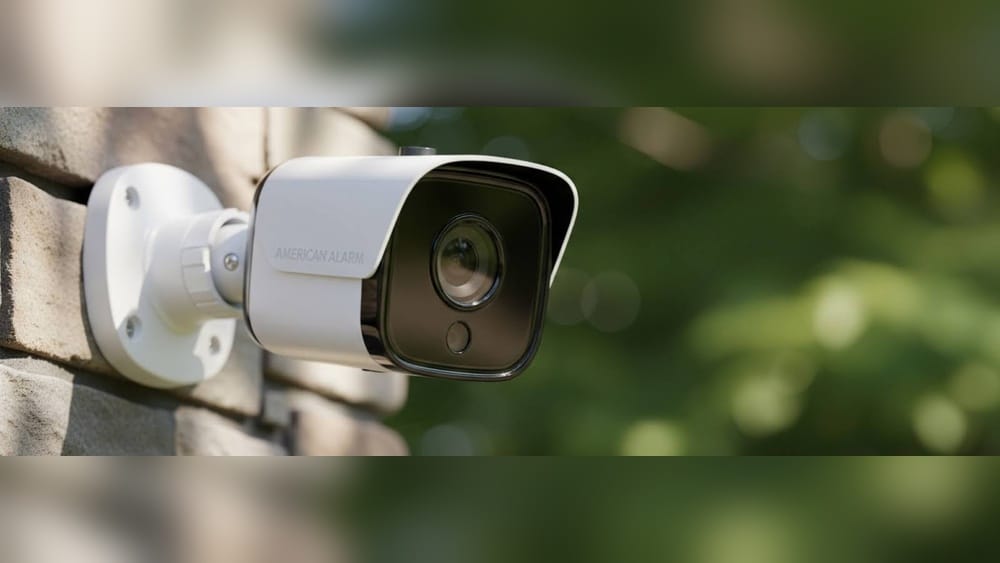
Choosing a reliable home security camera system is one of the smartest decisions you can make to protect your property and loved ones. But the sheer number of options—wired vs. wireless, indoor vs. outdoor, smart vs. basic—can quickly become overwhelming. With advances in technology, cameras today offer features that were once only available to businesses or for high budgets. But which features actually matter? Which ones will make a real difference for your peace of mind and your wallet? Let’s break down what you truly need to look for, the features that actually impact security, and some pitfalls beginners often miss.
Why Home Security Cameras Matter
Security cameras do more than just record—they deter criminals, provide evidence, and allow you to monitor your home from anywhere. According to a 2022 report from the FBI, homes without security systems are up to 300% more likely to be broken into. In fact, just the presence of a visible camera often sends intruders elsewhere. But the right system does more than scare off burglars. It can help you check in on kids, elderly family, or pets, confirm package deliveries, and even lower your insurance premiums.
If you’re a first-time buyer, it’s easy to get distracted by marketing buzzwords or features you may never use. Instead, focus on what genuinely improves safety, fits your lifestyle, and works with your home.
Key Camera Types And Their Strengths
Before jumping into features, it’s vital to understand the different types of cameras available. Each type serves a specific purpose, and sometimes the best system combines several.
Wired Cameras
Wired cameras connect physically to your home’s power and often to a central recorder. These systems are usually more stable, with less risk of interference or signal loss.
- Pros: Reliable connection, continuous power, often higher video quality
- Cons: Harder to install, may require professional help, less flexible for placement
Wireless Cameras
These connect via Wi-Fi and run on batteries or plug into power outlets.
- Pros: Easier to install, flexible placement, good for renters
- Cons: Potential Wi-Fi interference, battery changes, can be vulnerable to hacking if not secured
Indoor Vs. Outdoor Cameras
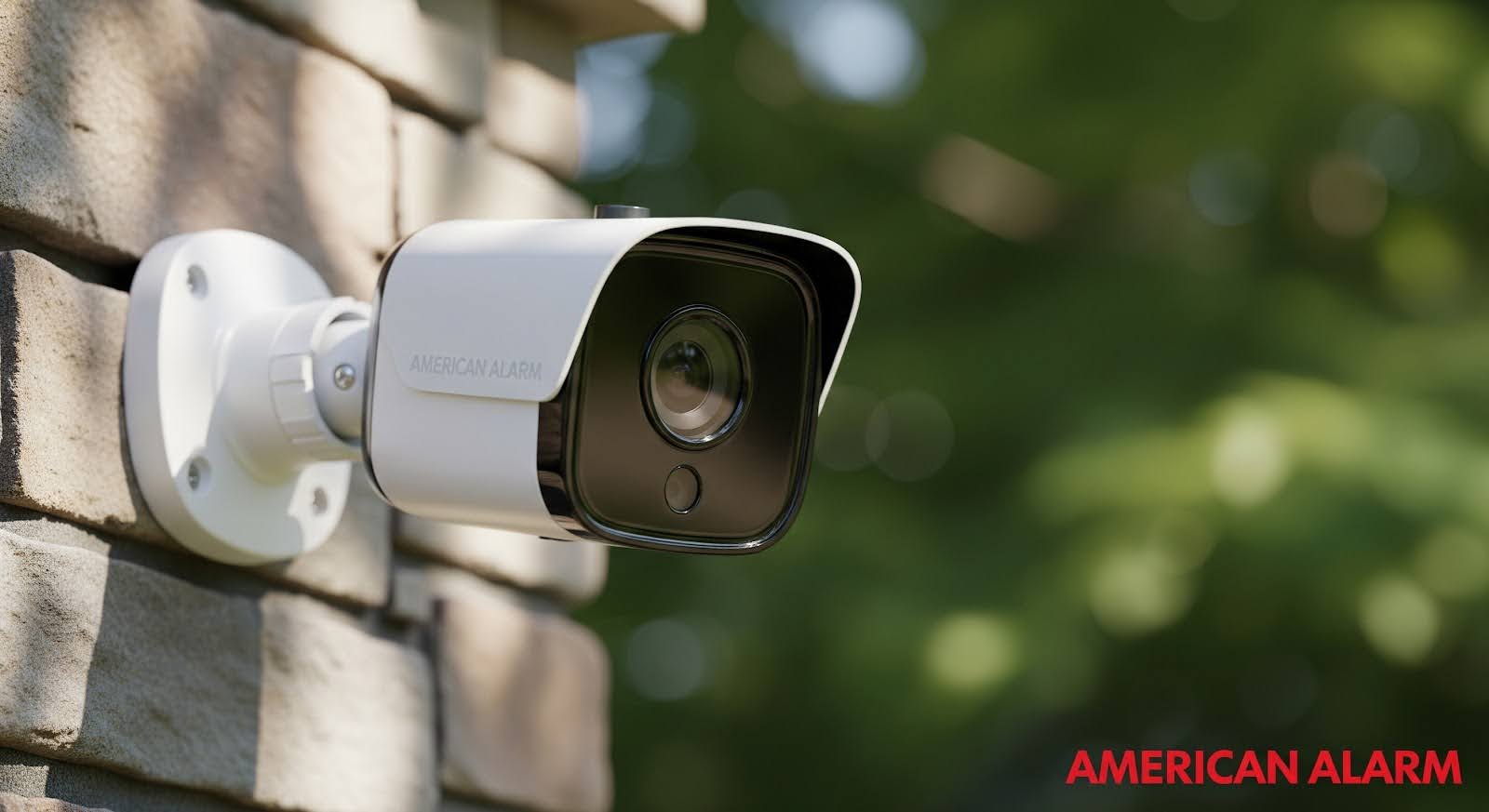
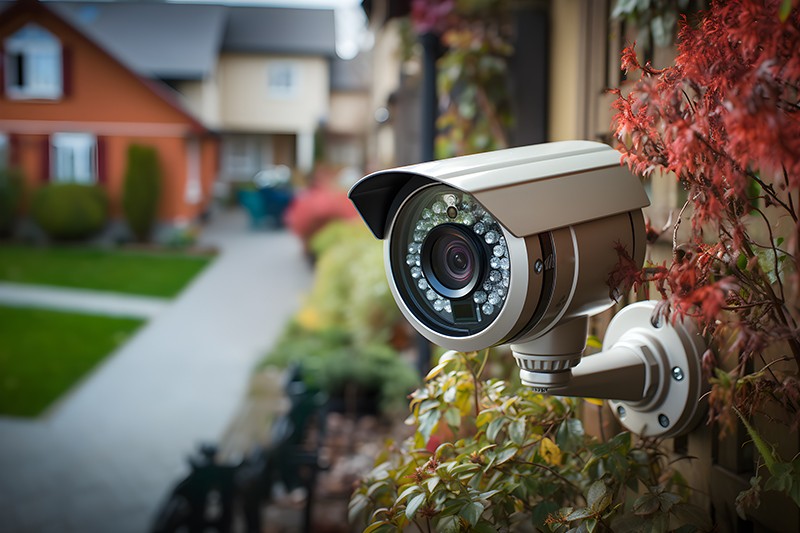
Indoor cameras are designed for inside spaces—monitoring living rooms, entryways, or baby’s rooms. Outdoor cameras are built to withstand weather and usually have features like night vision and tamper resistance.
- Tip: Not all outdoor cameras are truly weatherproof. Always check the IP rating (more on that later).
Doorbell Cameras
A popular choice, these combine a traditional doorbell with a camera and often two-way audio.
- Useful for: Monitoring package deliveries, seeing visitors, deterring porch pirates
Credit: americanalarm.net
Essential Features To Compare
Not all features are equally important. Here’s what you should always consider—and why it matters.
1. Video Resolution
A camera’s video resolution directly affects the clarity of images and your ability to recognize faces or license plates.
- Common options: 720p (HD), 1080p (Full HD), 2K, and 4K (Ultra HD)
- Best practice: Aim for at least 1080p for most home uses. Higher resolution gives better detail but uses more storage and bandwidth.
2. Field Of View
Measured in degrees, field of view describes how wide an area the camera can see.
- Narrow (60°–90°): Focused, good for hallways
- Wide (120°–180°): Covers more area, ideal for yards or driveways
A wider view means fewer cameras needed, but objects can look smaller.
3. Night Vision
Most break-ins happen at night. Night vision is a must for any outdoor or entryway camera.
- Infrared (IR): Most common; black and white image
- Color night vision: More advanced, uses low-light sensors or extra LED lighting
Non-obvious insight: Some cameras say “night vision” but only work with nearby streetlights or porch lights. True night vision shows clear images even in total darkness.
4. Motion Detection
This feature triggers recording or alerts when movement is detected. Smart systems can distinguish between people, animals, and cars—reducing false alarms.
- Zone selection: Lets you focus on specific areas, such as your driveway, not the street
- Sensitivity adjustment: Prevents alerts for every passing cat or tree branch
5. Audio Features
- Two-way audio: Lets you talk through the camera (e.g., tell a delivery person where to leave a package)
- Audio recording: Captures sound, which can provide extra evidence
Note: Some locations restrict audio recording due to privacy laws. Always check your local rules.
6. Storage Options
You need a way to save the video—either locally (on an SD card, hard drive) or in the cloud.
Local Storage
- Pros: No monthly fees, footage stays private
- Cons: If the camera is stolen, so is the footage
Cloud Storage
- Pros: Accessible from anywhere, can’t be destroyed by intruders
- Cons: Usually requires a subscription, possible privacy concerns
Some systems offer both. Always check how long video is kept and how easy it is to retrieve.
7. Power Source
- Battery-powered: Flexible but needs regular charging or battery changes
- Wired (plug-in): Less maintenance, may be harder to install outdoors
- PoE (Power over Ethernet): Combines power and data in one cable, common in advanced wired systems
Beginner miss: Forgetting to check how long batteries last in cold weather or under heavy use. Some cameras last months, others just weeks.
8. Weather Resistance
For outdoor cameras, check the IP (Ingress Protection) rating. It tells you how well the camera handles dust and water.
- IP65: Protected from dust and water jets
- IP66/IP67: Higher protection, can handle heavy rain
If you live in an area with snow, humidity, or heat, double-check the camera’s operating range.
9. Smart Home Integration
Modern cameras can connect with Amazon Alexa, Google Assistant, or Apple HomeKit. This allows you to see camera feeds on smart displays, use voice commands, or set up automation (like turning on lights when motion is detected).
Not all cameras work with all systems—always verify compatibility if you have a smart home hub.
10. Mobile App Quality
A camera is only as good as its app. Look for:
- Live view: Easy access to see what’s happening now
- Alert customization: Control which alerts you receive
- Playback controls: Quickly review past footage
- Multiple users: Can family members also access?
Read recent app reviews, not just product specs, to avoid frustration later.
11. Privacy And Security
With cameras connected to the internet, security is vital.
- Encryption: Footage should be encrypted in transit and at rest
- Regular updates: The manufacturer should provide security patches
- Two-factor authentication: Adds a layer of login protection
Non-obvious insight: Cheap no-name brands may skip security updates, leaving your system vulnerable.
12. Installation And Setup
- DIY: Most wireless cameras can be installed in under an hour with simple tools
- Professional install: Wired and multi-camera systems may need experts
Some brands offer “peel and stick” mounts, while others require drilling. Think about your comfort level and the cost of hiring help.
Comparing Camera Features At A Glance
To help you sort through the options, here’s a side-by-side look at key features for three common camera types.
| Feature | Indoor Camera | Outdoor Camera | Video Doorbell |
|---|---|---|---|
| Resolution | 1080p–2K | 1080p–4K | 1080p–2K |
| Night Vision | Usually IR | IR/Color Night | IR, some color |
| Weatherproof | No | Yes (IP65+) | Yes (for most) |
| Power Source | Plug-in/Battery | Plug-in/Battery/PoE | Wired/Battery |
| Audio | 2-way (some) | 2-way (common) | 2-way standard |
| Best Location | Living spaces | Yard/Driveway | Front door |

Credit: www.adt.com
How Many Cameras Do You Need?
The answer depends on your home’s layout and what you want to monitor. A typical small home might use:
- One doorbell camera for the main entrance
- One outdoor camera covering the driveway or backyard
- One–two indoor cameras for living spaces or hallways
Larger homes or those with multiple entrances may need more. Walk around your property and note every entry point, dark corner, or valuable area.
Tip: Coverage overlap is good. A camera watching your front door from the street and one from inside provides double evidence if needed.
Placement Tips For Maximum Security
Where you put cameras is just as important as what you buy. Smart placement can mean the difference between catching an incident or missing it entirely.
- Entry doors: 34% of burglars use the front door, so make this a top priority.
- First-floor windows: Especially those not visible from the street.
- Garage/Driveway: Cars and tools are common targets.
- Backyard: Less visible, often overlooked, but used by intruders.
- Main living area: For indoor monitoring, especially if the alarm is triggered.
Non-obvious insight: Avoid pointing cameras directly at the sun or bright lights. It causes glare and poor images. Slightly angle down and use eaves or overhangs for weather protection.
Wired Vs. Wireless: Which Should You Choose?
Each system type has strengths and fits different needs. Here’s a quick comparison:
| Aspect | Wired Camera | Wireless Camera |
|---|---|---|
| Installation | Complex, may need pro | Simple, DIY |
| Reliability | Very stable | Depends on Wi-Fi |
| Power | Continuous | Battery or plug-in |
| Flexibility | Fixed locations | Moveable |
| Cost | Higher upfront | Lower upfront |
| Best for | Large homes, permanent install | Renters, easy upgrade |
Pro tip: If you want 24/7 recording, wired is usually better. For renters or those wanting a quick install, wireless wins.
Hidden Costs And Subscription Fees
Many camera systems are affordable at first, but ongoing costs can add up. Here’s what to watch for:
- Cloud storage fees: Some brands require a monthly or yearly fee for video storage (common: $3–$10/month per camera)
- Advanced features: Person detection, activity zones, or longer storage may be locked behind a paywall
- Battery replacements: Frequent for busy locations or cold climates
- Professional installation: Wired systems can cost $100–$500 for setup
Beginner mistake: Not budgeting for these recurring fees. Always read the fine print before buying.
Privacy Concerns And Data Security
Your security camera is supposed to protect you—not spy on you. But any device connected to the internet is a potential target.
- Choose reputable brands: They’re more likely to provide updates and protect your data.
- Change default passwords: Many hacks happen because users keep the default login.
- Use two-factor authentication: Adds a layer of security if your password is stolen.
Non-obvious insight: Some low-cost cameras send footage to servers outside your country. Always check the privacy policy.
For more on protecting your smart home, see this guide from the Federal Trade Commission.
Integrating Cameras With Full Security Systems
A camera alone is good, but cameras plus sensors, alarms, and smart lights are better. Here’s how integration can help:
- Cameras trigger alarms: If the camera sees motion, it sounds an alarm or flashes lights.
- All-in-one apps: Control cameras, locks, and sensors in one place.
- Automated routines: For example, cameras arm themselves when you leave home.
Brands like Ring, Arlo, and Google Nest offer full systems, but you can also mix and match. Just check for compatibility.
Real-world Scenarios: Which Features Matter Most?
Let’s look at some common situations:
You Travel Frequently
- Prioritize cameras with cloud storage, smart notifications, and remote viewing.
- Battery-powered cameras work if you can’t access power, but check battery life for long trips.
Package Theft Is A Problem
- A video doorbell plus a wide-angle outdoor camera covering the porch is best.
- Two-way audio lets you speak to delivery drivers or scare off thieves.
You Have Pets Or Kids
- Indoor cameras with motion zones prevent constant alerts from pet movement.
- Cameras with privacy shutters let you turn off recording when you’re home.
You’re Renting
- Choose wireless or battery-powered cameras that don’t require drilling.
- Make sure you can take the system with you when you move.
Advanced Features Worth Considering
Some cameras offer high-end features that, while not essential for everyone, can be game-changers in certain situations.
- Facial recognition: Identifies known people vs. strangers
- Vehicle detection: Alerts you only when cars enter your property
- AI-powered alerts: Filters out irrelevant movement (like blowing leaves)
- Built-in sirens or spotlights: For active deterrence
Don’t pay for features you won’t use. But if you want maximum control or have special needs, these extras may be worth the investment.
Common Mistakes To Avoid
- Buying on price alone: Cheap cameras often have poor apps, bad support, or security risks.
- Ignoring upload speeds: High-res cameras need good internet. If your upload speed is slow, live view may lag.
- Wrong placement: Cameras that miss key entry points or are blocked by plants are common errors.
- Neglecting updates: Not installing firmware updates leaves you open to hacks.
- Overlooking privacy: Forgetting to change default passwords or check where footage is stored.
What About Professional Monitoring?
Some systems offer professional monitoring—a service where a company watches your cameras and dispatches police or fire if needed. This is common with alarm systems but less so with standalone cameras.
- Pros: Peace of mind, especially when away or unable to check alerts
- Cons: Usually $10–$30/month, may require a long-term contract
For many homeowners, self-monitoring via app is enough. But if you travel often or have a large property, consider this option.
Comparing Leading Brands
Here’s a quick look at how top brands stack up for key features.
| Brand | Resolution | Storage | Smart Home Integration | Subscription Required? |
|---|---|---|---|---|
| Arlo | 2K–4K | Cloud/Local | Alexa, Google, HomeKit | For cloud features |
| Ring | 1080p–2K | Cloud only | Alexa | Yes |
| Google Nest | 1080p–2K | Cloud/Local (limited) | Google Assistant | Yes |
| Eufy | 2K–4K | Local/Cloud | Alexa, Google, HomeKit | No (local) |
| Wyze | 1080p–2K | Cloud/Local | Alexa, Google | For cloud features |
Tip: Brand ecosystems matter. If you already use Amazon Alexa, for example, Ring may work more smoothly for you.
Checklist Before You Buy
- Decide if you want wired or wireless
- Count how many cameras and what types (indoor, outdoor, doorbell)
- Set a budget, including ongoing storage fees
- Check your Wi-Fi speed and coverage
- Read real user reviews, especially about app quality and customer support
- Check privacy policies and where data is stored
- Make sure the system integrates with your smart home devices, if you have them
- Plan camera placement for full coverage
Upgrades And Future-proofing
Technology changes quickly. Look for systems that:
- Allow adding more cameras later
- Support regular software updates
- Work with multiple voice assistants
- Offer both cloud and local storage
Non-obvious insight: Some brands lock you into their ecosystem. If you think you’ll expand your system, pick a brand with a wide range of products.
Frequently Asked Questions
What Is The Most Important Feature In A Home Security Camera?
The most critical feature is reliable motion detection with clear video resolution (at least 1080p). This ensures you capture useful evidence and don’t get overwhelmed by false alarms.
Do I Need A Subscription To Use A Home Security Camera System?
Not always. Some brands allow local storage, but cloud features like remote access and advanced alerts often require a subscription. Always check before buying to avoid surprises.
Are Wireless Cameras As Secure As Wired Ones?
Wireless cameras are easier to install but can be more vulnerable to hacking or interference. Choose reputable brands, use strong passwords, and enable encryption to keep your system safe.
How Much Internet Speed Do I Need For Security Cameras?
For a single 1080p camera, 2 Mbps upload speed is usually enough. For multiple cameras or higher resolution, you’ll need more. Slow internet can cause delays in live viewing or uploading footage.
Can I Install Home Security Cameras Myself?
Most wireless cameras are designed for DIY installation and only need basic tools. Wired systems, especially those requiring drilling or running cables, may need professional help.
Credit: www.hhelectrician.com
Final Thoughts
Finding the right home security camera system is about more than picking the latest gadget or following a trend. It’s about matching the features to your unique needs, property layout, and comfort level. Focus on camera quality, smart motion detection, reliable storage, and solid privacy protections. Don’t be swayed by marketing hype or overpay for features you won’t use. Spend time planning your coverage, read honest reviews, and prioritize brands with strong support and regular updates.
With a little research and careful planning, you can build a system that protects your home, fits your budget, and gives you true peace of mind for years to come.