
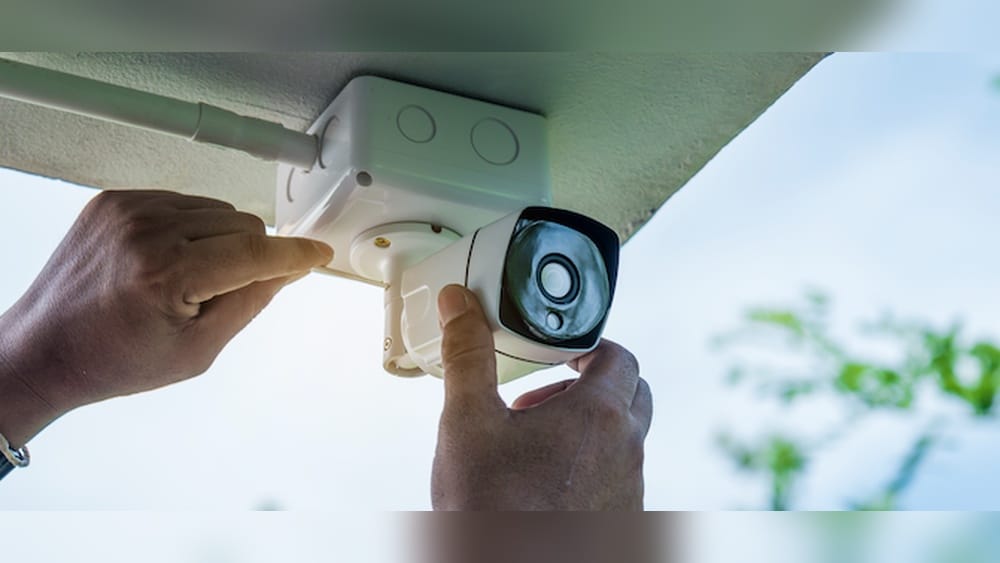
Security cameras are everywhere today. From homes and small shops to large offices and public spaces, these watchful devices help keep people, property, and information safe. But when it comes to getting security cameras up and running, a common question arises: who can actually install security cameras? Is this something you can do yourself, or should you call in a professional? Are there legal rules you need to follow? And what about complex systems—do they need special skills?
This article will give you a clear, complete answer. We’ll look at who is allowed to install security cameras, the skills and rules involved, and the choices you have. Whether you’re a homeowner, business owner, or just curious about how things work, you’ll find practical advice, real examples, and even some things most beginners never consider.
Who Can Legally Install Security Cameras?
Before you start drilling holes or running wires, it’s important to know there are legal guidelines about who can install security cameras. These rules can vary by country, state, or even city. Breaking them can lead to fines or even lawsuits.
Homeowners And Renters
Most homeowners in the US are allowed to install cameras on their own property. This includes both indoor and outdoor cameras. However, renters face extra limits. Landlords often have a say in what can be installed, especially if it affects the property’s structure.
Always check your lease agreement first. Some states require written permission from the landlord before making changes.
Businesses
Business owners can often install cameras inside and outside their business, but there are some important restrictions:
- Consent: It’s illegal to put cameras in places where people expect privacy, like bathrooms or locker rooms.
- Notification: Some states require businesses to notify employees and customers if cameras are recording.
- Audio Recording: Recording sound without consent is illegal in some states, even if video recording is allowed.
Professional Installers
In many US states, people who install cameras for others (for pay) must hold a low voltage contractor license or similar certification. This ensures they understand safety codes and privacy laws. In some areas, only licensed electricians can handle wiring for security systems. Unlicensed installation can lead to legal problems for both the installer and the customer.
Diy Enthusiasts
DIY installation is common, especially with modern wireless cameras. However, the law still applies. If you’re installing for yourself, you usually don’t need a license. But if you install cameras for friends, neighbors, or others—even for free—you might be considered a contractor under local law.
Always check your local regulations before helping others.
Property Managers And Maintenance Staff
Property managers or building maintenance teams sometimes install or maintain cameras in apartments, condos, or offices. In some states, they need a special license or must work under the supervision of a licensed contractor. The rules can be strict in cities with strong tenant privacy protections.
Non-obvious insight: Many people don’t realize that audio recording with security cameras is usually far more regulated than video. Just because you can record video legally does not mean you can record sound.
Types Of Security Camera Installers
When it comes to setting up security cameras, you have several options. Each comes with its own pros, cons, and costs.
1. Professional Security Companies
These are the big names like ADT, Vivint, or local security firms. They handle everything:
- Site survey and planning
- Equipment selection
- Installation and wiring
- System setup and training
Advantages:
- High-quality installation
- Warranty and support
- Integration with alarms and monitoring
Drawbacks:
- Higher cost (often $1,000–$5,000 for a full system)
- Less flexibility—you may be locked into their equipment
2. Licensed Electricians
Some electricians specialize in low-voltage systems, including security cameras. They are best for:
- Complex wiring jobs
- Integrating cameras with existing electrical systems
- Ensuring code compliance
Advantages:
- Deep knowledge of wiring and safety
- Can handle large or complex buildings
Drawbacks:
- May not provide camera selection or system design help
- Often charge by the hour
3. Specialized Security Installers
These are smaller companies or contractors who focus only on cameras and alarms. They may:
- Offer more personalized service
- Help you choose the right system
- Provide maintenance and support
Advantages:
- Often cheaper than big security companies
- Can handle unique needs
Drawbacks:
- Quality varies—check reviews and ask for references
- May not offer long-term support
4. Diy Installation
Many modern cameras are designed for easy self-installation. Brands like Ring, Arlo, and Wyze have wireless models that need only a Wi-Fi connection and a power source.
Advantages:
- Lowest cost (some systems under $200)
- Full control over setup
Drawbacks:
- Mistakes can reduce security or damage property
- No professional support if things go wrong
Non-obvious insight: Some homeowners insurance policies offer discounts for professionally installed security systems, but not for DIY setups.
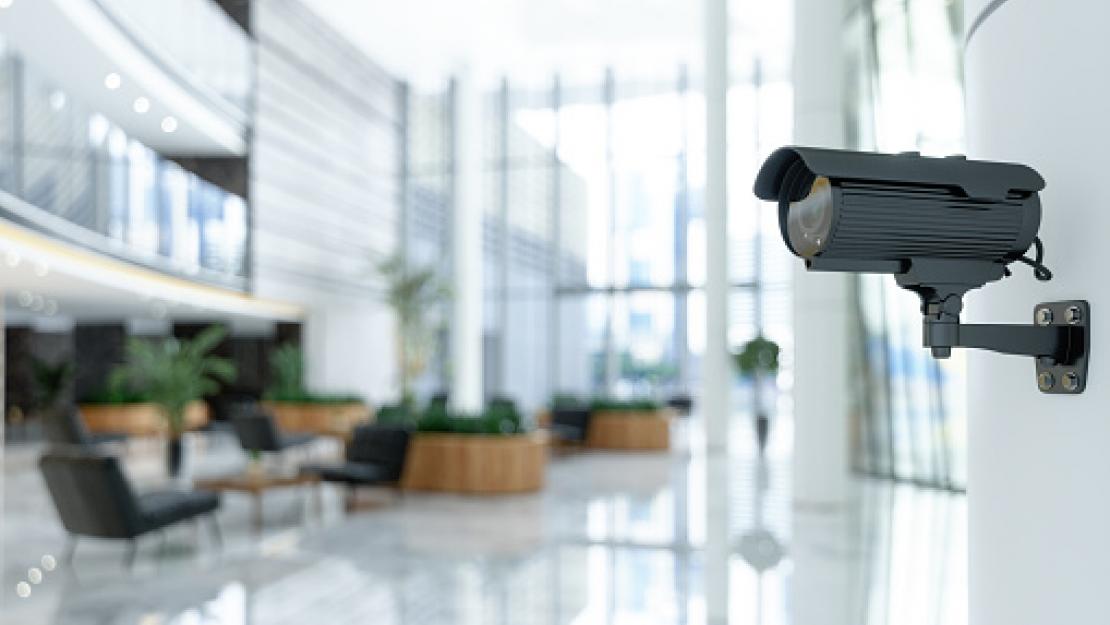
Credit: www.securitastechnology.com
Skills And Knowledge Needed For Installation
Installing a security camera is more than just mounting a device. It requires a mix of technical skills, planning, and sometimes legal knowledge.
Technical Skills
- Electrical wiring: For wired cameras, knowing how to run cables safely is key.
- Networking: Many cameras connect to Wi-Fi or Ethernet. Understanding routers, IP addresses, and security is important.
- Tool use: Drills, ladders, and cable testers are often needed.
Planning And Placement
A camera is only as good as its placement. You need to think about:
- Field of view: Can the camera see all important areas?
- Lighting: Is there enough light for clear images at night?
- Weather and vandalism: Outdoor cameras need protection from the elements and tampering.
Privacy Laws
Knowing the difference between public and private spaces is critical. Accidentally pointing a camera at a neighbor’s window or recording in a private area can lead to legal trouble.
Software Setup
Modern cameras come with apps or software for:
- Connecting to Wi-Fi
- Setting motion zones
- Viewing footage remotely
Some systems require port forwarding or advanced network setup, which can be tricky for beginners.
Non-obvious insight: Many installation mistakes aren’t obvious right away. A camera pointed toward a bright window may look fine during the day but capture only shadows at night.
Comparing Diy Vs. Professional Installation
To help you decide, here’s a quick comparison of the key differences between DIY and professional installation:
| Factor | DIY Installation | Professional Installation |
|---|---|---|
| Cost | Lower ($50–$500 typical) | Higher ($500–$5,000+) |
| Expertise Needed | Basic to moderate | Minimal (installer handles) |
| Time Required | 2–10 hours (per system) | 1–3 hours (per system) |
| Quality Control | Varies by user skill | High, with warranty |
| Customization | Full control | Limited by installer options |
| Support | Manufacturer only | Ongoing support |
Licenses And Certifications: What Matters
If you decide to hire someone, make sure they have the right credentials. This protects you and ensures the job meets legal and safety standards.
Common Licenses
- Low Voltage Contractor License: Required in many states for installing cameras, alarms, or data cables.
- Electrical Contractor License: Needed if the work involves connecting to the main electrical system.
- Business License: All businesses must have this to operate legally.
Certifications
- National Institute for Certification in Engineering Technologies (NICET)
- Electronic Security Association (ESA)
- Manufacturer certifications: Many brands offer training and certification for their systems.
How To Check Credentials
Ask for copies of licenses and certifications before hiring. You can also check with state licensing boards or online directories to confirm.
Non-obvious insight: In some states, installing security cameras without a license can void your insurance coverage if there’s a related claim.
What To Consider Before Installing Security Cameras
It’s tempting to rush in and start installing cameras, but a little planning can save money and trouble. Here are the key factors to consider:
Your Goals
- Are you protecting against theft, monitoring deliveries, or checking on pets?
- Do you want 24/7 recording, or just motion alerts?
- Is remote viewing important to you?
System Type
- Wired vs. wireless: Wired cameras are more stable and secure but harder to install. Wireless cameras are easier but can have connectivity issues.
- Indoor vs. outdoor: Outdoor cameras need to be weatherproof and may require special mounting.
Budget
- Set a realistic budget for both equipment and installation.
- Factor in ongoing costs like cloud storage or maintenance.
Privacy
- Respect the privacy of neighbors, visitors, and family members.
- Use privacy masks or block certain areas in the camera’s view if needed.
Legal Compliance
- Check local laws about camera placement, notification, and audio recording.
- If you live in an HOA or apartment, review their rules.
Maintenance
- Cameras need cleaning and occasional software updates.
- Decide who will handle repairs or replacements if something breaks.
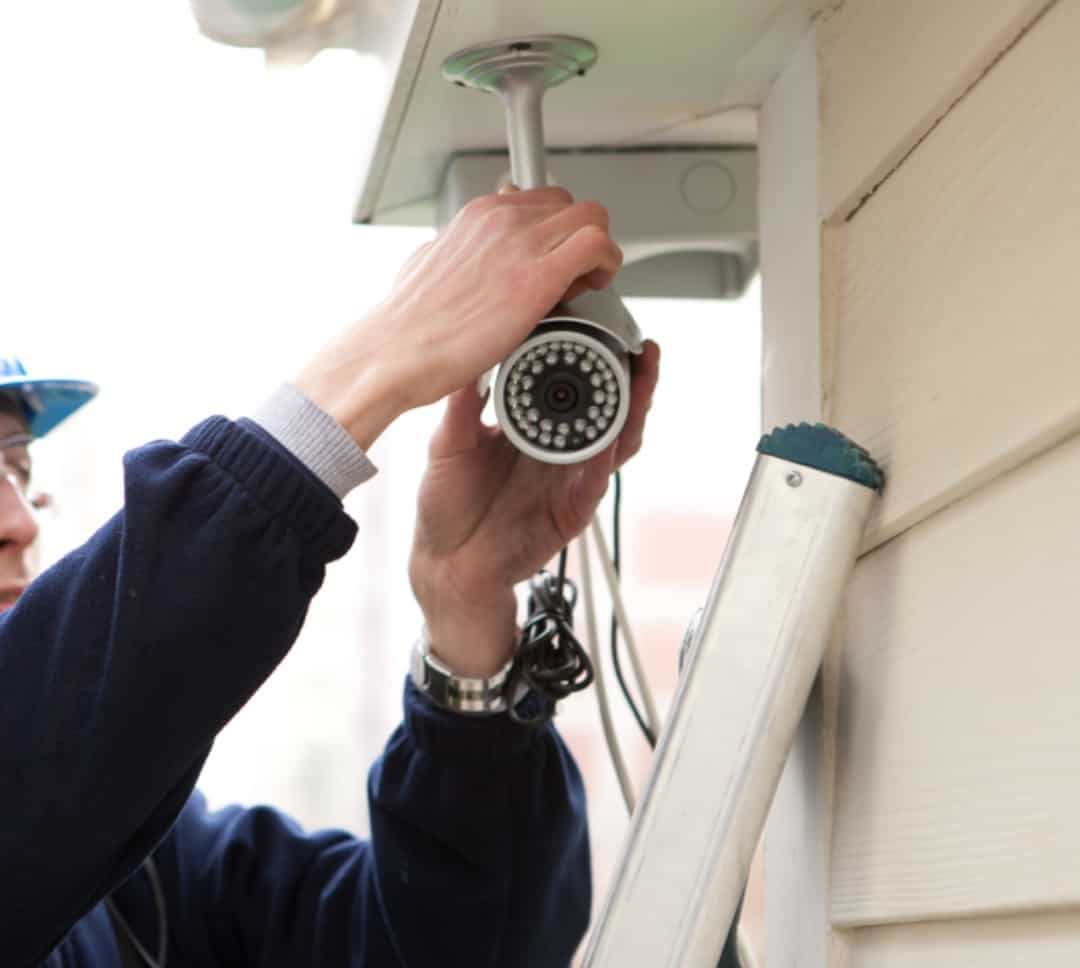
Credit: www.onithome.com
The Process Of Installing Security Cameras
Whether you hire a pro or go the DIY route, the basic process is similar. Here’s what to expect:
1. Site Survey
Walk around your property and decide where cameras should go. Focus on entry points, driveways, and high-traffic areas. Avoid pointing cameras at areas where privacy is expected.
2. Equipment Selection
Choose cameras that fit your needs. Consider resolution, night vision, weatherproofing, and features like two-way audio.
3. Installation
- Mounting: Use proper brackets and screws. For outdoor cameras, make sure they’re high enough to avoid tampering.
- Wiring: Run cables neatly and safely. Use conduit for outdoor runs.
- Power: Plug-in cameras need outlets nearby. Battery-powered cameras need regular charging.
4. Setup And Testing
- Connect cameras to your network or recorder.
- Adjust angles and test video quality.
- Set up alerts and recording schedules.
5. Final Checks
Review footage from all cameras. Walk around to spot any blind spots. Make sure all cameras are working as intended.
Non-obvious insight: Many people forget about lighting. Adding a motion-activated light near cameras can improve video quality and deter crime.
Costs Of Security Camera Installation
Understanding costs is key before you begin. Here’s a breakdown of typical expenses:
| Cost Item | DIY Installation | Professional Installation |
|---|---|---|
| Basic Camera (per unit) | $50–$200 | $100–$300 |
| Installation Labor (per camera) | $0 (self-install) | $100–$250 |
| Wiring/Materials | $20–$50 | $50–$100 |
| System Setup/Training | $0 | $100–$300 |
| Ongoing Support | Manufacturer only | Usually included |
Example: A simple two-camera system, installed by a professional, might cost $800–$1,200, including equipment and labor. A DIY setup with similar quality might be $250–$400.
Common Mistakes When Installing Security Cameras
Avoiding these mistakes can save you time, money, and legal headaches:
1. Poor Placement
Cameras facing direct sunlight, blocked by trees, or pointed at the ground won’t capture useful footage.
2. Ignoring Privacy Laws
Recording areas where people expect privacy, or recording sound without consent, can bring lawsuits.
3. Weak Network Security
Leaving your cameras open to the internet without password protection or updates is a common entry point for hackers.
4. Skipping Maintenance
Dirty lenses, dead batteries, or out-of-date software can make cameras useless when you need them most.
5. Choosing The Wrong System
Buying cameras with too low resolution, no night vision, or limited storage often leads to disappointment.
When Should You Hire A Professional?
There are situations when hiring a professional is the smart choice:
- Large or complex properties: Multiple buildings, large outdoor areas, or many cameras
- Integration with alarms or smart home systems
- High-security needs: Banks, jewelry stores, or sensitive data centers
- Commercial or public spaces: Legal requirements are stricter
Professionals bring experience, knowledge of local laws, and access to advanced tools. They can also provide long-term support, which is valuable for businesses.
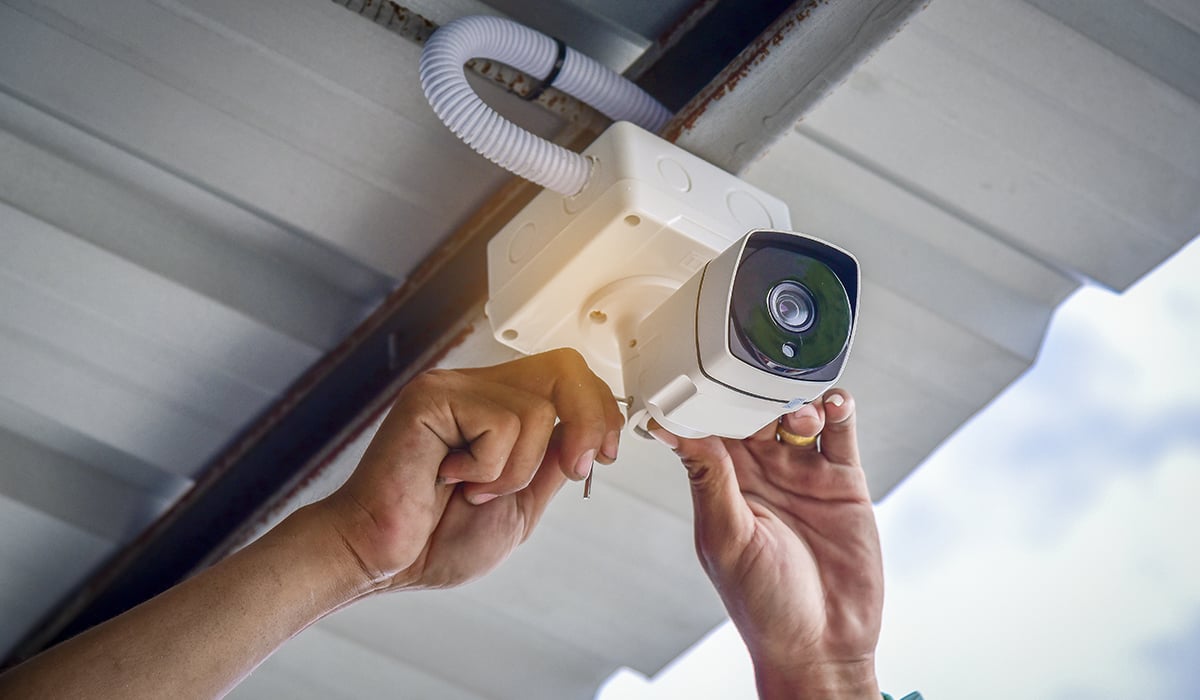
Credit: www.gensecurity.com
The Role Of Technology: How It’s Changing Who Can Install
The rise of smart home technology has made security camera installation easier for many people. Wireless cameras, cloud storage, and smartphone apps mean you don’t always need special skills or tools.
However, as cameras get smarter, they also get more complex. Features like:
- AI-powered motion detection
- Facial recognition
- Integration with smart locks or alarms
…often require advanced setup and security measures. Sometimes, even tech-savvy users run into problems connecting all their devices safely.
Insight: The easier cameras are to install, the more important it is to pay attention to network security and privacy settings. Convenience can sometimes lead to weak spots in your security.
Real-world Examples
Example 1: A Small Business Owner
Maria owns a bakery and wants to install cameras to monitor the cash register, back door, and parking lot. She chooses a local security company. They help her pick the right cameras for indoor and outdoor use, handle all the wiring, and set up her phone for remote viewing.
The system costs $2,200, including installation, but she feels confident and protected.
Example 2: A Homeowner
James buys a set of wireless cameras online. He reads the instructions, uses his drill to mount them, and connects them to his Wi-Fi. After a few hours, his system is running. He saves money but spends extra time updating his router and setting up alerts.
He later realizes he should have placed one camera higher to avoid glare from his porch light.
Example 3: An Apartment Renter
Sophie lives in an apartment. She wants a camera at her front door but checks her lease first. It says “no drilling or permanent fixtures. ” She chooses a battery-powered camera with a removable adhesive mount. She also checks her state’s rules about recording audio to avoid problems with neighbors.
How To Choose The Right Installer
If you decide to hire someone, here are steps to find a reliable installer:
- Research local companies: Look for reviews, ask friends, or check online directories.
- Check credentials: Ask for proof of licensing, insurance, and certifications.
- Request quotes: Get detailed price estimates in writing.
- Ask about experience: Have they worked on similar projects before?
- Review contract details: Make sure you understand warranty, support, and cancellation policies.
Tip: Don’t choose on price alone. Experience, support, and legal compliance are just as important.
The Future Of Security Camera Installation
As technology advances, who can install security cameras will keep changing. We may see:
- Fully wireless, plug-and-play systems that anyone can set up in minutes
- AI-powered installers: Apps that guide you step-by-step, using augmented reality
- Stricter privacy laws: More rules about where and how cameras can be used
Staying informed and following best practices will help you get the most from your security system—now and in the future.
Frequently Asked Questions
Who Can Legally Install Security Cameras In The Us?
In most states, homeowners can install cameras on their own property. Businesses and anyone installing for others may need a low voltage contractor license. Always check local laws, as rules can vary by state and city.
Do I Need A License To Install My Own Security Cameras?
No, you do not need a license to install cameras for your own use in your home or business. However, if you install cameras for others or charge money, you may need a professional license.
Can Landlords Install Cameras In Rental Properties?
Landlords can install cameras in common areas like hallways or parking lots, but not inside private areas like apartments. They must also follow state laws about notification and privacy.
Are There Restrictions On Recording Audio With Security Cameras?
Yes, audio recording is much more regulated than video. Many states require consent from all parties being recorded. Check your state’s wiretapping or eavesdropping laws before enabling audio features.
How Do I Find A Reputable Security Camera Installer?
Look for companies with proper licensing, insurance, and certifications. Ask for references, check reviews, and get detailed quotes. The Better Business Bureau is a good resource for checking business reputation.
Security cameras are a smart investment, but the right installation makes all the difference. By understanding who can install security cameras, you can choose the safest, most effective solution for your needs—while staying on the right side of the law.