
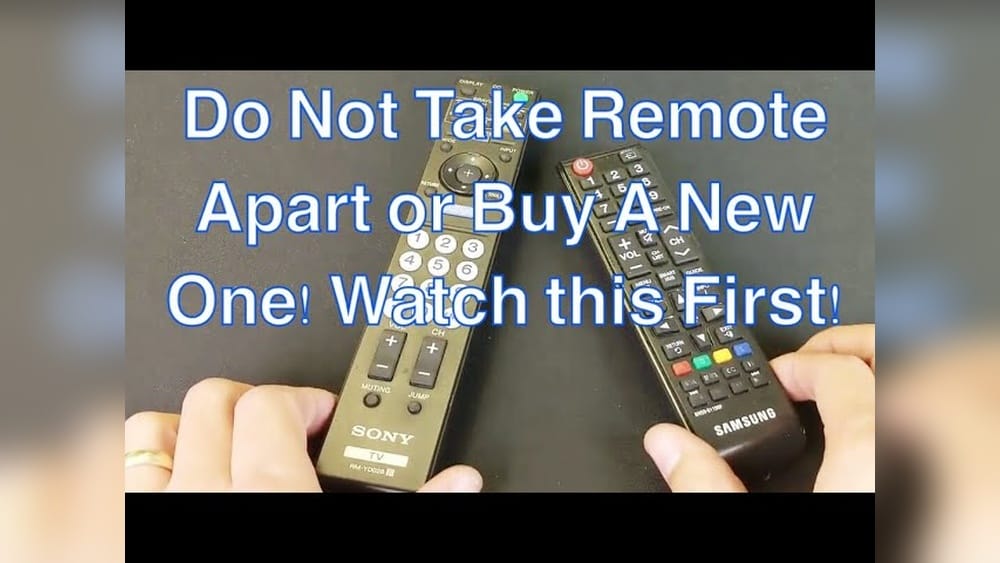
Why Is My Remote Control Not Working
Have you ever sat down to watch your favorite show, only to find that your remote control won’t respond? This is a common frustration for millions of people worldwide. In today’s homes, remote controls are everywhere: for TVs, air conditioners, fans, streaming devices, and more. When a remote stops working, it can feel like you’ve lost control of your technology. But before you panic or rush to buy a new one, it helps to understand why this happens and what you can do about it.
Most remote control problems are simple to fix. Many issues come from things like weak batteries, blocked signals, or simple wear and tear. But sometimes, the cause is more complex—like electronic interference or software glitches. Knowing how to troubleshoot can save you time, money, and stress.
In this guide, you’ll find clear explanations, practical steps, and expert tips to get your remote working again.
Let’s explore the most common reasons remote controls stop working, how to test for each problem, and what you can do to solve them. Whether you’re dealing with a TV remote, an air conditioner remote, or any other household device, this article will help you regain control quickly and confidently.
How Remote Controls Work
Understanding the basics of how a remote control operates can help you troubleshoot issues effectively. Most remotes use infrared (IR) light to send signals. When you press a button, the remote emits a short burst of IR light, which is invisible to the human eye. The device (like a TV or AC) has a sensor that receives this signal and performs the command.
Some newer remotes use radio frequency (RF) or Bluetooth instead. These can work through walls or from farther away, but they also have their own unique problems.
Key Parts Of A Remote Control
- Battery compartment: Powers the remote.
- Circuit board: Contains the electronics that send signals.
- IR LED or RF module: Sends signals to the device.
- Buttons: Trigger commands when pressed.
- Sensor window: The clear part at the front that sends or receives signals.
Most issues happen with the batteries, buttons, or the IR/RF signal.
Common Causes Of Remote Control Problems
If your remote isn’t working, it’s usually for one of these reasons:
- Dead or weak batteries
- Blocked signal
- Dirty or stuck buttons
- Signal interference
- Remote or device not paired
- Physical damage
- Firmware or software errors
- Compatibility issues
Let’s look at each of these in detail.

Credit: www.youtube.com
Battery Issues: The Most Frequent Culprit
Weak or dead batteries are the number one reason for remote control failures. Even if your remote’s indicator light still glows, the batteries might not have enough power to send a strong signal.
Signs Of Battery Problems
- Remote only works if you press buttons very hard
- Works sometimes, but not always
- Indicator light is dim or does not flash
- Device responds slowly or not at all
How To Test And Fix
- Replace both batteries with new, high-quality ones. Always change both at the same time.
- Check that the battery contacts (the metal parts) are clean. If you see rust or dirt, gently clean them with a cotton swab and a small amount of rubbing alcohol.
- Make sure you insert the batteries the correct way, matching the + and – symbols.
Battery Comparison Table
Here’s a quick comparison of popular battery types for remotes:
| Type | Average Lifespan | Common Uses | Leak Risk |
|---|---|---|---|
| Alkaline (AA/AAA) | 6-12 months | TV, AC remotes | Medium |
| Rechargeable NiMH | 2-6 months per charge | High-use remotes | Low |
| Coin cell (CR2032) | 1-2 years | Car, small remotes | Low |
| Zinc Carbon | 3-6 months | Basic remotes | High |
Non-obvious tip: If you don’t use a remote often, remove the batteries to prevent leakage. Leaked battery acid can destroy the remote.
Signal Problems: Blocked Or Weak Transmission
Remote controls must “see” the device to work. If something blocks the path between the remote and the sensor, the signal can’t get through.
Common Causes
- Objects like books, decorations, or even hands in front of the sensor
- Sunlight or bright lights hitting the sensor
- Using the remote from too far away (most IR remotes work best within 15-20 feet)
Quick Checks
- Stand within 10 feet of the device and point the remote directly at the sensor.
- Remove any objects between the remote and the device.
- Try using the remote in a darker room or at a different angle.
Non-obvious insight: Some TVs have their IR sensor hidden behind a tinted panel or at the bottom edge. Cleaning this area can sometimes restore remote function.
Button And Hardware Issues
Over time, the buttons on a remote can stop working properly. Dirt, dust, or spilled drinks can get inside and block contact.
Symptoms
- Some buttons work, others don’t
- You need to press buttons very hard
- Sticky or unresponsive buttons
How To Fix
- Remove the batteries before cleaning.
- Use a soft cloth lightly dampened with rubbing alcohol to clean around the buttons.
- For deeper cleaning, use a toothpick or a cotton swab to remove debris from button edges.
- If you’re comfortable, open the remote with a small screwdriver and clean the inside. Be careful with tiny parts.
Pro tip: Don’t use water, as it can damage the circuit board.
Interference And Environmental Factors
Sometimes the problem isn’t with the remote or device, but with the environment.
Types Of Interference
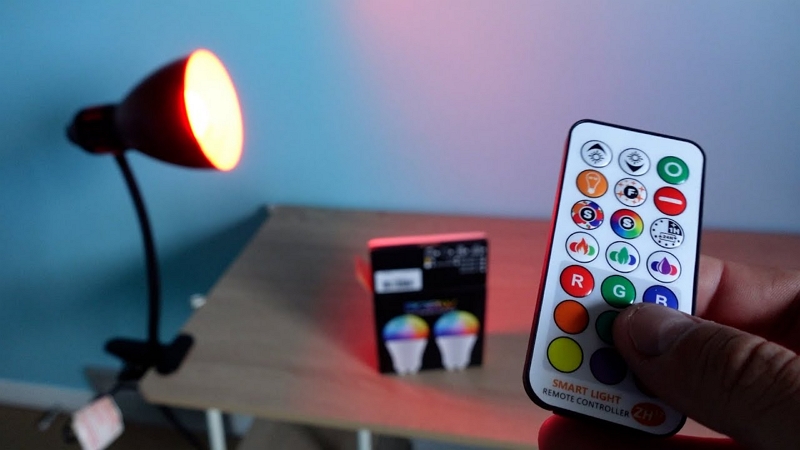
- Other remotes: Nearby devices using the same frequency can cause cross-signals.
- Fluorescent lights: Some lights emit IR that can confuse the sensor.
- WiFi or Bluetooth devices: These can interfere with RF or smart remotes.
How To Troubleshoot
- Turn off nearby devices to see if the remote works.
- Move the device or remote to another room and test.
- Replace fluorescent bulbs with LED if you notice problems.
Beginner mistake: Not realizing a new WiFi router or smart speaker can affect remote performance.
Credit: www.aidot.com
Remote Not Paired Or Synced
Advanced remotes (like for smart TVs, streaming sticks, or RF/Bluetooth devices) need to be “paired” with the device. If the pairing is lost, the remote won’t work.
Signs Of Pairing Issues
- Remote only works with some buttons (like power)
- No response even after battery change
- Remote flashes a light but nothing happens
Re-pairing Steps
- Look for a pairing button on the remote or device.
- Follow the instructions in your device’s manual. Often, you need to hold two buttons at once, or enter a code.
- If you lost the manual, search for the device model online.
Physical Damage And Wear
Dropping a remote or spilling liquid on it can damage the inside. Even after drying, sticky residue or broken solder joints can cause problems.
Signs Of Physical Damage
- Loose or rattling parts inside
- Cracked case or buttons
- Remote gets hot during use
What To Do
- If the remote is under warranty, contact the manufacturer.
- For minor cracks, you can tape the remote, but major internal damage usually means replacement is needed.
- Avoid opening the remote if you are not comfortable with electronics.
Insight: Some remotes are more durable than others. Universal remotes are often less sturdy than brand-name originals.
Firmware Or Software Glitches
Modern devices and smart remotes sometimes experience software bugs that stop them from responding. This is less common with simple remotes, but very common with smart TVs, streaming devices, or voice assistants.
How To Fix
- Unplug the device (like your TV or streaming stick) from power for 30 seconds, then plug it back in.
- Remove the remote’s batteries, wait 10 seconds, then replace them.
- Check for software updates on your device’s menu. Install any available updates.
- If the remote has a reset button, try holding it for 10 seconds.
Compatibility Issues
Using a remote that is not made for your device, or trying to control a new device with an old remote, can cause problems.
Common Compatibility Issues
- Universal remote not programmed correctly
- Device uses a different signal type (IR vs RF)
- Newer devices may not support older remotes
How To Check
- Confirm your remote is made for your device model.
- If using a universal remote, re-program it using the correct code.
- For smart devices, check if your remote needs an app or special pairing.
Testing If Your Remote Is Working
Before replacing your remote, it’s smart to check if it’s really broken.
Simple Camera Test For Ir Remotes
Most smartphone cameras can see IR light. Here’s how to check:
- Turn on your phone’s camera.
- Point your remote’s front (sensor) at the camera.
- Press any button on the remote. If you see a faint flashing light in the camera view, the remote is sending a signal.
No light? The remote may have a hardware problem.
Device-side Test
Try using the remote with another compatible device (if possible). Or, try controlling your device with another remote or with its physical buttons.
Comparison: Troubleshooting Steps
This table shows which troubleshooting steps work for different remote problems:
| Problem | Best First Step | Second Step | When to Replace |
|---|---|---|---|
| Batteries dead | Replace batteries | Clean contacts | Only if still dead |
| Signal blocked | Clear path | Move closer | Rarely needed |
| Buttons stuck | Clean buttons | Open and clean inside | If still sticky |
| Not paired | Re-pair remote | Update device | If pairing fails |
| Physical damage | Inspect for cracks | Check warranty | If not repairable |
When To Replace Vs. Repair
It’s tempting to buy a new remote at the first sign of trouble, but repairs are often possible and cheaper.
Consider Repairing If:
- Only one or two buttons are stuck
- Remote is expensive or hard to replace
- Physical damage is minor
Consider Replacing If:
- Remote is cracked, water-damaged, or has battery acid leaks inside
- Device is old and remotes are cheap to buy
- You want extra features (like universal remotes or voice control)
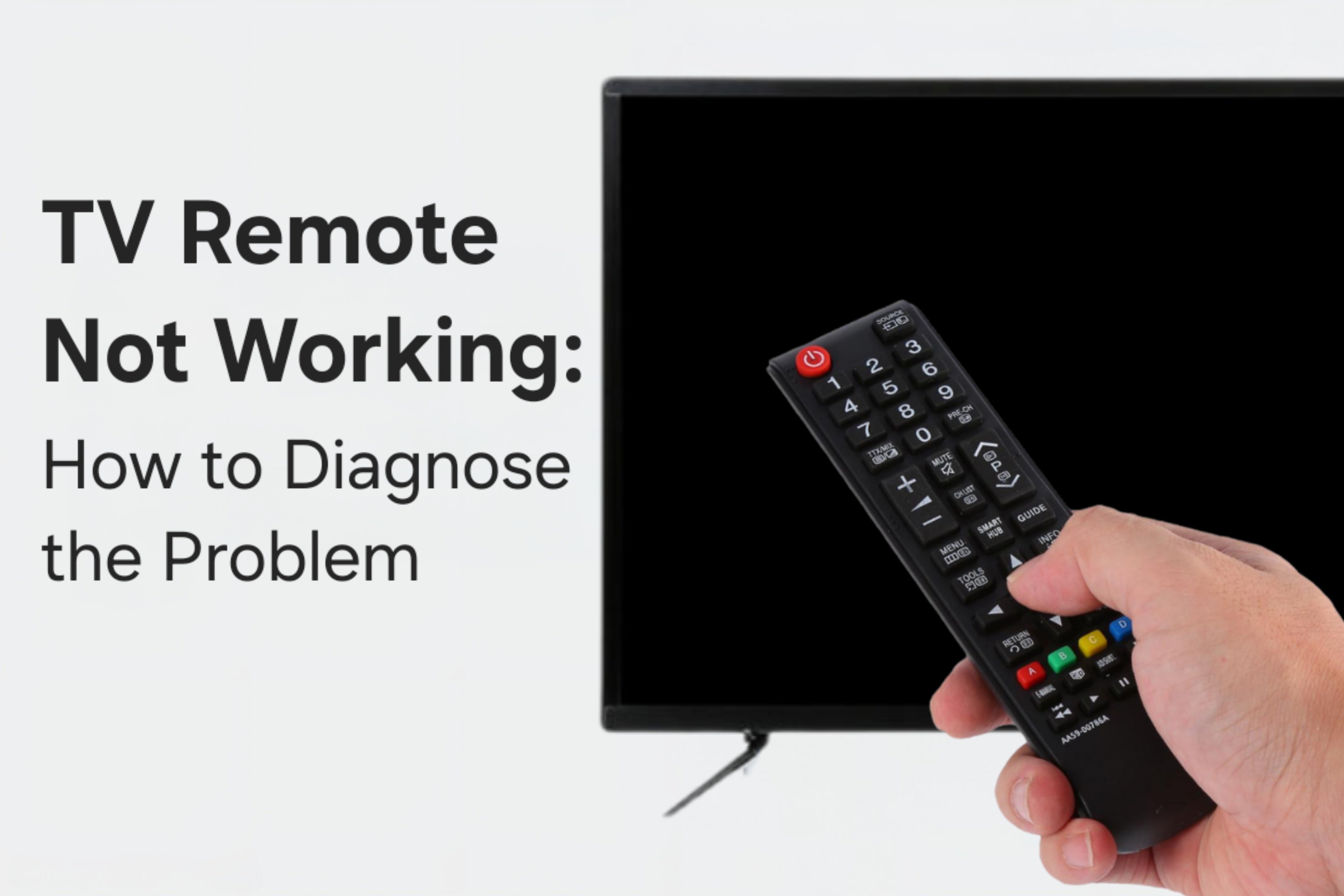
Pro tip: Before buying a replacement, check if your smartphone can control your device. Many smart TVs and ACs have free control apps.
Credit: tvpartstoday.com
Universal Remotes: Pros And Cons
If your original remote is lost or broken, a universal remote might seem like a good solution. But they have benefits and limitations.
Advantages
- Control multiple devices with one remote
- Often less expensive than brand-name remotes
- Easy to find in stores
Disadvantages
- Setup can be tricky; you need to enter codes
- Not all features may work (e.g., smart TV menus)
- Build quality can be lower
Universal Remote Compatibility Table
Here’s how universal remotes compare to original remotes:
| Feature | Universal Remote | Original Remote |
|---|---|---|
| Easy setup | Medium | High |
| All device features | Sometimes | Always |
| Works with many brands | Yes | No |
| Build quality | Medium | High |
| Price | Low to medium | Medium to high |
| Voice control | Rare | Often |
| Backlit keys | Sometimes | Sometimes |
Beginner tip: Keep your original remote, even if you switch to a universal one. Some advanced features may only be available on the original.
Caring For Your Remote: Prevention Tips
A little care can keep your remote control working for years.
Best Practices
- Change batteries every 6-12 months.
- Store the remote in a safe, dry place away from food and drinks.
- Wipe the remote with a soft, dry cloth regularly.
- Avoid dropping or stepping on the remote.
- Remove batteries if not using for a long time.
Non-obvious tip: Avoid using chemical cleaners or sprays on your remote. These can damage the button markings and plastic.
Troubleshooting Steps: What To Do When Your Remote Stops Working
If your remote stops working, follow these steps in order. This will help you find and fix the problem quickly.
- Check the batteries. Replace with new, high-quality ones.
- Clear the path between the remote and the device. Remove any obstacles.
- Test the remote with your phone camera to see if the IR light flashes.
- Clean the buttons with a soft, slightly damp cloth.
- Try pairing the remote again if it’s a smart device.
- Power cycle the device (unplug and replug).
- Test another remote (if you have one) with the device.
- Inspect for damage (cracks, corrosion).
- Check the manual or manufacturer’s website for special reset steps.
- Consider replacement if none of the above work.
When To Call For Professional Help
If you’ve tried all the above and your remote still isn’t working, it may be time to call a professional or contact the manufacturer. This is especially true if:
- The device itself isn’t responding to any controls (including built-in buttons)
- You see error messages or blinking lights on the device
- The remote is under warranty
Many manufacturers offer online support or troubleshooting guides. For complex devices, professional repair may be needed.
For more information on how remote controls work, you can visit the Wikipedia page on remote controls.
Frequently Asked Questions
Why Do Some Buttons On My Remote Work But Not Others?
Often, this means the contacts under certain buttons are dirty or worn out. Try cleaning the remote’s button area with a soft cloth. If only a few buttons fail and others are fine, it’s usually a hardware issue, not batteries or signal problems.
Can I Use My Smartphone As A Remote Control?
Yes, many modern devices support control via smartphone apps. Check if your TV or device brand offers a free app. Some apps use WiFi or Bluetooth, so both your phone and device must be on the same network.
What Should I Do If My Remote Gets Wet?
Remove the batteries immediately. Wipe the outside dry. If possible, open the remote and let all parts air dry for at least 24 hours. Never use a hair dryer or heat source, as this can damage electronics. After drying, test with new batteries.
Why Does My Remote Only Work From Very Close?
This usually means weak batteries or a dirty IR sensor. Replace the batteries and clean both the remote’s front and the device’s sensor window. Make sure nothing is blocking the signal path.
Are Universal Remotes As Good As Original Remotes?
Universal remotes are convenient and work with many devices, but they may not support all special features. For basic controls (power, volume, channel), they’re fine. For advanced features (apps, voice, smart menus), the original remote is usually better.
Finding out why your remote control is not working doesn’t have to be stressful. With a few careful steps, most problems can be fixed at home. Remember, patience and a bit of testing can save you money and avoid unnecessary frustration. If all else fails, professional support is available to help you get back to enjoying your favorite devices.