
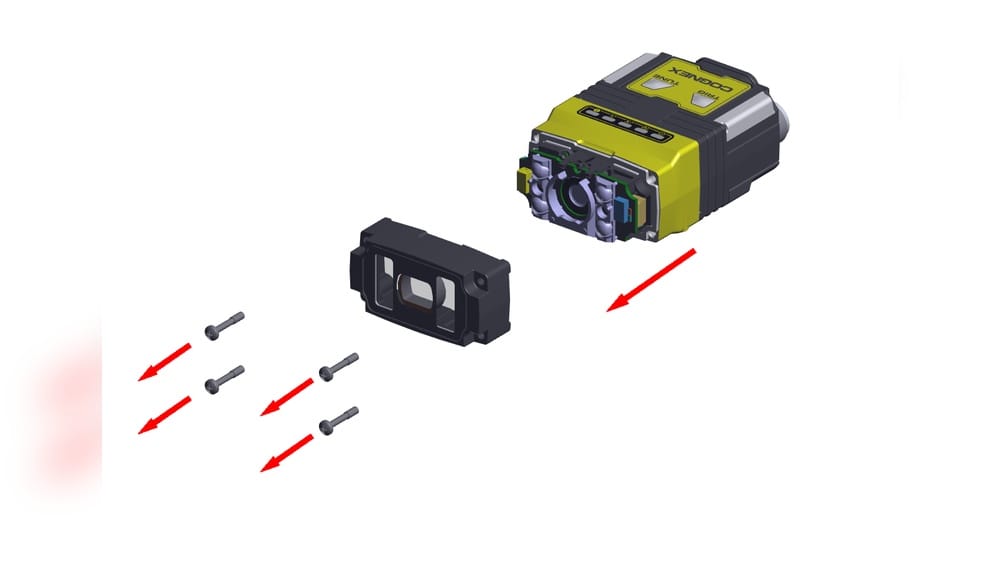
Removing a C mount lens from a camera sounds simple, but it’s a task that can go wrong if not done with care. Photographers, machine vision users, and lab techs all deal with these classic screw-mount lenses, and mistakes here can damage both lens and camera. Whether you’re swapping out lenses on an industrial microscope, a security camera, or a classic movie camera, learning the right way to take off a C mount lens will save you time, money, and frustration. This guide walks you step-by-step through the process, explains common issues, and provides expert tips to make lens changes smooth and safe.
What Is A C Mount Lens?
A C mount lens is a camera lens with a specific thread size—1 inch in diameter with 32 threads per inch. These lenses are widely used in industrial cameras, microscopes, and some older film cameras. The C mount standard was introduced in the 1920s and remains popular because it’s robust, simple, and allows easy lens changes.
C mount lenses typically attach to the camera by screwing into a threaded opening. Unlike bayonet mounts (like those found on modern DSLRs), the C mount uses continuous threading, so removal requires unscrewing rather than releasing a latch. This detail is critical when learning to take off a C mount lens.
Where Are C Mount Lenses Used?
- Machine vision systems: Quality control, robotics, and automation
- Microscopes: For research and education
- Security cameras: Especially older or industrial models
- Film and video: Classic 8mm and 16mm movie cameras
Understanding where and how these lenses are used helps you see why careful removal is so important—these are often delicate, expensive, or part of a mission-critical setup.
Why Proper Removal Matters
Taking off a C mount lens the wrong way can cause issues you might not notice immediately. Here’s why you should care about doing it right:
- Protects the camera sensor: Dust, fingerprints, or scratches on the sensor can ruin images.
- Preserves lens threads: Cross-threading or forcing the lens can permanently damage both lens and camera.
- Prevents dropped lenses: These lenses can be heavy and fragile.
- Saves time: A stuck lens can halt work and require professional repair.
Many users, especially beginners, overlook the risk of thread wear. Each time you mount or remove a lens, threads rub together. If you don’t align them correctly or apply too much force, you can strip them, making future lens changes difficult or even impossible.
Tools And Preparation
Before you remove a C mount lens, gather a few basic items:
- Lens cleaning cloth: For dust or fingerprints
- Blower or brush: To remove loose dust before opening the camera
- Lens caps: For both lens and camera after removal
- Small flashlight: To check for dust or thread alignment
- Rubber grip pad: Optional, but helpful for stuck lenses
Setting Up Your Workspace
- Work on a clean, flat surface. Avoid carpets or dusty environments.
- Have a tray or soft mat to place the lens once removed.
- Wash and dry your hands to avoid transferring oils.
A common beginner mistake is removing the lens in a dusty area. Even a few floating particles can land on the sensor and be hard to clean later. Take a minute to prepare your space—it makes a big difference.
Step-by-step: How To Take Off A C Mount Lens Safely
1. Power Down And Unplug
Always turn off the camera and, if possible, unplug it from any power source. This step protects both the camera electronics and your safety. For cameras connected to computers or control panels, disconnect cables to avoid accidental movement.
2. Remove Accessories
Take off any accessories attached to the lens, like lens hoods, filters, or extension tubes. These can get in the way or catch during removal.
3. Clean The Exterior
Use a blower or brush to remove dust from the lens and camera mount area. Wipe away fingerprints or smudges with a lens cloth. This reduces the chance of debris falling into the camera when you remove the lens.
4. Support The Camera And Lens
Hold the camera firmly with one hand. With your other hand, grasp the lens near its base (closest to the camera). If the camera is heavy or mounted on a tripod, consider leaving it in place for stability.
5. Unscrew The Lens
C mount lenses unscrew counterclockwise. Turn the lens gently, applying even pressure. If you feel resistance:
- Stop and check alignment.
- Do not force—the threads may be crossed.
- Try a gentle back-and-forth motion to free stuck threads.
Some C mount lenses have a locking screw. If yours does, loosen this first with a small screwdriver before unscrewing the lens.
6. Remove The Lens
Once loose, continue turning until the lens comes free. Be ready to support the lens with both hands—it may come off suddenly. Place the lens on a soft mat or in a lens case.
7. Cap Both Lens And Camera
Immediately cover the exposed camera mount with a body cap and the lens with a rear cap. This protects the internal parts from dust and damage.
Quick Reference Table: C Mount Lens Removal Steps
| Step | Action | Purpose |
|---|---|---|
| 1 | Power off and unplug | Protects electronics and user |
| 2 | Remove accessories | Avoids interference or snags |
| 3 | Clean exterior | Prevents dust entry |
| 4 | Support camera and lens | Prevents dropping or twisting |
| 5 | Unscrew counterclockwise | Safely releases lens |
| 6 | Remove lens and cap | Protects both parts |
Common Problems And How To Fix Them
Even experienced users sometimes run into trouble taking off a C mount lens. Here’s how to handle the most frequent issues.
Lens Won’t Unscrew
If the lens feels stuck:
- Do not force it. Excessive pressure can strip threads.
- Use a rubber grip pad for better hold.
- Check for a locking screw—loosen it first.
- Gently rock the lens left and right while applying light unscrewing pressure.
Sometimes old grease or dirt can make the threads stick. In those cases, a tiny drop of isopropyl alcohol on the threads (applied with a toothpick) can help loosen it. Wait a few minutes, then try again.
Cross-threading
You might feel grinding or resistance as you unscrew. Stop immediately. Check if the lens is coming off at an angle. If so:
- Reverse direction and try to reseat the lens.
- Unscrew slowly, ensuring the lens stays straight.
Cross-threading can ruin both the camera and lens. Always check thread alignment when mounting and removing.
Dust Or Debris Enters The Camera
If you see dust on the sensor or mount:
- Use a blower to remove loose particles.
- Never touch the sensor with your fingers or cloth.
If debris remains, consult a professional for cleaning. DIY cleaning can make the problem worse.
Dropped Or Damaged Lens
If you drop the lens:
- Inspect for cracks or dents before reusing.
- Clean the rear element before remounting.
A lens that won’t focus or shows strange artifacts after a drop may need professional repair.
C Mount Variations: C Vs. Cs Mount
It’s important to know that not every mount labeled “C” is exactly the same. There is a variation called the CS mount—common in security and industrial cameras. The main difference is the flange focal distance (the space from the lens mount to the sensor).
| Mount Type | Flange Focal Distance | Thread Size | Common Use |
|---|---|---|---|
| C Mount | 17.526 mm | 1″ diameter, 32 TPI | Older cameras, microscopes |
| CS Mount | 12.526 mm | 1″ diameter, 32 TPI | Modern CCTV, industrial |
Although the thread size is the same, mounting a C lens on a CS camera (or vice versa) without the correct adapter can cause focus problems or even damage. Always check your camera’s manual before removing or swapping C/CS mount lenses.
Best Practices For Long-term Care
Removing and replacing C mount lenses regularly? A few simple habits will help your gear last longer.
Keep Threads Clean
Even tiny particles can damage threads. Use a brush or air blower before and after every lens change. Store lenses in a clean case with caps on.
Lubricate When Needed
If threads feel dry or gritty, use a tiny amount of camera-safe lubricant (never general-purpose oil). Too much can attract dust. Most users won’t need to lubricate often—once a year is enough in clean environments.
Avoid Over-tightening
Hand-tight is enough. Never use tools or force to tighten a C mount lens. Over-tightening can make removal difficult and increase thread wear.
Document Your Gear
For labs or industrial setups, keep a log of lens changes and maintenance. This helps track wear, plan cleaning, and troubleshoot problems.
When To Seek Professional Help
Sometimes, removing a C mount lens is more than a DIY task. If you encounter:
- Severely stuck lens (even after trying rubber grips)
- Damaged threads (metal shavings, uneven movement)
- Internal camera damage (dust on the sensor, electrical problems)
It’s safer to contact a professional technician. For expensive cameras or scientific instruments, professional service is always the best choice.

Credit: www.diyfixtool.com
Practical Example: Removing A C Mount Lens From A Microscope Camera
Let’s say you have a digital microscope camera with a C mount lens attached. Here’s how you’d approach removal:
- Turn off the microscope and camera. Unplug all cables.
- Remove any adapters or filters between the camera and the lens.
- Brush away dust. Pay special attention to the lens base and camera mount area.
- Hold the camera body with one hand for stability.
- Grasp the lens base (not the focus ring) with your other hand.
- Unscrew counterclockwise. If you feel resistance, check for a locking screw or stuck threads.
- Place the lens on a soft mat. Cover both the camera and lens with caps.
This process is similar for other devices (like industrial cameras or classic film cameras), but always check for unique features like locking screws or special adapters.
Comparing C Mount Removal To Other Mount Types
Many users today are more familiar with bayonet mounts (like Nikon F or Canon EF). It helps to compare removal processes:
| Mount Type | Removal Method | Common Issues | Best For |
|---|---|---|---|
| C Mount | Unscrew counterclockwise | Cross-threading, stuck lenses | Industrial, scientific, vintage |
| Bayonet Mount | Press release button, twist | Jamming, misalignment | Modern DSLRs, mirrorless |
| Breech Lock | Rotate locking ring | Ring wear | Canon FD, some cine |
C mount lens removal is unique because it requires careful unscrewing and attention to thread alignment. Users switching from modern cameras to C mount systems should be extra cautious.

Credit: www.diyfixtool.com
Non-obvious Insights Most Beginners Miss
- Check for Adapters. Many cameras use C to CS mount adapters or extension rings. Removing the lens without noticing an adapter can damage both lens and camera. Always inspect for extra rings or parts before unscrewing.
- Temperature Matters. Metal contracts in cold and expands in heat. If your camera and lens have been used in a cold or hot environment, let them reach room temperature before removing the lens. This reduces the risk of stuck threads or condensation inside the camera.
Tips For A Smooth Lens Change
- Label your lenses and adapters if you use multiple types.
- Practice with an inexpensive lens if you’re new to C mounts.
- Inspect threads under good light before and after removal.
- Store removed lenses upright to avoid dust on the rear element.
Environmental Factors To Consider
Dust, humidity, and even static electricity can affect the safety of C mount lens removal.
- In humid environments, moisture can get into the camera—work quickly and cap both ends.
- In dry environments, static can attract dust—use anti-static brushes.
- In outdoor or factory settings, wind and airborne particles are common—work inside or use a clean tent if possible.
Cleaning The Camera Mount After Removal
After you take off the lens, a quick cleaning of the mount area can prevent future problems.
- Use a blower to remove dust.
- Wipe the mount ring with a clean, lint-free cloth.
- Inspect for signs of wear or metal shavings—these can indicate thread damage.
If you see repeated dust buildup or metal shavings, consult a technician. Preventative maintenance is easier than fixing major damage later.
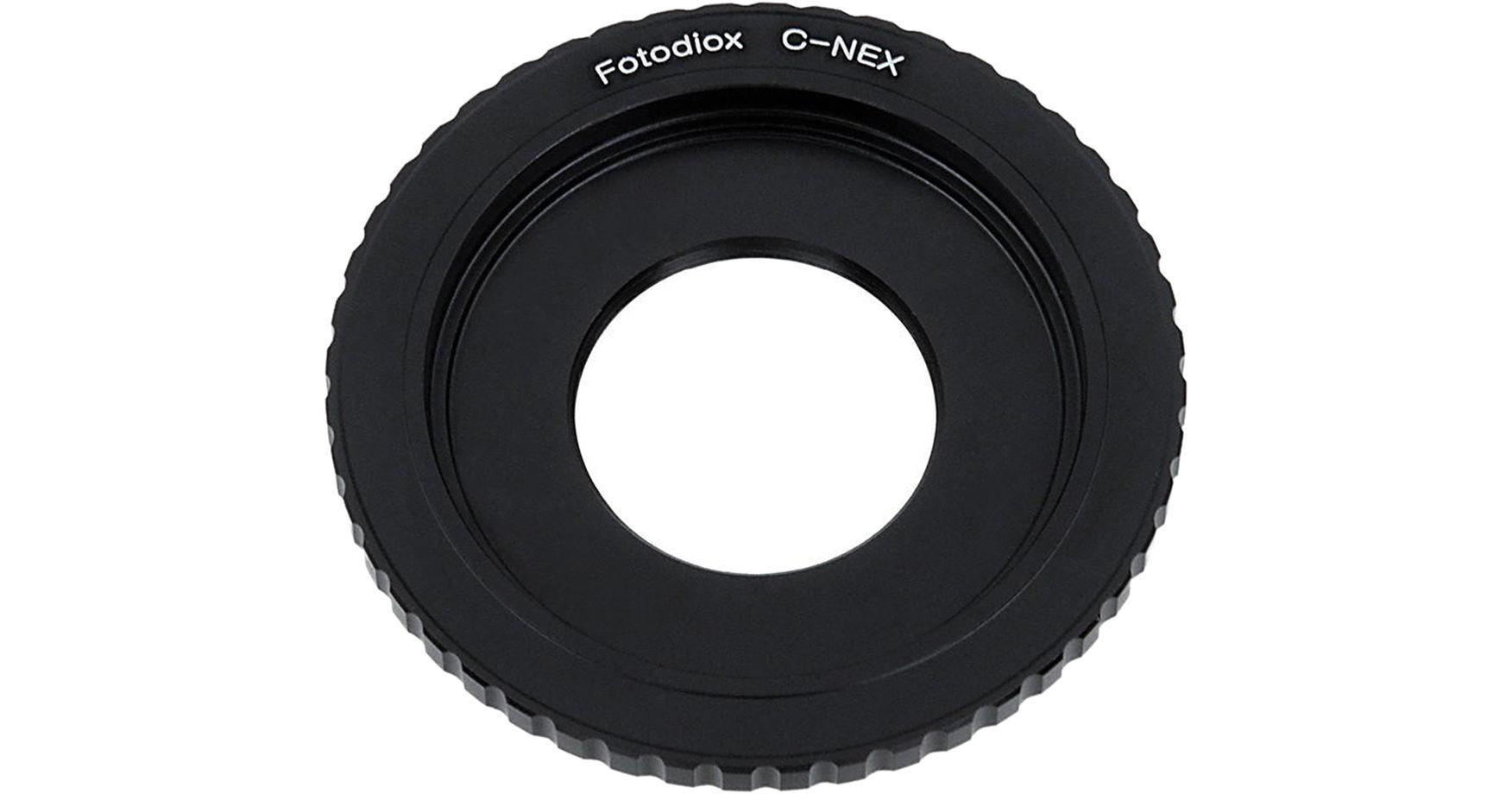
Using C Mount Adapters
Adapters allow C mount lenses to fit on different camera types (like mirrorless or CCTV cameras). When using adapters:
- Always remove the lens and adapter as a unit to avoid stress on threads.
- Check adapter tightness regularly—loose adapters can cause wobble or focus problems.
- Use only high-quality adapters to avoid misalignment.
If you want to learn more about the C mount standard and its history, visit the Wikipedia C-mount page.
Frequently Asked Questions
How Do I Know If My Lens Is A C Mount?
Check the rear thread: a C mount lens has a 1-inch diameter thread with 32 threads per inch. It usually screws directly into the camera. If you see different thread sizes or a bayonet mechanism, it’s likely not a C mount.
What Should I Do If The Lens Is Stuck And Won’t Unscrew?
First, check for a locking screw near the base and loosen it. Try a rubber grip pad for better hold, and rock the lens gently as you unscrew. If it still won’t move, avoid forcing it—contact a professional technician to prevent damage.
Can I Use C Mount Lenses On Modern Cameras?
Yes, with the right adapter. Many mirrorless cameras accept C mount lenses via adapters, but you may lose autofocus and electronic features. Always check compatibility and use high-quality adapters to avoid damaging your camera.
What’s The Difference Between C And Cs Mounts?
Both use the same thread size, but the flange focal distance differs: C mount is 17.526 mm, CS mount is 12.526 mm. Using a C mount lens on a CS camera (or vice versa) without an adapter can cause focus problems or mechanical issues.
How Often Should I Clean The Lens Mount Area?
Clean the area every time you change lenses. Use a blower for dust and a lint-free cloth for the mount ring. Regular cleaning prevents debris from entering the camera and keeps threads in good condition.
Taking off a C mount lens doesn’t have to be risky or stressful. With the right techniques, a little patience, and regular care, you can keep your camera and lenses working smoothly for years. Remember, careful handling is the secret to long-lasting gear and sharp, reliable images.
Credit: www.bhphotovideo.com